


Plan work with Backlog, Milestones, Organization and Archive
Learn what the Backlog, Milestones, Organization and Archive tabs of the Tasks section show and how to use them to plan and review your SEO work.
1 min read · Last updated November 13, 2026

Besides the Tasks board, the Tasks page has tabs to plan ahead and review what is done.
Backlog
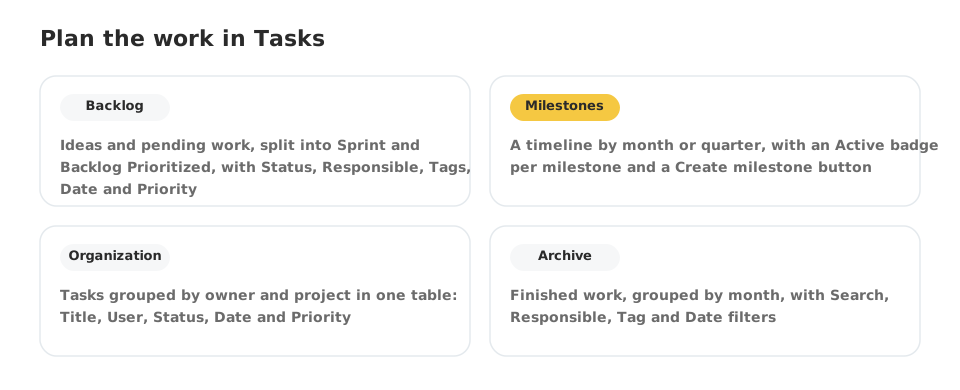
Backlog holds work that is not on the board yet. It has two groups: Sprint and Backlog Prioritized. Each task shows its Status, Responsible, Tags, Date and Priority. Use the search box and the Status, Responsible, Tag, Date and Priority filters to find what you need. The + at the end of a group adds a task to it.
Milestones
Milestones shows your goals on a timeline.
- Switch between Month and Quarter.
- Hide completed removes finished milestones, and Show unassigned tasks includes tasks that do not belong to any milestone.
- Each milestone has an Active badge and a menu with more actions.
- + Create milestone adds a new one.
Organization
Organization lists tasks grouped by owner and project in a single table with Title, User, Status, Date and Priority. It is useful to see everything a person or a project has open at once. The Person button changes the view.
Archive
Archive keeps finished work, grouped by month. Open a month to see its tasks, and filter by Responsible, Tag or Date, or search by name.