


Team members and roles
Invite people to a project from the Team page and see who has access and when they last signed in.
1 min read · Last updated November 11, 2026

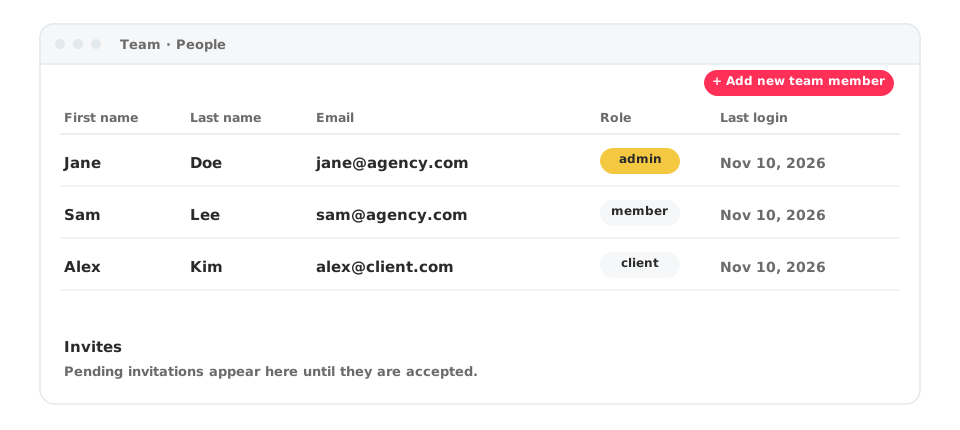
The Team page lists who has access to a project.
What you will see
- People: first name, last name, email, company, role and last login date.
- Invites: pending invitations, with email, project, date and role.
- Roles include admin, member and client.
Add someone
- Open Team in your project.
- Click + Add new team member.
- Enter their details and choose a role.
- They appear under Invites until they accept.
Manage access across projects
From the Projects dashboard, Manage users handles access for the projects in an account. The number of seats depends on your plan, see Plans, limits and weekly prompts.