


Alerts and Geography
Get notified when your AI visibility drops, a competitor overtakes you or a new prompt appears, and see how visible you are by country and language.
1 min read · Last updated November 12, 2026

Two tabs help you keep watching: Alerts tells you when something changes, and Geography shows where you are visible.
Smart Alerts
Open AI Tracker and select Alerts. Each alert shows how long ago it was raised, its type, the prompt, and two buttons: Create Task and Mark as Done.
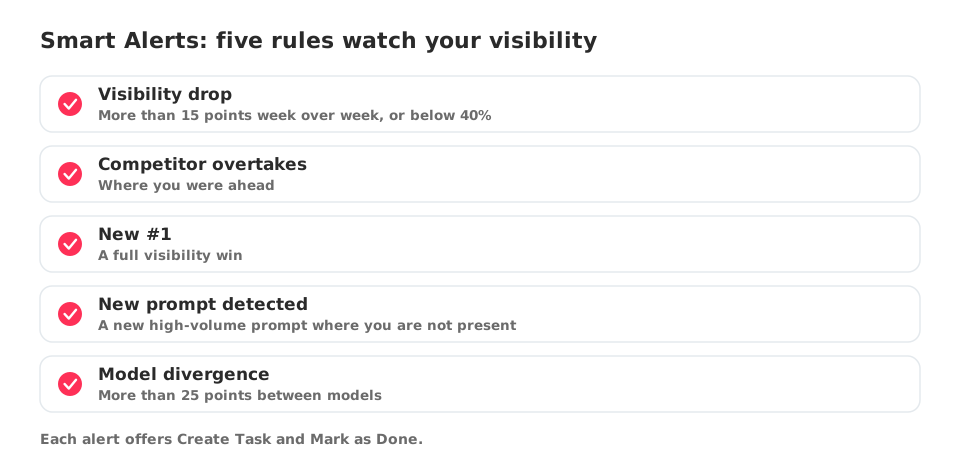
Use the filters All, Visibility Drop, New #1, New prompt detected and Model divergence to focus on one type.
The rules listed under Alert Rules are:
- Visibility drops of more than 15 points week over week, or below 40%.
- A competitor overtakes you where you were ahead.
- A new number one, or a full visibility win.
- A new high-volume prompt where you are not present.
- A difference of more than 25 points between models.
Geography
Select Geography to see Geographic Visibility: a table with Country, Language, Visibility and Change, and a Visibility Map next to it.
Use it to check that the markets you care about are tracked. If a country has no row, add prompts for that country and language when you create prompts.