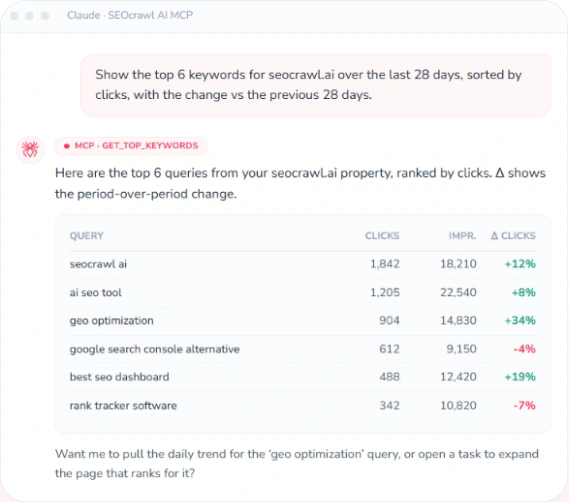
SEO CLI from your terminal
Your SEO and AI-visibility data, one command away.
There's nothing to install. Point any MCP-capable terminal agent — Claude Code, Codex CLI, Cursor — at the SEOcrawl AI MCP server and pull Google Search Console, GA4, AI Tracker and site-audit data straight from the command line. Automate reports, script checks, and wire AI-visibility monitoring into your CI/CD pipeline.
Same endpoint for everyone · OAuth sign-in · Connect in under a minute



Connect your terminal in under a minute
The SEOcrawl AI MCP server lives at a single endpoint — the same URL for every account. Add it to your terminal agent and you're ready to query in seconds.

Claude Code
Native HTTP MCP support. One command in your terminal and you're connected.

Codex CLI
Bridge the HTTP server through mcp-remote, then call SEOcrawl AI from any Codex session.

Cursor
Add SEOcrawl AI as a custom MCP server from Cursor's settings, then chat with your data.

Any MCP agent
Gemini CLI, custom agents, internal tooling — point them at the same endpoint.
Your AI-visibility toolkit, in the terminal
The SEOcrawl AI MCP brings SEO, GEO and analytics data to your command line. Automate, script, and integrate.

Automate your workflows
Run visibility checks, pull reports and trigger analyses from your terminal. Perfect for cron jobs, CI/CD pipelines and scheduled monitoring.

No flags to memorize
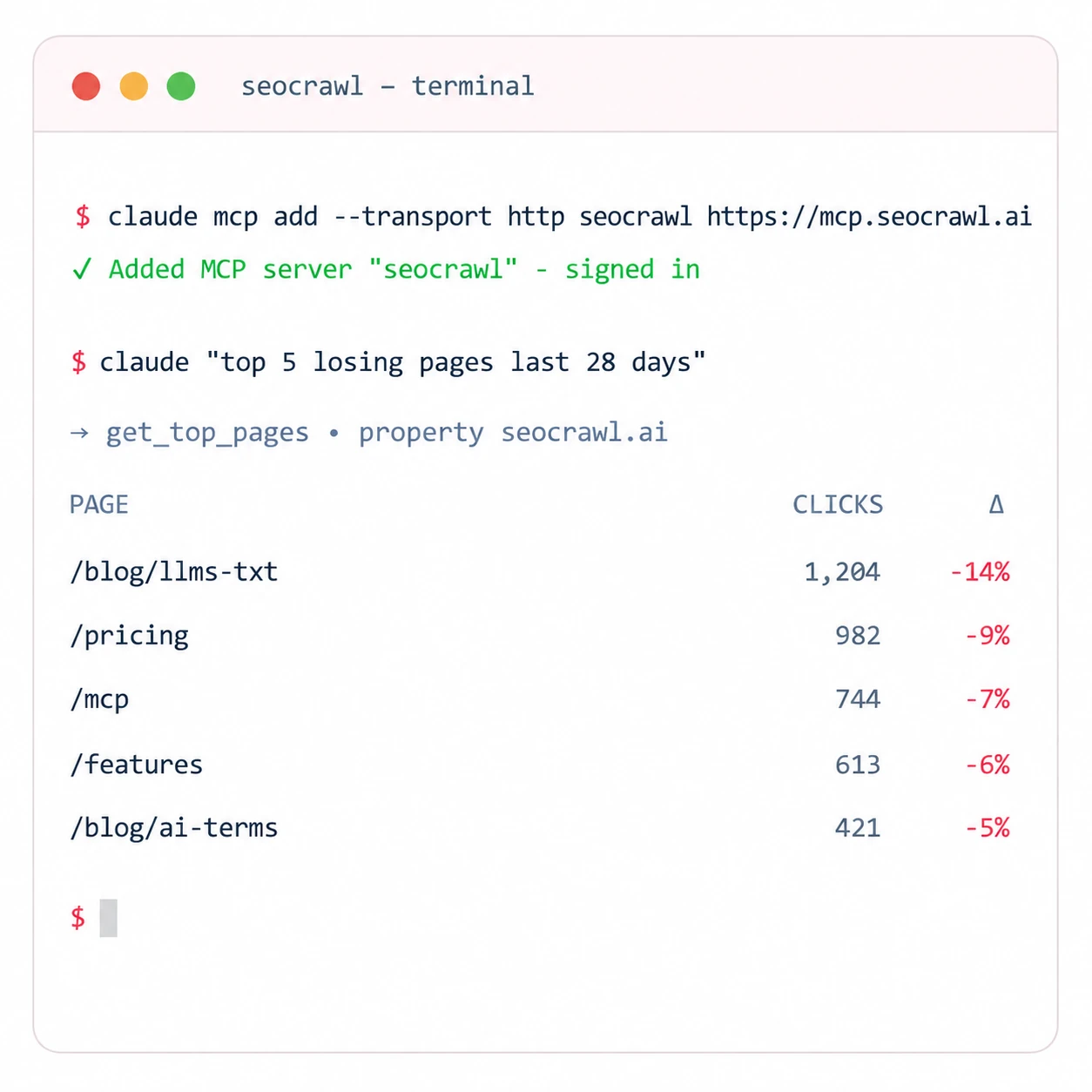
Ask in plain English and your agent calls the right tool. "Show me last week's top losing pages" beats remembering a dozen command-line switches.

Instant access
No browser, no dashboard hunting. Get clicks, impressions, AI mentions and audit issues in seconds, right where you're already working.

All your properties
Switch between every property on your account from one connection. Pull data for staging or production without re-authenticating.

Works everywhere
macOS, Linux or Windows — if your terminal agent speaks MCP, SEOcrawl AI works. One endpoint, every environment.

Secure by default
OAuth sign-in scoped to your SEOcrawl AI account. No long-lived keys to paste into scripts or leak into CI logs.
Get started in 3 steps
Connect, sign in, and start pulling data in minutes.
Add the server
Run one connect command — for example claude mcp add --transport http seocrawl https://mcp.seocrawl.ai. Same endpoint for every account.
Sign in
Your agent opens an OAuth prompt the first time. Sign in with your SEOcrawl AI account and the connection is stored securely — no API keys to manage.
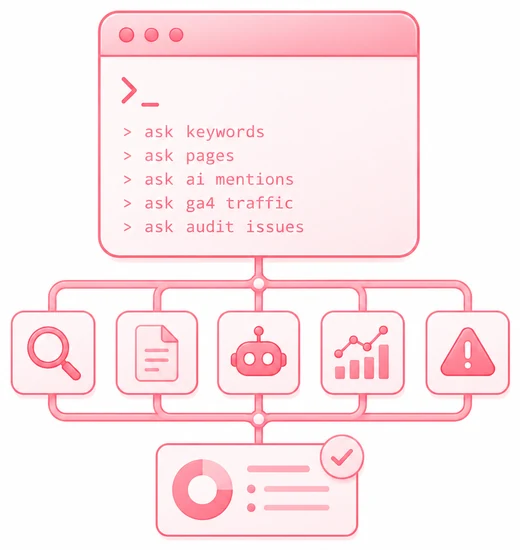
Start querying
Ask for keywords, pages, AI mentions, GA4 traffic or audit issues straight from your terminal — and script it into your reports and pipelines.
What you can actually do from the terminal
Five real prompts you can run today. Ask in plain English — your agent maps each one to the right MCP tools.

Weekly losing-pages report
“top 20 pages with the biggest click drop in the last 28 days vs the prior 28”
→ list_winners_losers · get_top_pages

Pre-deploy audit gate
“fail if any URL in the top 100 by clicks lost more than 20% week over week”
→ get_top_pages · custom threshold

AI mention monitoring
“alert me if our share of voice in ChatGPT drops below 12% week over week”
→ list_prompts · get_prompt_detail

Cross-property weekly digest
“summarize clicks, top movers and AI citation changes for clients A, B and C; output as markdown”
→ multiple tools, one prompt

Cannibalization sweep
“list keywords where two or more of our URLs rank in the top 10”
→ get_top_keywords · list_pages_for_keyword
Built for command-line workflows
Built for technical teams who'd rather stay on the command line.
Developers
Add AI-visibility and SEO checks to your build pipeline. Catch a ranking or mention drop before it reaches production.
DevOps & SRE
Wire automated monitoring and alerting into cron and CI. Get notified when impressions, mentions or audit health change.
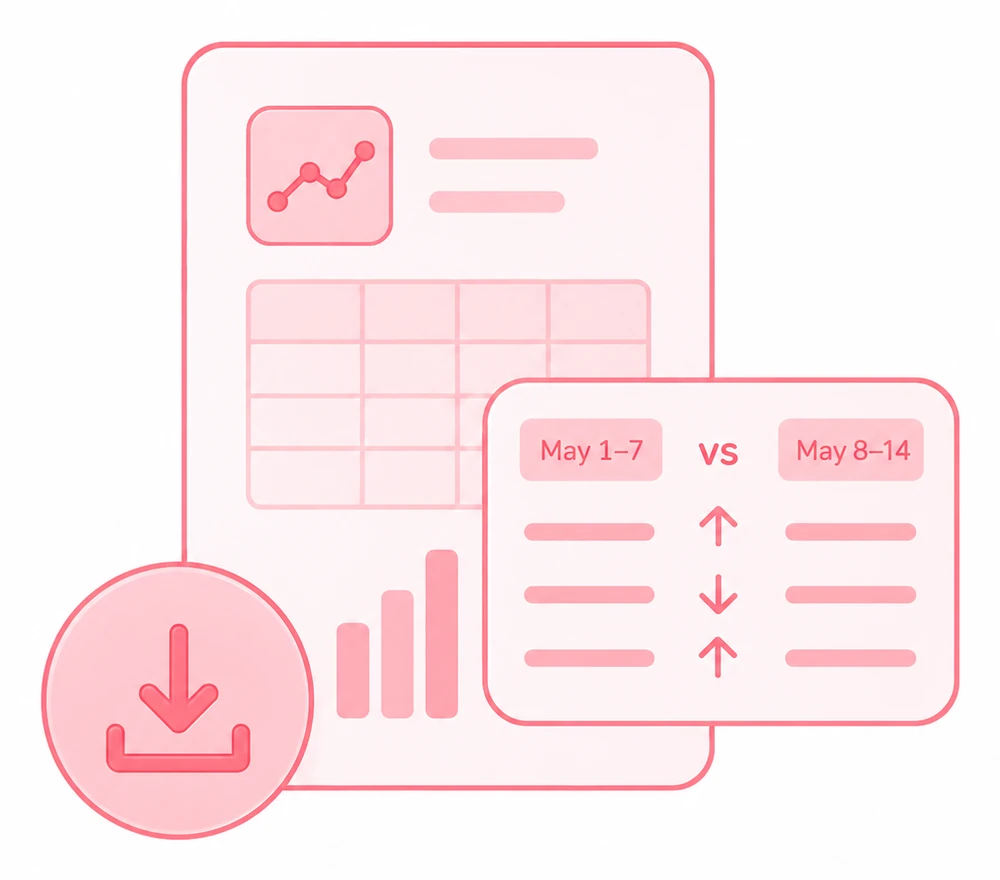
SEO engineers
Pull bulk reports, compare time periods and export data far faster than clicking through a dashboard.
Agencies
Script per-client reporting across every property. Combine with your existing tooling for fully automated AI-visibility tracking.
Frequently asked questions
Is there a standalone SEOcrawl AI CLI binary?
Not yet. Today SEOcrawl AI runs in your terminal through the MCP server: any MCP-capable terminal agent — Claude Code, Codex CLI, Cursor and others — connects to it with a single command and gives you full command-line access to your data. A dedicated, installable CLI is on our roadmap.
Which terminal tools can I use?
Any agent that speaks the Model Context Protocol. Claude Code supports the HTTP endpoint natively; Codex CLI and other stdio-only clients connect through npx -y mcp-remote https://mcp.seocrawl.ai. The endpoint is the same for everyone.
Do I need an API key?
No. Connecting uses OAuth — your agent prompts you to sign in with your SEOcrawl AI account the first time, and stores the connection securely. There are no long-lived keys to paste into scripts or leak into CI logs.
Can I use it in CI/CD pipelines?
Yes. Drive a terminal agent from a cron job or pipeline step to pull reports, compare periods and flag drops in AI mentions or rankings — then fail the build or post an alert based on what comes back.
What data can I pull?
Everything the MCP exposes: Google Search Console keywords and pages, GA4 traffic and AI referrers, AI Tracker prompts and mentions, site-audit issues, tasks, tags and annotations — 85 tools in total. See the full list on the MCP page.
Ready to work from the terminal?
Connect the SEOcrawl AI MCP to your terminal agent and start pulling SEO and AI-visibility data from the command line today.