Free Schema Validator: Audit JSON-LD and Rich Result Eligibility Instantly
Audit any page's JSON-LD structured data. Validates against Schema.org spec and tells you exactly which fields Google needs for rich results — per type. For free.
We fetch the page, extract every application/ld+json block, validate it against Schema.org spec + Google Rich Results policy. Free, no sign-up.
Schema.org compliance (and what Google actually requires)
Every @type has minimum required fields. The validator checks every block against the full Schema.org spec — but also goes one layer further. Schema.org is a spec. Google Rich Results is a policy. An Article can be schema.org-valid and still fail to appear in SERP carousels because it's missing an image or a publisher. The validator flags both layers separately.
Better UX than Google's own tester
- Fetches the live page automatically
- Extracts every JSON-LD block at once
- Shows JSON preview alongside the errors
- Flags schema.org issues and Google Rich Results gaps separately
- No clicking through multiple screens
Want to monitor schema across your full site?
One URL at a time is fine for spot checks. SEOcrawl AI's SEO Audit audits structured data across every page on your site, alerts you when schema breaks after a deploy, and tracks which pages are and aren't generating rich results over time.
Go to the App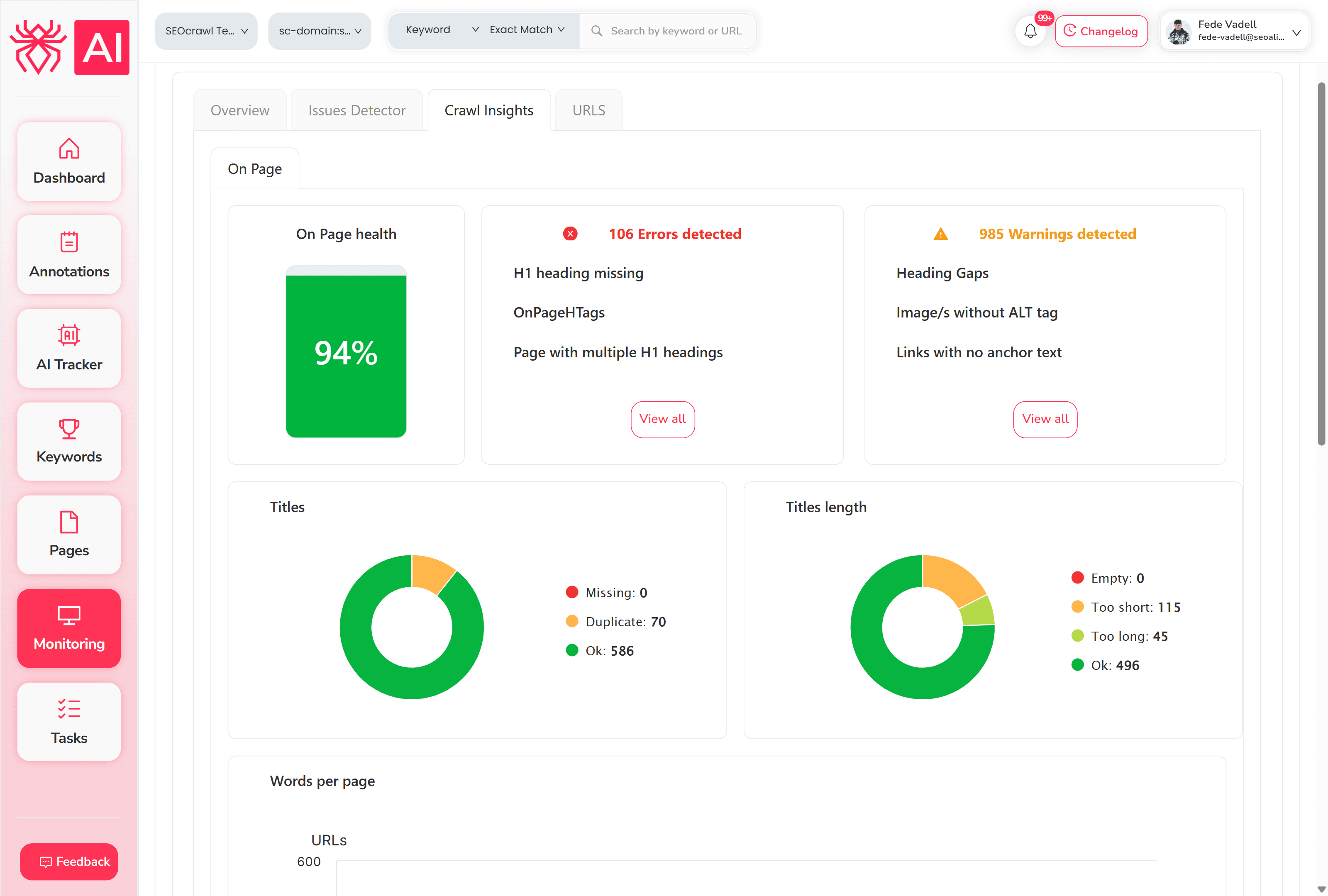
Frequently Asked Questions
Does it check against Google's Rich Results requirements or just schema.org?
Both, separately. Schema.org compliance and Google Rich Results eligibility have different requirements. The validator flags each layer independently so you know exactly what's missing and why.
What schema types does it support?
All major types eligible for Google Rich Results: Article, Product, FAQPage, HowTo, LocalBusiness, BreadcrumbList, Event, Recipe, and more. If the type is in the Schema.org spec, the validator checks it.
Why is my schema valid but not showing as a rich result?
Technical validity is necessary but not sufficient. Google also considers page quality, content relevance, and manual actions before showing rich results. The validator catches the technical issues, so if your schema is clean and rich results still aren't showing, the problem is likely on Google's side, not your markup.
Does it detect multiple schema blocks on the same page?
Yes. Pages often have several JSON-LD blocks (BreadcrumbList, Article, FAQPage) on the same URL. The validator extracts and audits all of them at once.
What's the difference between an error and a warning?
Errors are missing required fields that directly block rich result eligibility. Warnings are missing recommended fields, so Google won't penalize you for them, but fixing them improves your chances of appearing in enhanced SERP features.
How is this different from Google Search Console?
GSC tells you whether Google could read your sitemap and how many URLs were submitted, but it doesn't break down issues URL by URL in real time. This checker catches errors before Google sees them, which is the point.
How often should I validate my schema?
After any CMS update, template change, or new content type deployment. Schema breaks silently. Even a theme update or plugin conflict can strip JSON-LD from hundreds of pages without any visible error.
More Free SEO Tools
All free. No sign-up. Built by the SEOcrawl AI team.