


Connect Google Analytics 4
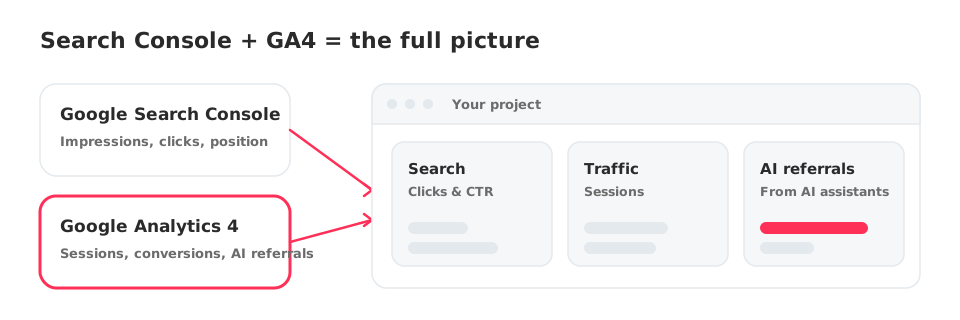
Connect GA4 to see traffic, conversions and visits coming from AI assistants next to your Search Console data.
1 min read · Last updated November 11, 2026

Google Analytics 4 adds the other half of the story: what visitors do after they arrive. In SEOcrawl AI it also powers the GA4 AI Dashboard, which shows traffic that reaches your site from AI assistants.
Connect GA4
- Open your project and go to AI Tracker.
- Select the GA4 AI Dashboard tab.
- If GA4 is not connected yet you will see Your AI Dashboard is Waiting. Click Connect GA4.
- Follow the Google sign-in with the account that has access to your GA4 property, and choose the property that matches your site.
What you get
- Sessions and conversions next to your Search Console clicks.
- The GA4 AI Dashboard: visits arriving from AI assistants.
- GA4 data available to your AI assistant through the MCP.
How it differs from the Prompt Tracker
The Prompt Tracker measures what AI engines answer. The GA4 AI Dashboard measures the visits they send you. They complement each other, see AI Tracker and Prompt Tracking explained.
Next step
Create your first prompts in the Prompt Tracker.