


Annotations
Mark the dates when you changed something so you can connect actions with results.
1 min read · Last updated November 11, 2026

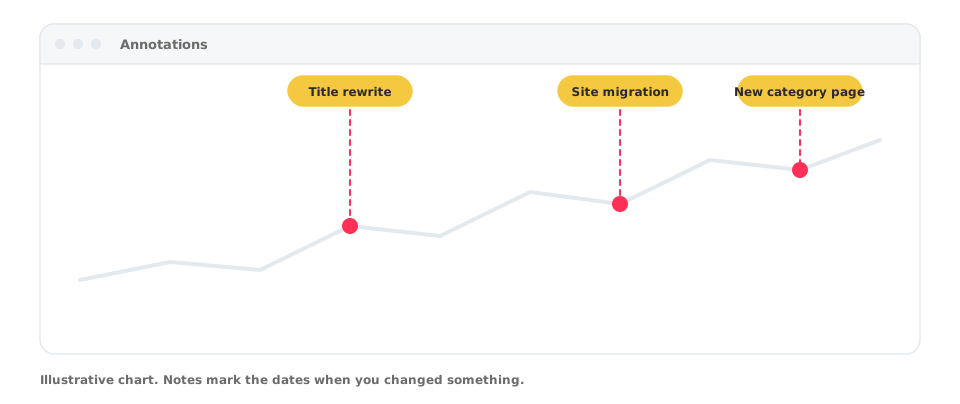
An annotation is a note attached to a date on your charts. It answers the question every SEO asks later: “What did we change around then?”
Add one
- Open Annotations in your project.
- Add a note with its date and a short text.
- Optionally add a longer description and a category.
What to annotate
- Title or content rewrites
- Migrations, redesigns and redirects
- New sections or templates
- Google updates and incidents
Use them with other modules
Annotations appear next to your performance data, so a drop or a spike can be explained at a glance. Combine them with Code Monitor changes and reports.