SEO Extension for Google Chrome
Everything unified and 100% FREE for Google Chrome.
Discover SEOcrawl AI's all-in-one SEO extension. Metadata, headings, canonical, international SEO and much more, unified and 100% free for Google Chrome.
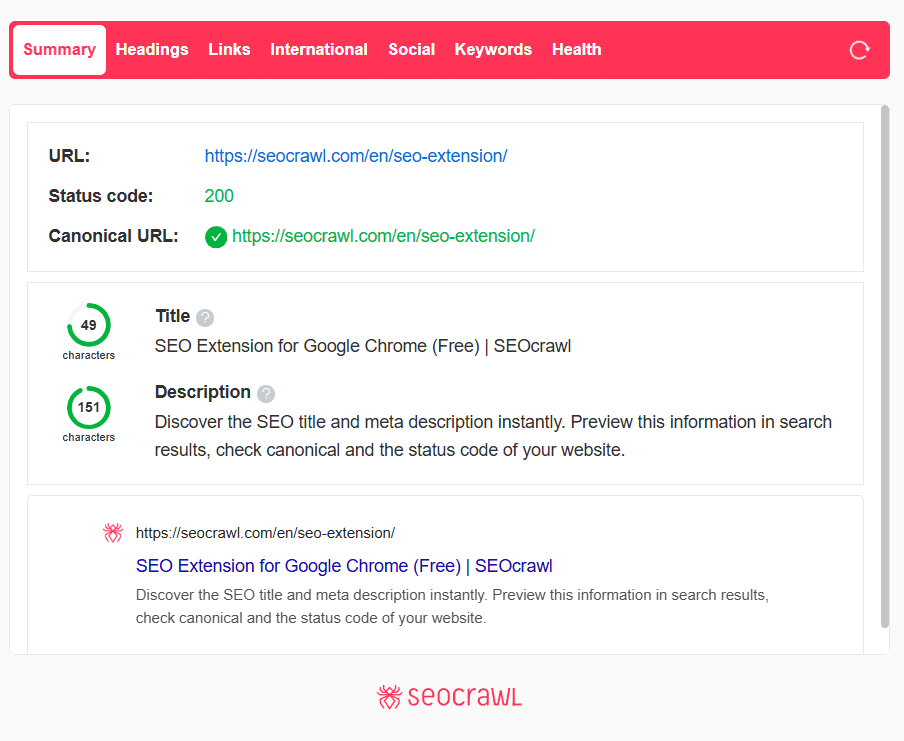
The free SEO plugin for Chrome, with no limits
Install the SEO plugin in Chrome and read metadata, headings, canonical, hreflang, links and Search Console indexation on any page you visit. No account, no paid plan and no usage limits.
SEO Extension Features
SEO Headings
Check the SEO headings of the page, their order and hierarchy and find out if there is a duplicate, missing headings or any SEO problem that is preventing you from getting better results. Correct those that are duplicated, add those that are missing and watch your results improve step by step.
Internal and external linking
Check all internal and external links on your page, its status code and the anchor used in each case for each link. Fix broken links and discover possible redirection loops. Also analyze the link ratio and make sure that everything is in order.
International SEO
Internationalizing your SEO strategy can be a challenge. Check out the hreflang markup and identify any possible errors in the implementation of international SEO tags. Are there any missing tags or no return tags? Don't worry, we'll show them to you so you can tidy everything up!
Open Graph & Twitter Tag (social networks)
Preview your URL on social networks (Facebook, Twitter and Linkedin) to make sure you don't miss traffic opportunities on the most important networks. An image can make the difference so don't forget to check the featured pictures and network headings.
Search Console Indexation API
Have you ever wondered when was the last time Google visited your URL? Is Google reading the same canonical tag that you have implemented? Find out all this information instantly thanks to the Google Search Console API.
Keywords & SEO Performance
Would you like to see which keywords work better when it comes to ranking your url and their performance? In this tab you will have all the information with heatmaps, traffic trends in detail. You will no longer have to waste time to find out what keywords are ranking for each URL. Easy peasy!
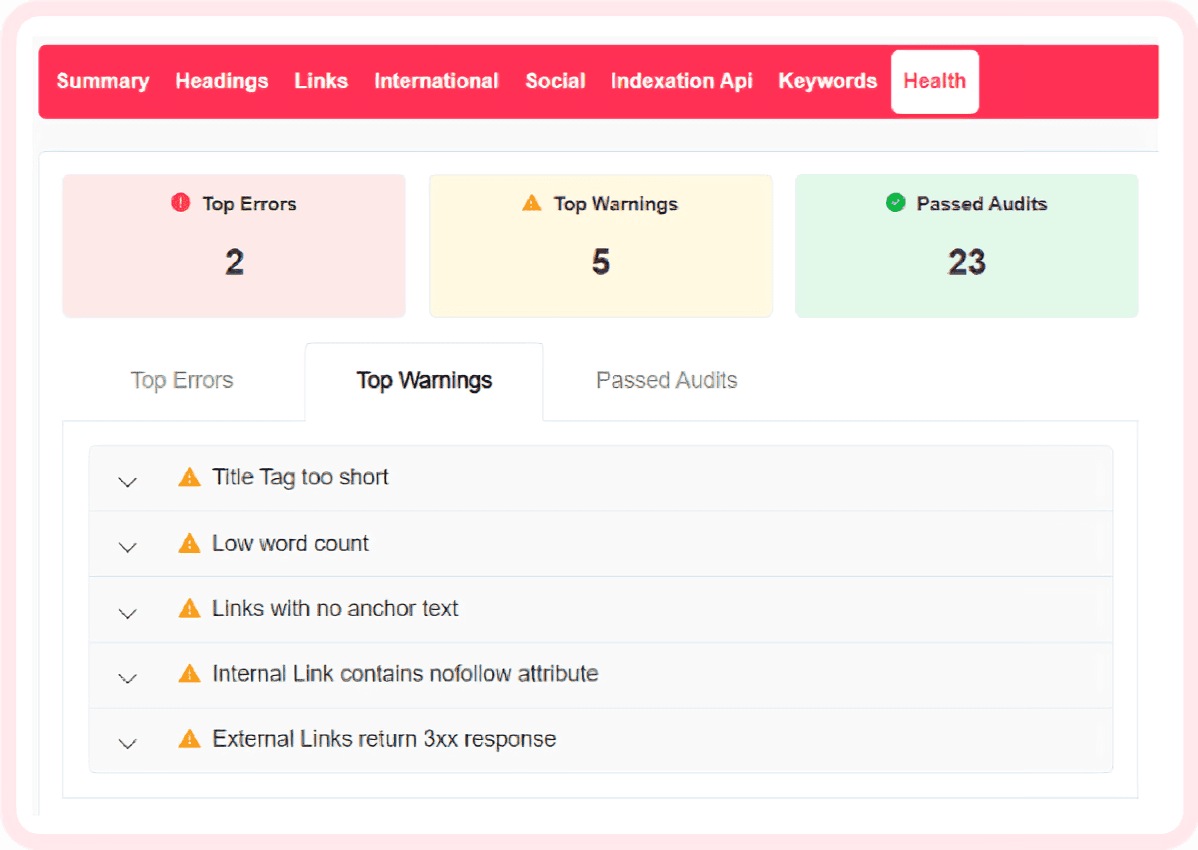
Web Health
Identify all the errors and improvements of your URL and prioritize the most important actions to increase the health of your URL and achieve better results.
Get a Guided Tour of SEOcrawl AI
Book a 30-minute call with our team — we'll walk you through SEOcrawl AI on your own data.
Frequently Asked Questions
What is an SEO Chrome extension?
An SEO Chrome extension is a browser add-on that lets you audit any webpage in real time without leaving the tab. It surfaces on-page data (metadata, headings, canonical tags, links, hreflang) that you'd otherwise have to dig out manually through DevTools or separate tools.
Is SEOcrawl AI's SEO Extension really free?
Yes, 100% free with no account required to install it. You get metadata inspection, heading hierarchy, canonical and hreflang checks, internal/external link auditing, Open Graph previews, and Web Health scoring — all at no cost.
What exactly does SEOcrawl AI's SEO Extension check on a page?
It covers seven areas in one panel: heading order and hierarchy (with duplicate/missing detection), internal and external links with status codes and anchors, hreflang tags for international SEO, Open Graph and Twitter Card previews, Search Console indexation data via API, keyword performance with heat maps, and a Web Health score with prioritized fixes.
How does the Search Console integration work inside the extension?
If you connect your Google account, the extension pulls live data from the Search Console API directly in your browser. You can see when Google last crawled a URL, which canonical Google is reading, and keyword performance stats without opening Search Console in a separate tab.
How does SEOcrawl AI's extension compare to Ahrefs SEO Toolbar or MozBar?
Ahrefs Toolbar focuses on domain/URL authority metrics and requires an Ahrefs subscription for most features. MozBar similarly centers on DA/PA scores. SEOcrawl AI's Extension covers technical on-page SEO in full — from hreflang, canonical, heading hierarchy, and link status codes to GSC indexation — at no cost and with no paid plan required.
Can I use the SEO Extension to audit competitor pages?
Yes. The extension works on any URL you visit, including competitor sites. You can inspect their heading structure, metadata, canonical setup, Open Graph tags, and internal linking patterns directly in the browser.
Does the SEO Extension work on all websites, including JavaScript-heavy ones?
The extension analyzes the rendered page in Chrome, so it captures what the browser sees after JavaScript executes, giving you a more accurate picture of what Googlebot sees when it crawls with rendering enabled.
Do I need a paid SEOcrawl AI plan to use the extension?
No. The Chrome Extension is fully free and independent of any SEOcrawl AI subscription. That said, connecting a SEOcrawl AI account unlocks the Keywords & SEO Performance tab with heat maps and traffic trend data pulled from your Search Console.
More SEO Tools
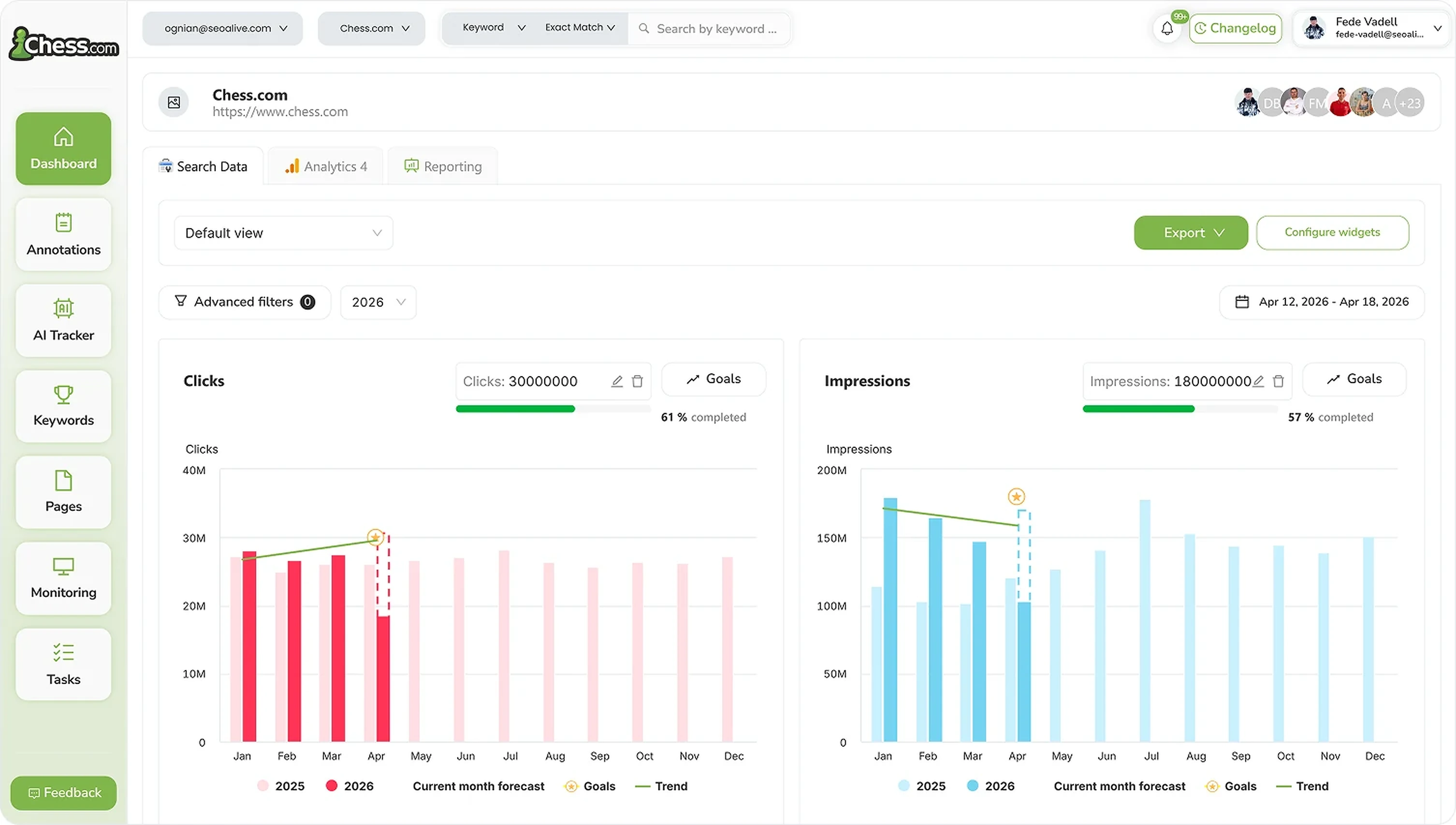
SEO Dashboard
Performance, growth and traffic prediction with unlimited Search Console data.

Rank Tracker
Unlimited keyword tracking with smart clusters, tags and heat maps.
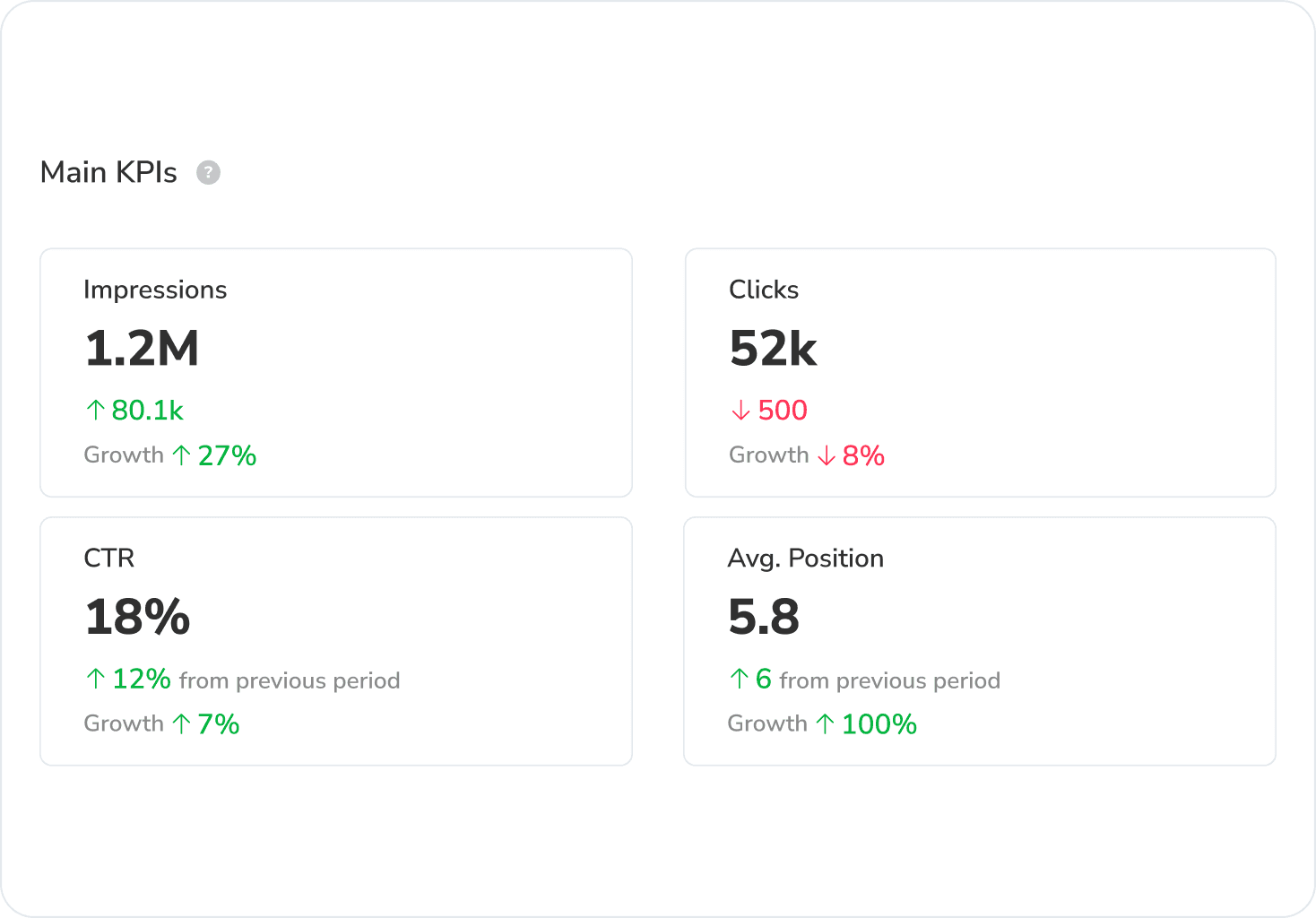
Google Discover Dashboard
Track Google Discover impressions, clicks and CTR in a dedicated dashboard, separated from Search.
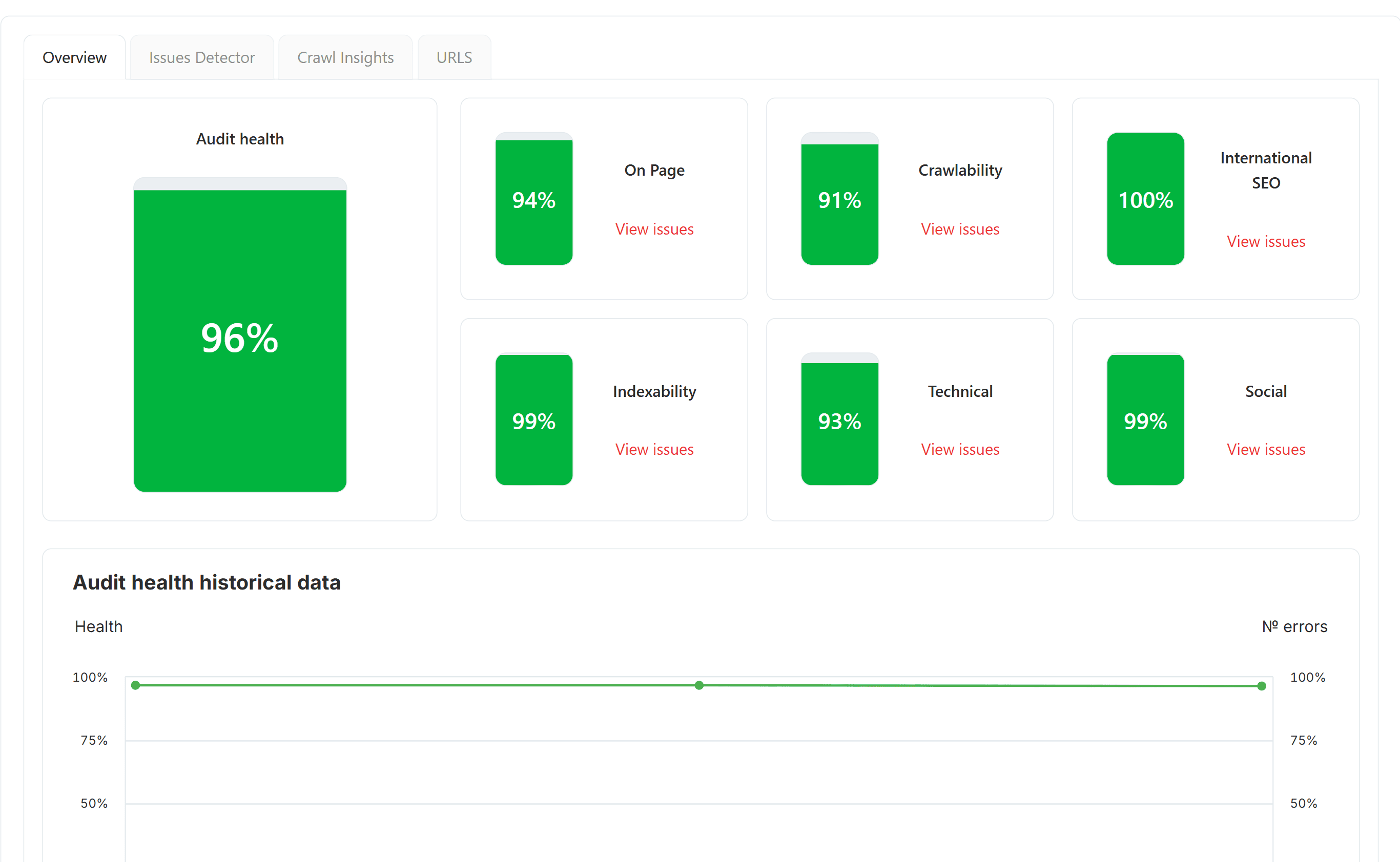
SEO Audit
Free SEO audit tool — crawl every page and get a global Audit Health Score in seconds.
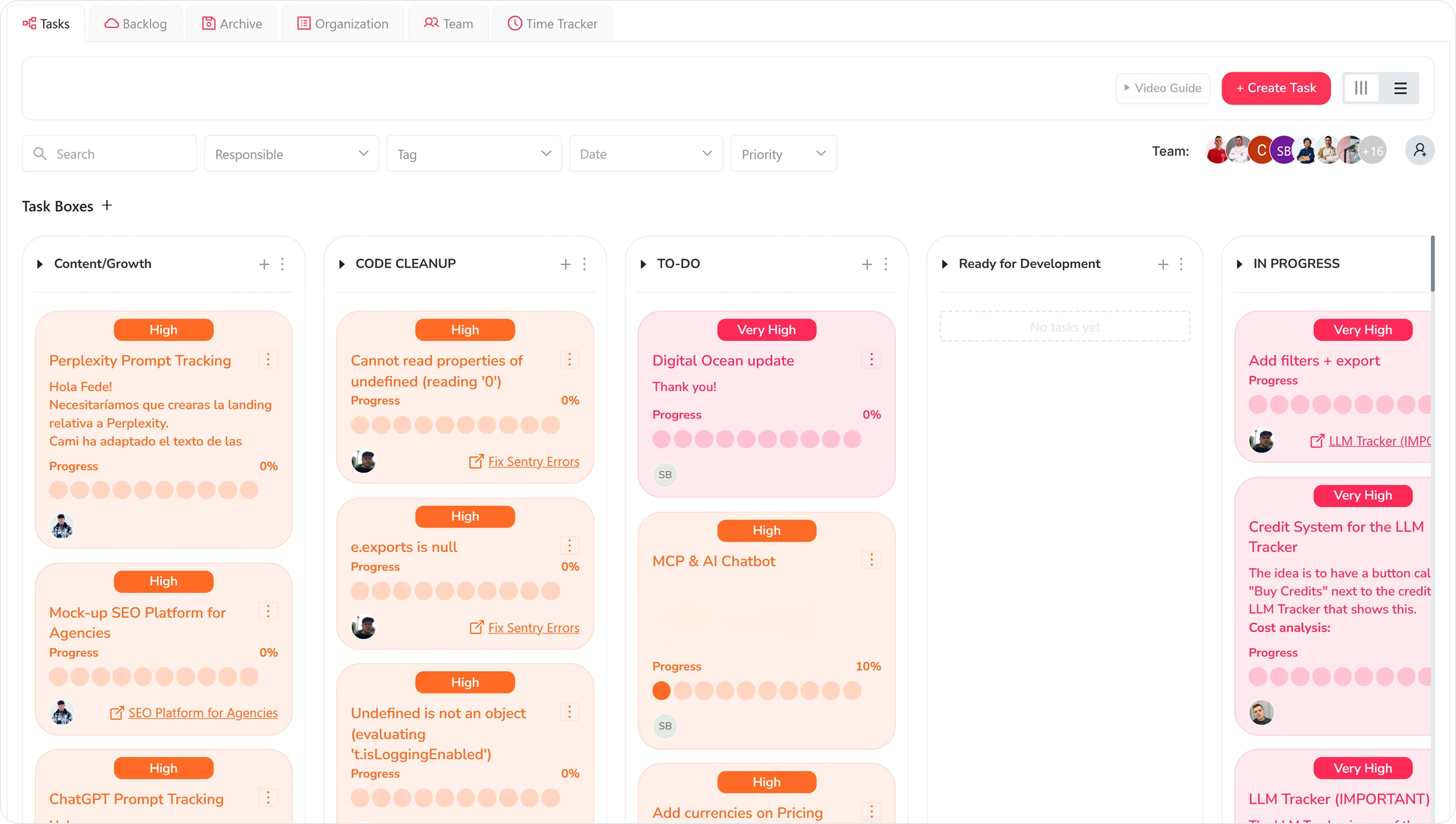
Task Manager
Kanban board to organize SEO tasks, priorities and team workflow.
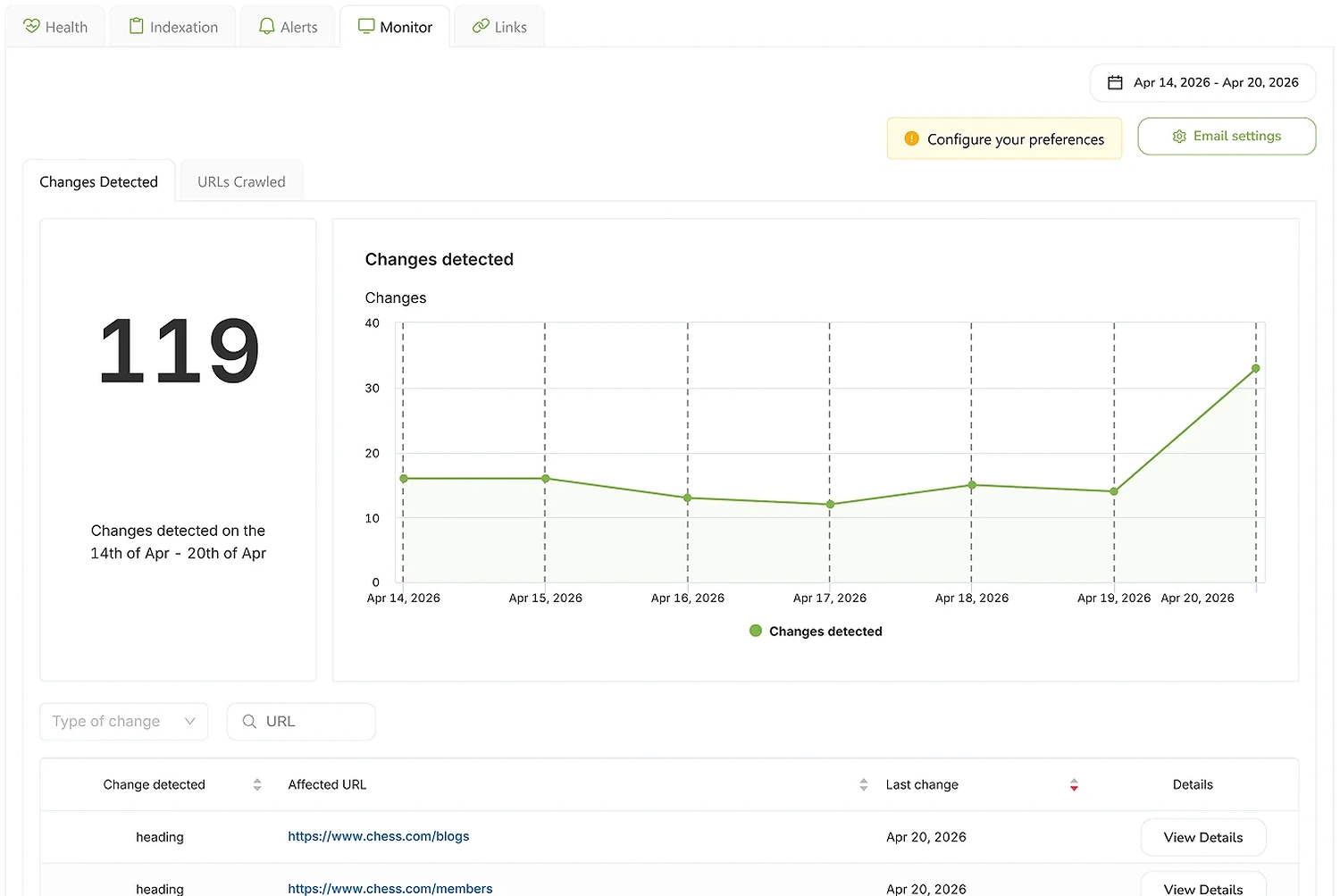
SEO Monitor
Real-time alerts on every site change that affects your rankings — status, robots, canonical, hreflang, noindex.
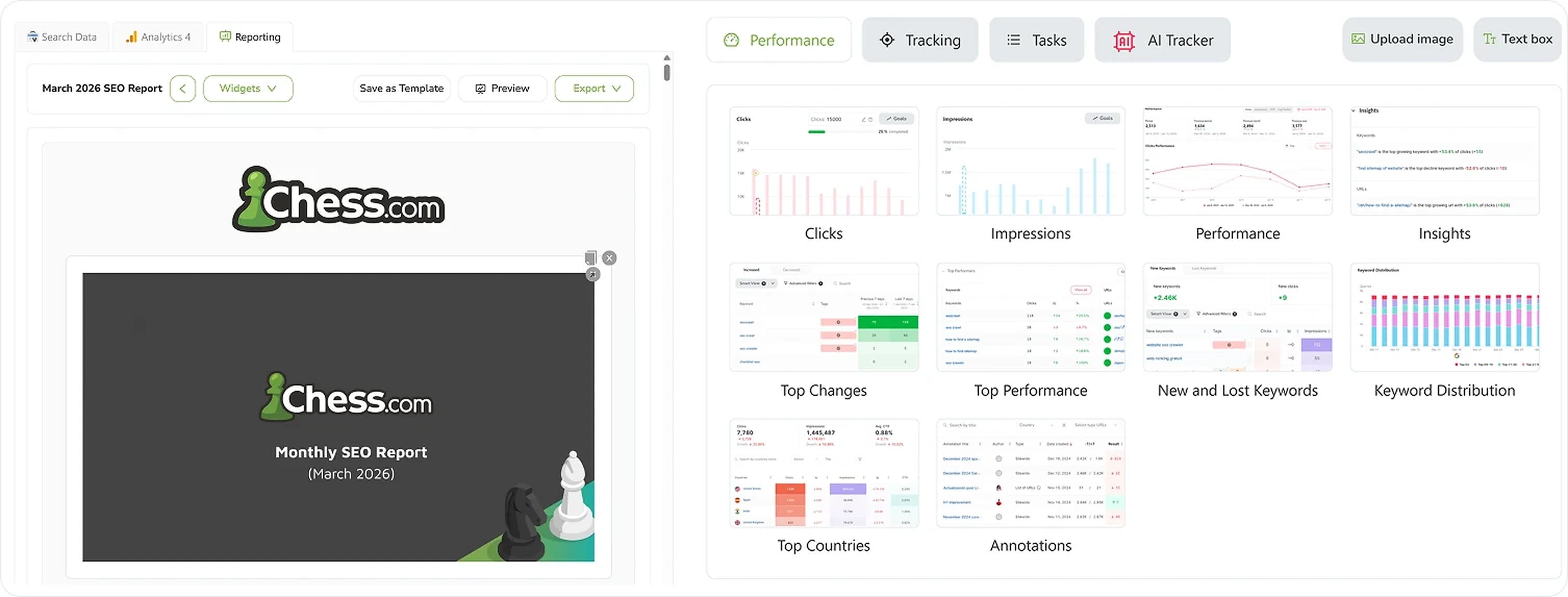
SEO Reporting
Automate SEO reports with real Search Console and GA4 data. Templates, custom branding, CNAME, scheduled delivery.
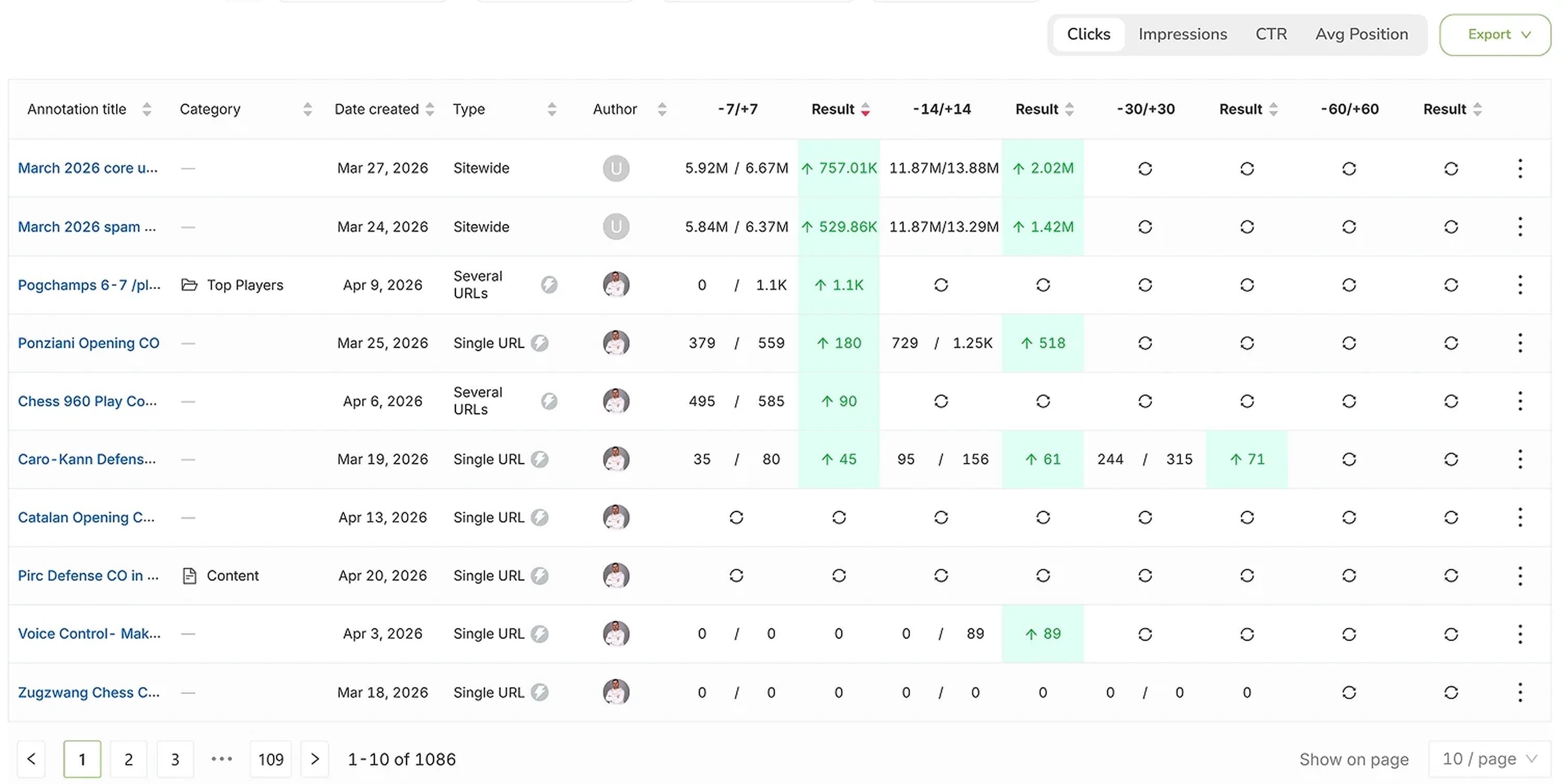
SEO Annotations
Mark every site change on every chart and see the real impact on rankings, clicks and impressions.