


Reports and white label
Create monthly SEO reports, reuse templates and put your own brand on them with white label.
1 min read · Last updated November 11, 2026

The Reporting section is where you build, store and share reports.
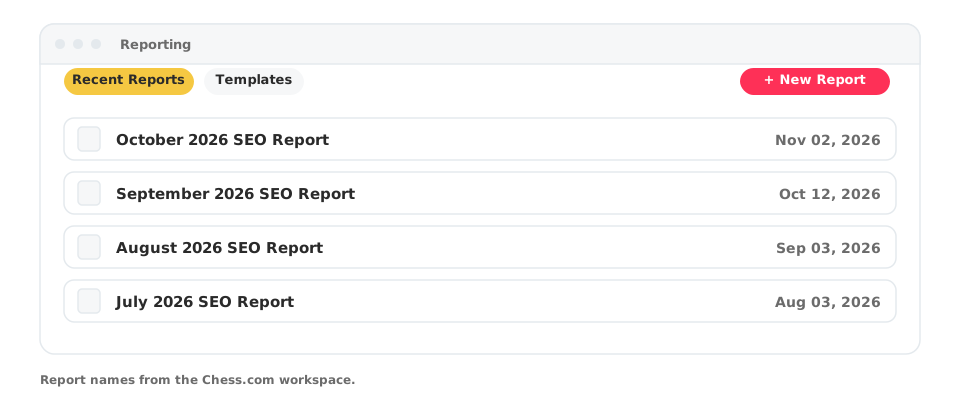
Create a report
- Open Reporting in your project.
- Click + New Report, or start from a saved template in Templates.
- Arrange the widgets you want to show.
- Share the report as a snapshot with a public link.
Recent reports appear under Recent Reports, for example one per month. Templates let you reuse the same layout for every client or every month.
White label
White label puts your brand on the reports you send.
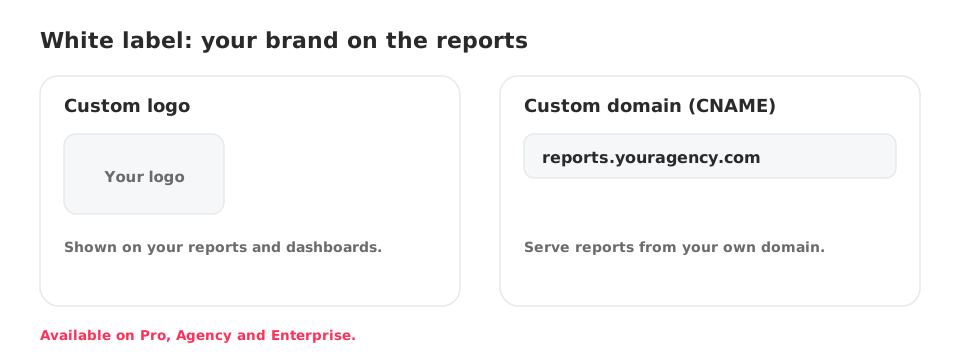
Custom logo and custom domain (CNAME) are available on the Pro, Agency and Enterprise plans.