SEO Reporting Tools for Agencies
Automate your reports with real data
Build your perfect SEO report once. SEOcrawl AI updates it automatically with data from Search Console and GA4, without limits.
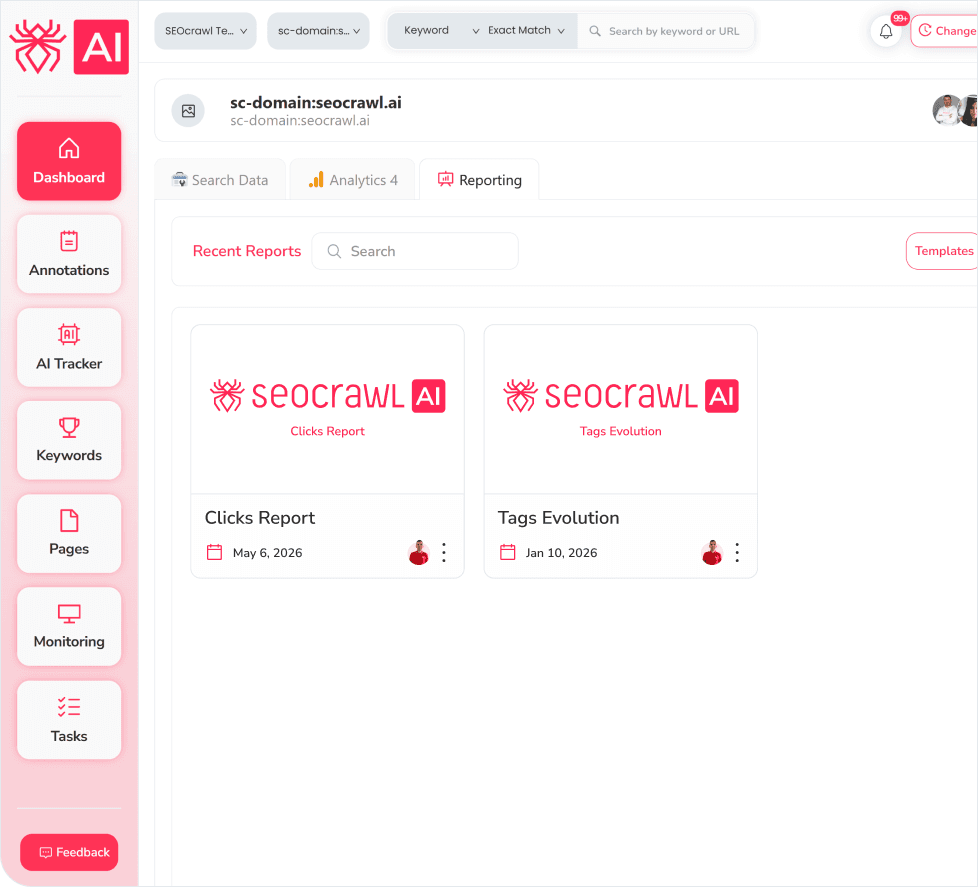
Reporting Features
Main AI traffic KPIs
Get key metrics such as sessions, total users, new users, visits, interactions, key events, and session duration — all the information you need to assess the value of AI-generated traffic.
Comparison between AI models (LLM Referrer)
Discover how many sessions each model (ChatGPT, Claude, Perplexity, etc.) generates, and compare them. Identify which model drives the most traffic and delivers the best performance.
Build your report from scratch or start from a template
Name your report, pick your widgets, and arrange them however you need. Or start from a pre-built template and adapt it to your project.
Traffic and visibility evolution
Organic clicks and impressions over the last 24 months. Understand trends, seasonality, and progress over time — filterable by country or business vertical.
Short-term performance
The biggest positive and negative variations in keywords and URLs during the period, plus a breakdown of how many keywords rank in each position group — with gains and losses in the top 3 and positions 4–10.
Top performance, keywords, and URLs
A single table with your most important keywords and URLs and how they fluctuate. Duplicate it to show a global top 10/25 alongside a separate view for business-critical keywords. Toggle between clicks, impressions, CTR, or average position.
International SEO
The Top Countries widget shows all your markets with their traffic and visibility data in one view. For multi-country projects, create one widget per country or duplicate the full report per market.
Brand vs non-branded and new and lost keywords
Brand vs Non-Branded shows what percentage of traffic comes from brand searches vs service searches. New and Lost Keywords shows which URLs gained visibility and which dropped — to prioritize internal linking, link building, or content improvements.
Annotations
Shows the impact of every action taken on the site and how each Google Core Update affected performance. The module that connects effort to results.
Automate delivery weekly or monthly
Click “Automate,” choose your recipients, and set the frequency. The report is sent automatically with updated data.
Share as PDF, interactive link, or protected link
Export your report as a branded PDF with your logo and colors, an interactive link your client can open in their browser, or a password-protected link for added security.
FAQs
What is SEO Reporting in SEOcrawl AI?
A module to build, automate, and share SEO reports using data directly from Search Console and GA4. You pick the widgets, define filters, and SEOcrawl AI generates the report automatically on a weekly or monthly basis with no manual data gathering.
Where does the data come from?
Directly from Google Search Console and Google Analytics 4. SEOcrawl AI stores all data without limits or sampling, so your reports always reflect the full picture and not a subset of it.
How is SEO Reporting different from Looker Studio or Google Slides?
Looker Studio and Google Slides require you to pull the data, format it, and update it manually every reporting cycle. SEOcrawl AI Reporting pulls from GSC and GA4 automatically, updates on a set schedule, and delivers the report to your team or client without any intervention.
Can I automate separate reports for each client?
Yes. Each report is independent. You can build a different widget setup per client, set individual delivery frequencies, and assign different recipients. Reports are sent automatically with updated data on the schedule you define.
How do I share a report with a client?
Via the Export button: branded PDF with your logo and colors, an interactive link with a presentation-style view, or a password-protected link for added security.
Can I combine SEO and AI data in the same report?
Yes. The AI Tracker widget lets you include AI visibility data alongside classic SEO metrics (clicks, impressions, keyword rankings, annotations) in a single report.
Want to see it in action?
Let us please show you in detail.
More SEO Tools
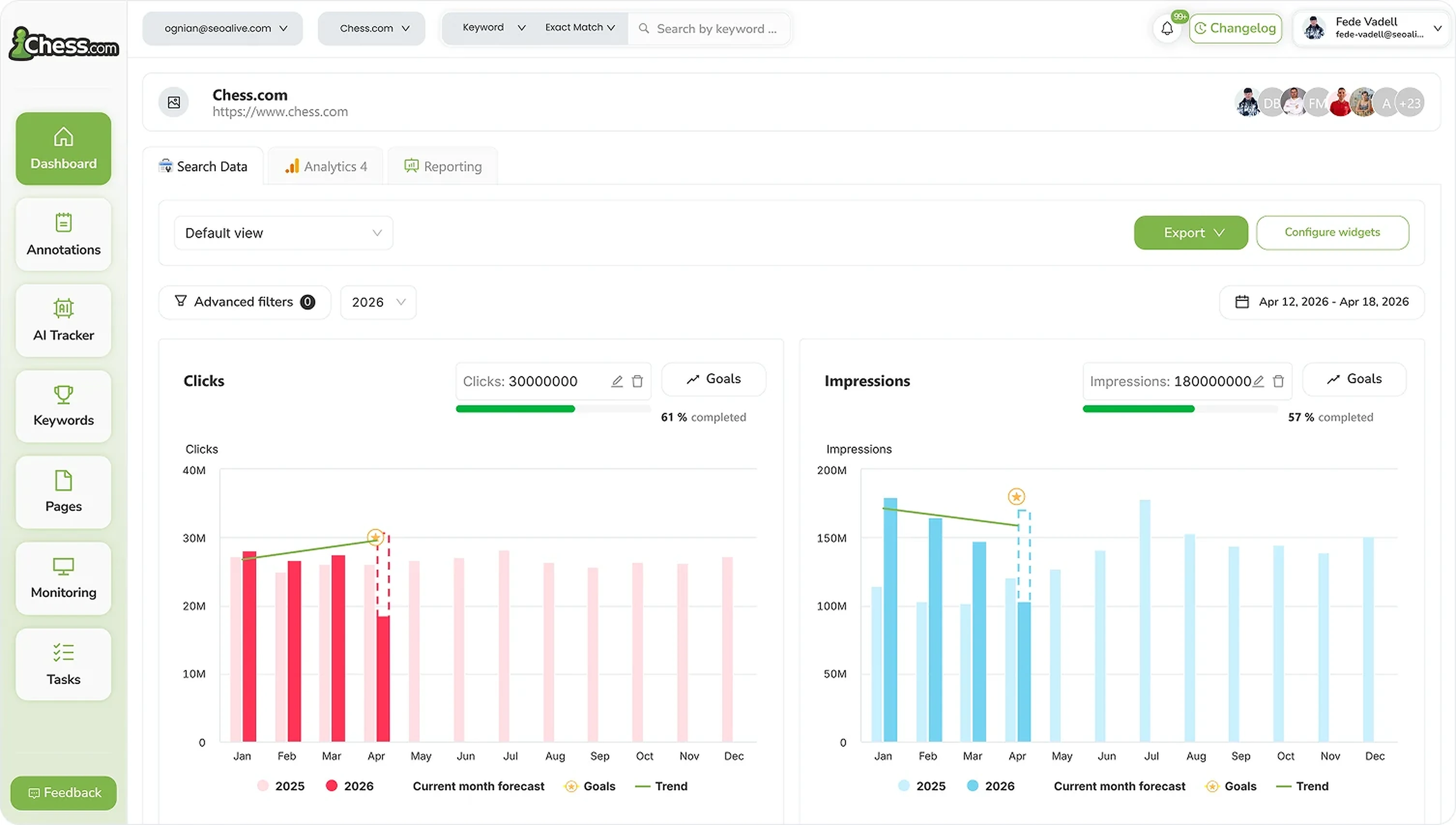
SEO Dashboard
Performance, growth and traffic prediction with unlimited Search Console data.

Rank Tracker
Unlimited keyword tracking with smart clusters, tags and heat maps.
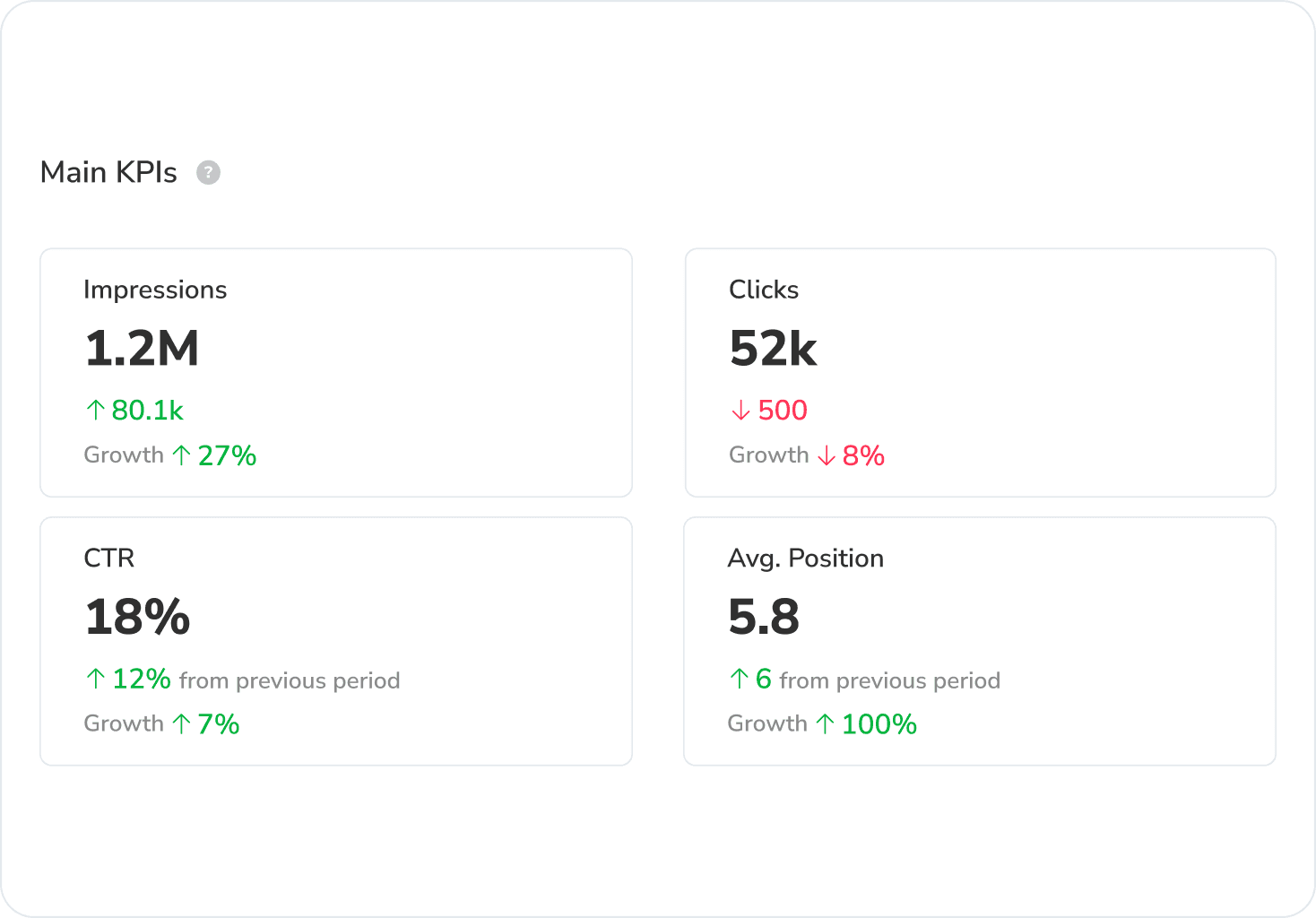
Google Discover Dashboard
Track Google Discover impressions, clicks and CTR in a dedicated dashboard, separated from Search.
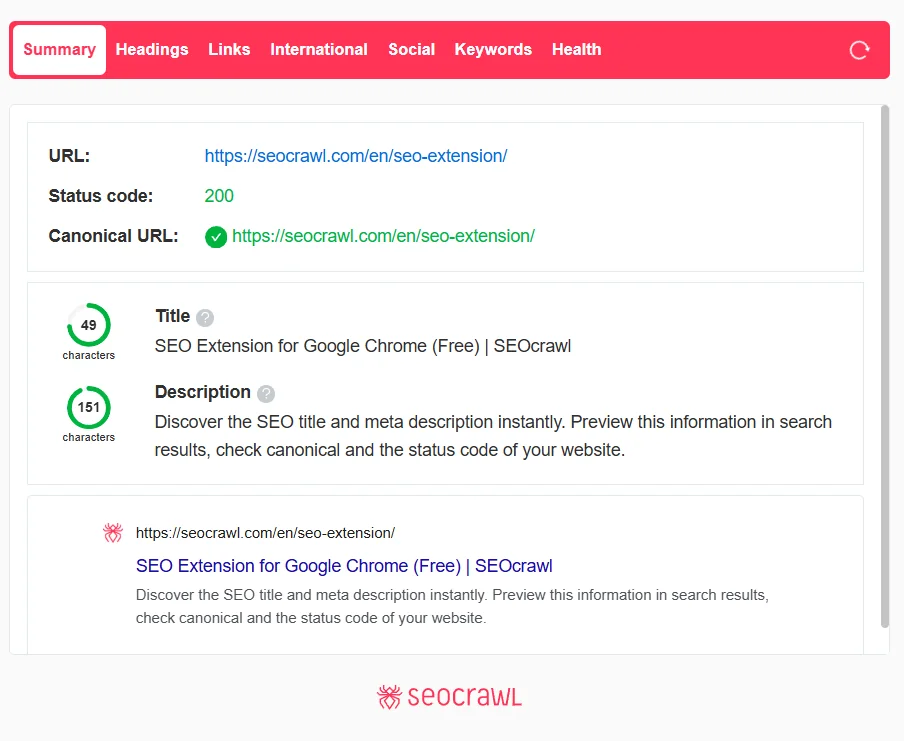
SEO Extension
Free Chrome extension for one-click on-page SEO audits.
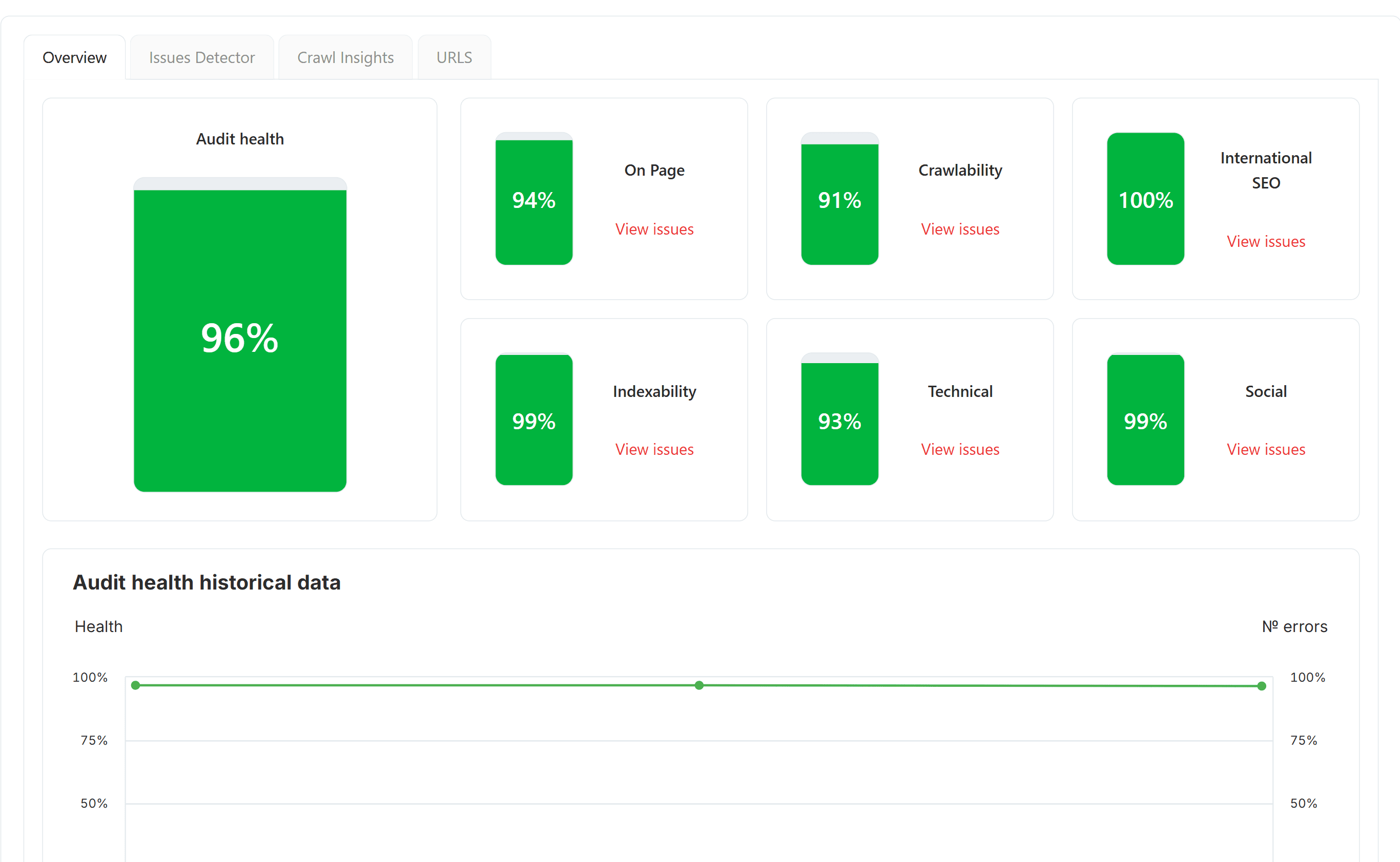
SEO Audit
Free SEO audit tool — crawl every page and get a global Audit Health Score in seconds.
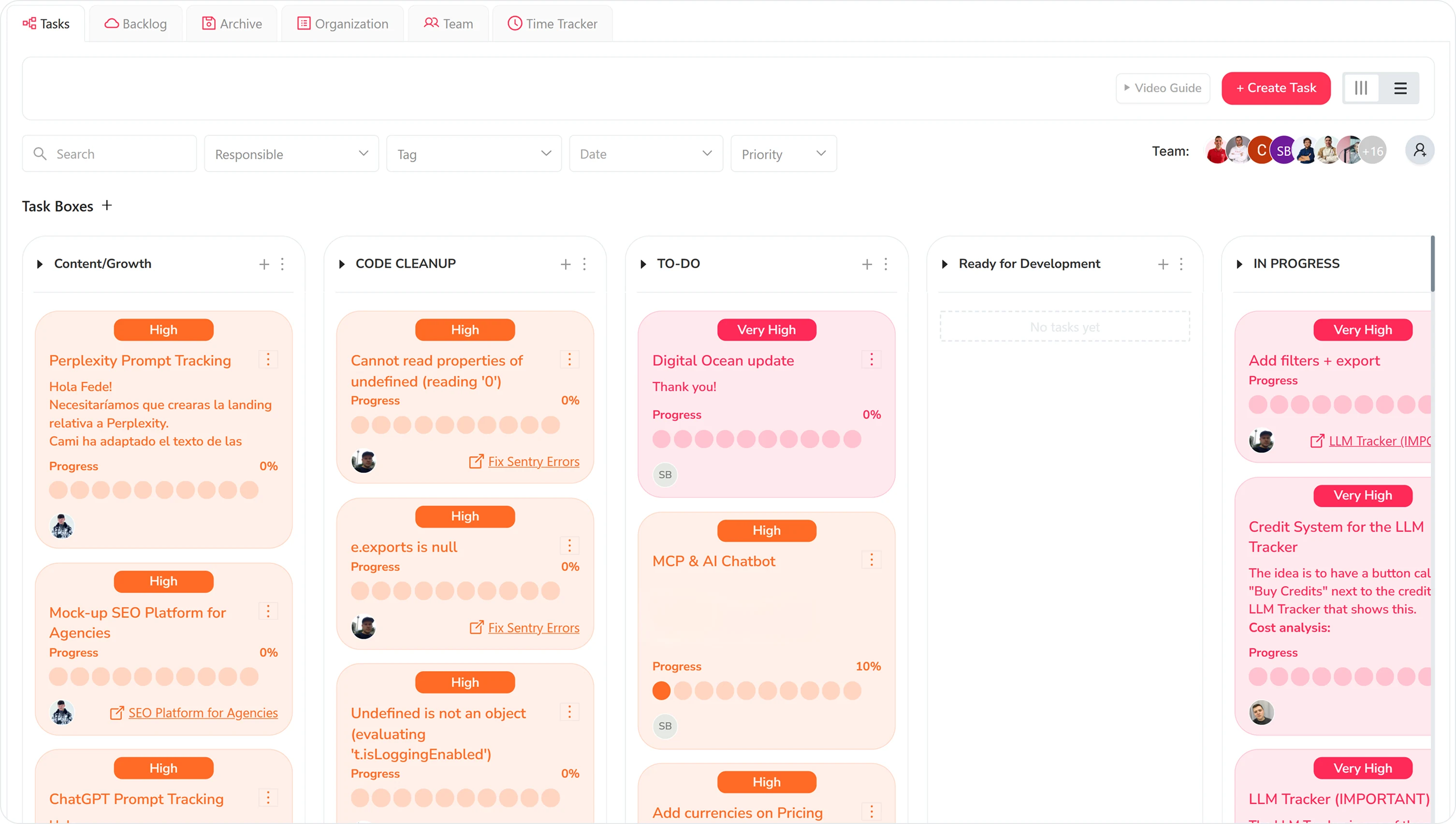
Task Manager
Kanban board to organize SEO tasks, priorities and team workflow.
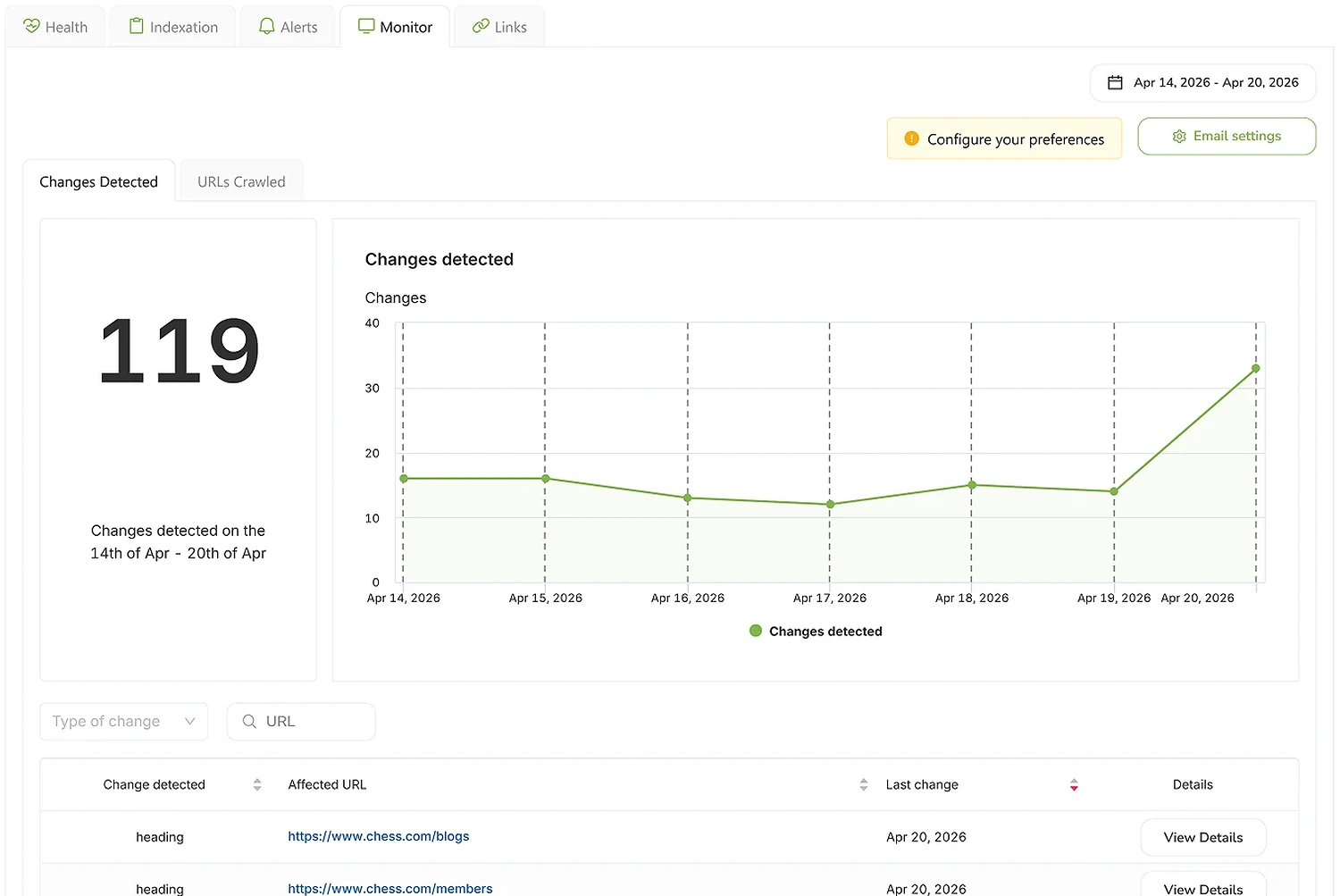
SEO Monitor
Real-time alerts on every site change that affects your rankings — status, robots, canonical, hreflang, noindex.
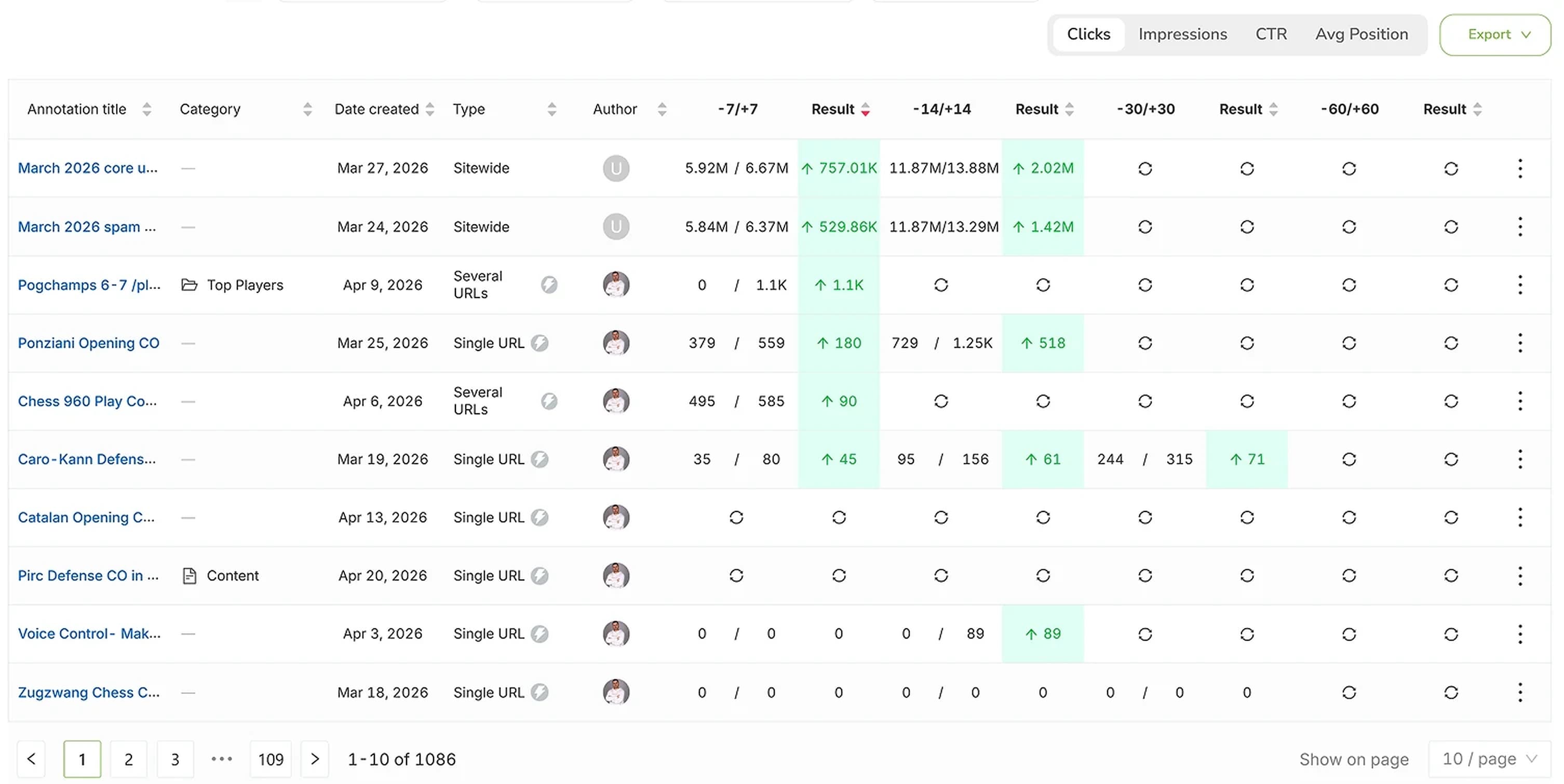
SEO Annotations
Mark every site change on every chart and see the real impact on rankings, clicks and impressions.