


AI Tracker and Prompt Tracking explained
AI Tracker is the area for AI search. It contains the Prompt Tracker, which measures what AI engines answer, and the GA4 AI Dashboard, which measures visits from AI assistants.
1 min read · Last updated November 11, 2026

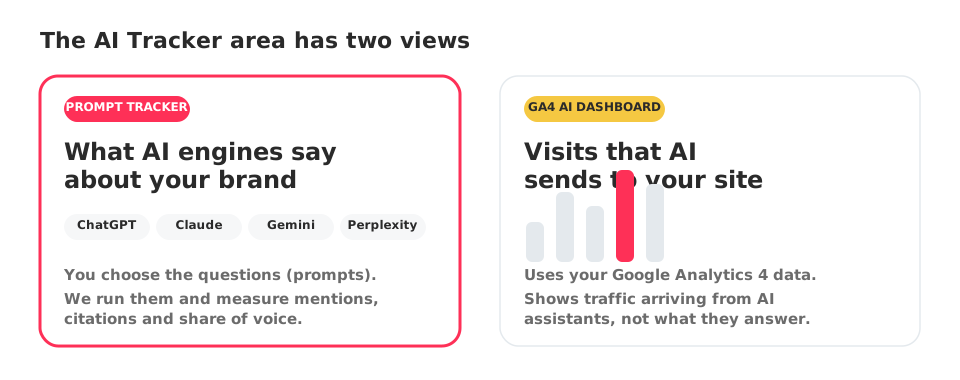
AI Tracker is the part of SEOcrawl AI dedicated to AI search. Inside it you will find two views that answer two different questions.
Prompt Tracker: what AI engines say
You choose the questions your customers might ask, called prompts. SEOcrawl AI runs them on the AI engines you select (ChatGPT, Claude, Gemini, Perplexity, and Google AI Overviews and AI Mode) and records:
- whether your brand is mentioned,
- whether your site is cited as a source,
- which competitors appear instead.
This is what people call prompt tracking or AI visibility tracking.
GA4 AI Dashboard: visits AI sends you
Using your Google Analytics 4 data, this view shows traffic that arrives from AI assistants. It tells you whether AI answers turn into visits. Connect GA4 to enable it.
Which one should I start with?
Start with the Prompt Tracker. It needs no extra connection and shows results within minutes of your first run. Add the GA4 AI Dashboard once GA4 is connected.
Inside the Prompt Tracker
The Prompt Tracker has these views: Visibility, Pages, Topics, Models, Competitors, Responses, Opportunities, Alerts and Geography. The next guides walk through them: