


Code Monitor
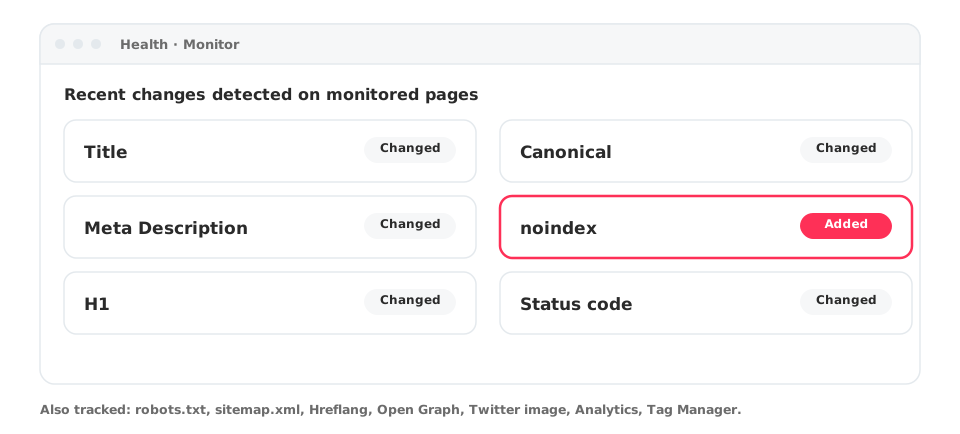
Code Monitor detects changes to titles, canonicals, meta descriptions, noindex, H1, status codes and more on the pages you monitor.
1 min read · Last updated November 11, 2026

SEO problems often start with a silent change: a developer removes a canonical, a plugin adds a noindex, a title gets overwritten. Code Monitor watches your pages and tells you when something changes.
What it tracks
Title, Canonical, Meta Description, noindex, robots.txt, sitemap.xml, H1, Status code, Hreflang, Open Graph, Twitter image, Analytics and Tag Manager.
Where to find it
Open Health in your project and select Monitor. Next to it you will find Alerts, Indexation and Link Monitor.
How to use it
- Review the changes list, newest first.
- Filter to one page to see its history.
- Pair it with annotations to connect a change with a traffic movement.