Google Discover Dashboard
Track your Google Discover traffic in a dashboard built just for it.
See Discover impressions, clicks and CTR at a glance, follow the trend over time and rank the pages the Discover feed is surfacing. One filter isolates Discover from Search, so branded search demand never inflates your numbers — all on your own Search Console data, with full history.
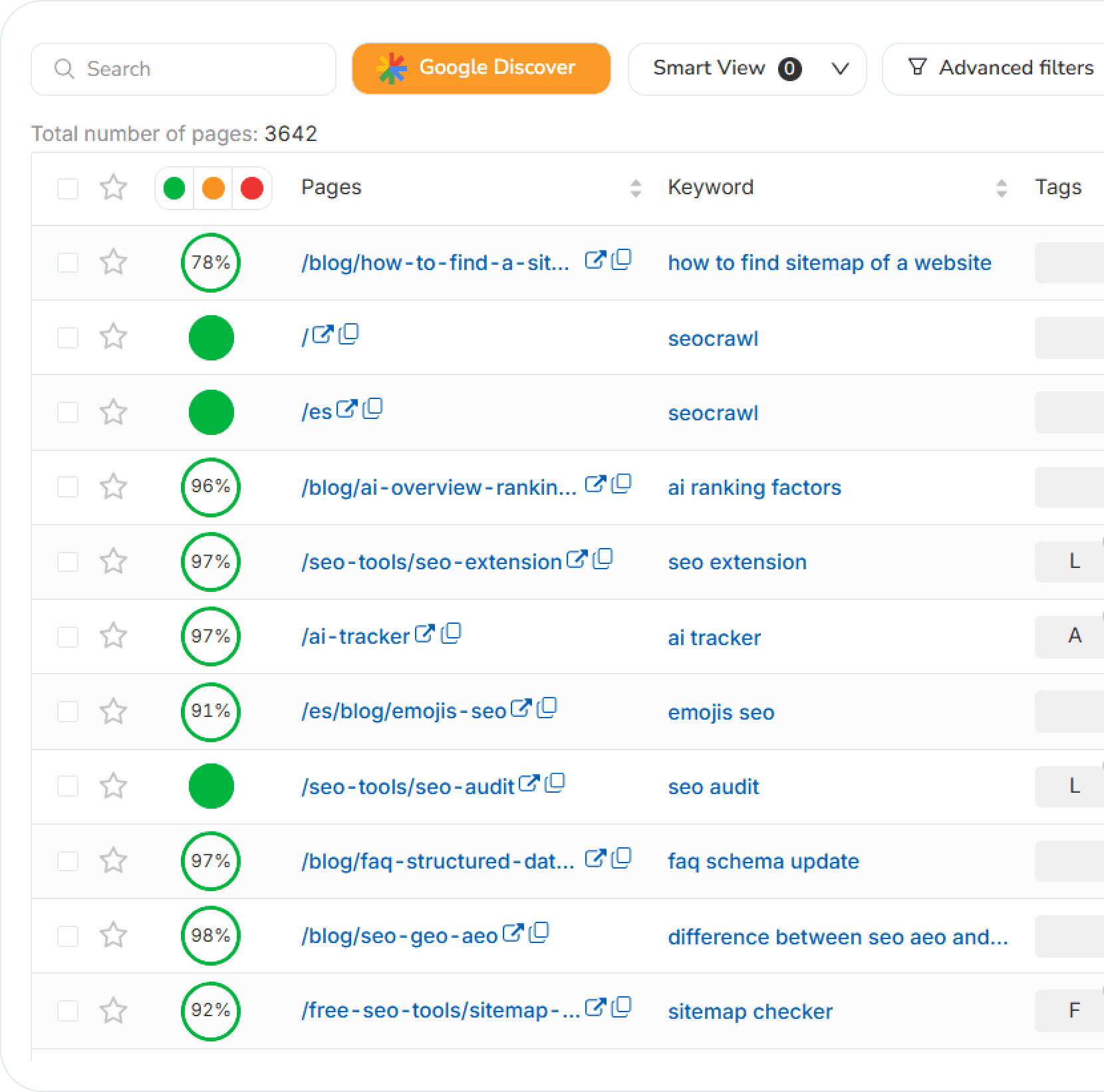
Google Discover Features
Discover KPIs at a glance
Impressions, clicks and average CTR for Google Discover in one place, each with an automatic growth trend against the previous period. No manual exports, no spreadsheets — the dashboard tells you instantly whether Discover is winning or losing.
One-click Discover traffic filter
Every Pages view has a traffic-source filter. Switch it to Discover and the whole dashboard recalculates to show only Discover performance, cleanly separated from Search — so branded search demand never distorts the picture.
Impressions & clicks over time
Follow the Discover trend day by day and spot the spikes the moment a story enters the feed. Dual-axis impressions and clicks make it easy to see when Discover picks up your content and how long the boost lasts.
Top performing Discover pages
See exactly which articles Google Discover is surfacing, ranked by impressions and clicks with per-page CTR and change. Double down on the formats and topics the feed rewards, and catch pages that are fading.
Compare periods & export
Benchmark Discover growth across any two date ranges — month over month or before and after a content push — and export the raw data in one click for stakeholder reporting.
Built on your Search Console data
The Discover dashboard reads straight from Google Search Console's Discover report and keeps the full history — well beyond the 16-month window Search Console retains — so you can analyze long-term Discover trends, not just the last few weeks.
Frequently Asked Questions
What is the Google Discover dashboard?
It's a dedicated view inside SEOcrawl AI's Pages section that isolates your Google Discover traffic from Search. You get impressions, clicks and average CTR for Discover, an impressions-and-clicks trend over time, and a ranking of the pages Discover is surfacing — all built on your own Search Console data.
How do I separate Google Discover traffic from Search?
Every Pages view has a traffic-source filter. Switch it to Discover and the KPIs, chart and page table instantly recalculate to show only Discover performance, so branded Search demand never inflates your Discover numbers.
Which Discover metrics can I track?
Impressions, clicks and average CTR, each with growth trends versus the previous period. You can also break performance down by URL to see exactly which articles Discover is pushing and which are losing momentum.
Where does the Discover data come from?
Directly from Google Search Console's Discover report, connected to your project. SEOcrawl AI stores the full history so you can analyze long-term trends rather than the rolling 16-month window Search Console keeps.
Can I compare Discover performance across date ranges?
Yes. Pick any two periods to benchmark Discover growth month over month or before and after a content push, and export the raw data in one click for reporting.
Do I need a separate plan to see Google Discover data?
No. The Google Discover dashboard is included on every SEOcrawl AI plan, alongside the SEO Dashboard and the unlimited Rank Tracker. All plans include a 14-day free trial with no credit card required.
More SEO Tools
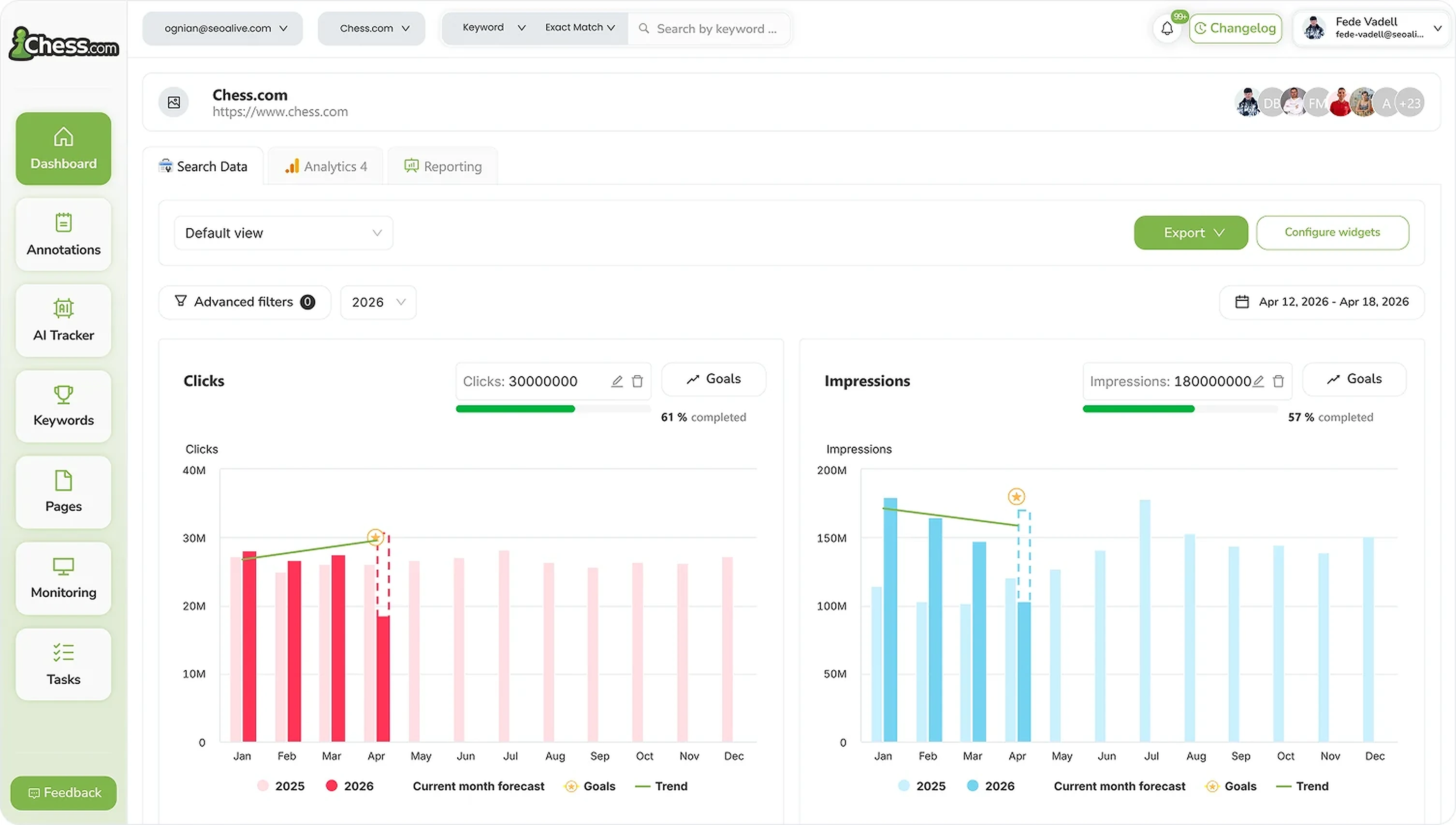
SEO Dashboard
Performance, growth and traffic prediction with unlimited Search Console data.

Rank Tracker
Unlimited keyword tracking with smart clusters, tags and heat maps.
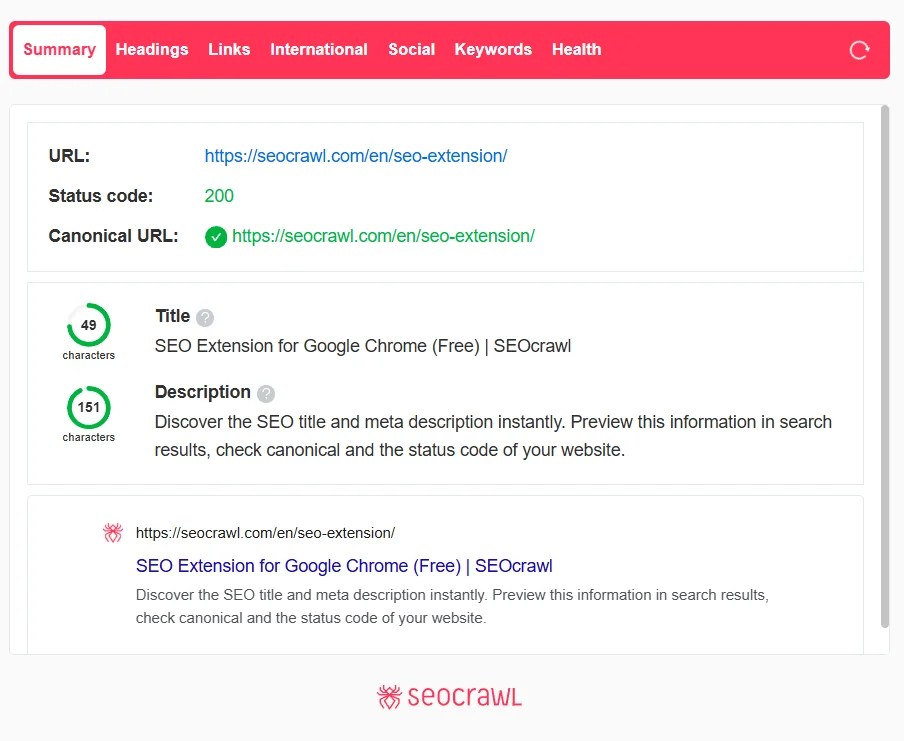
SEO Extension
Free Chrome extension for one-click on-page SEO audits.
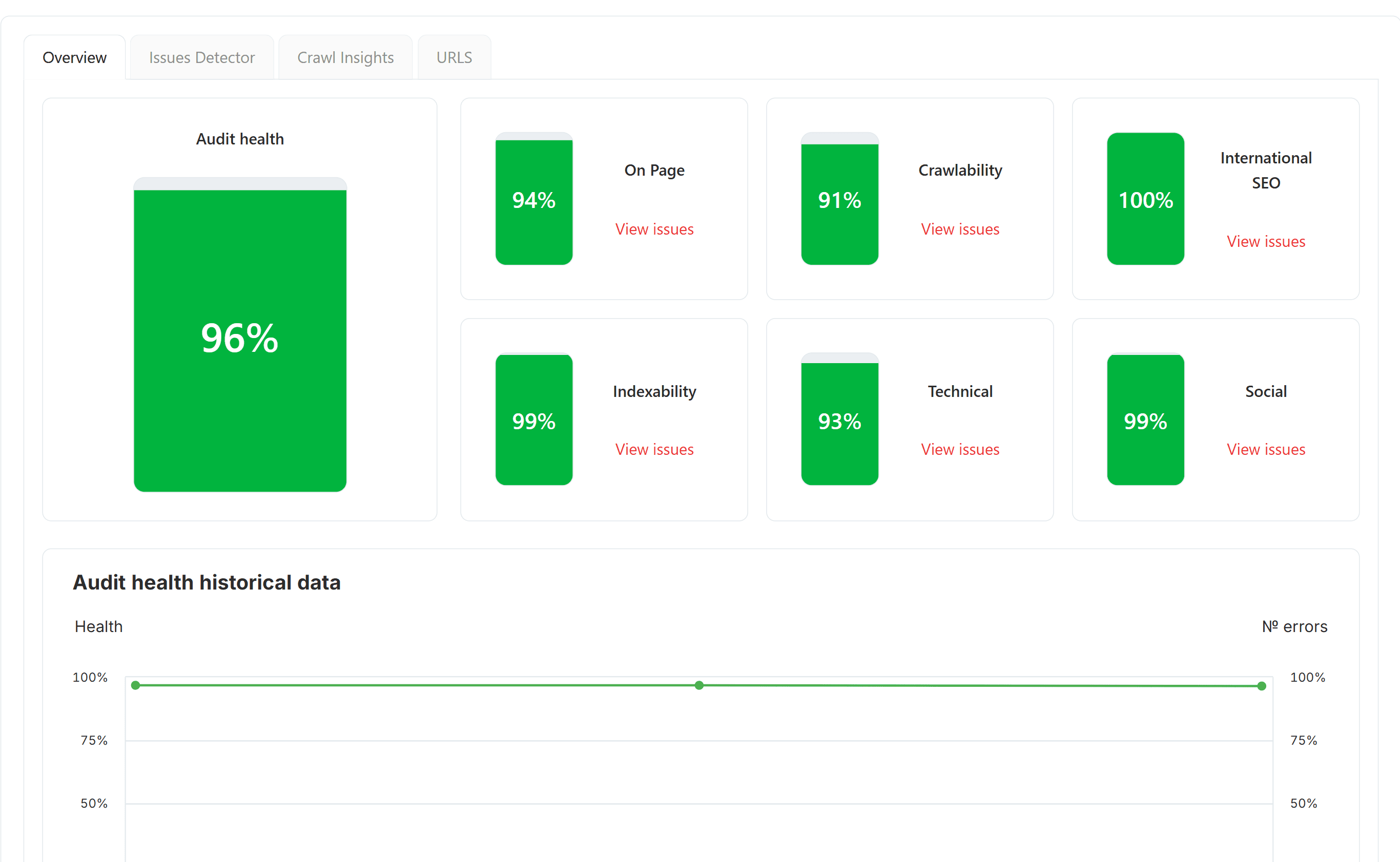
SEO Audit
Free SEO audit tool — crawl every page and get a global Audit Health Score in seconds.
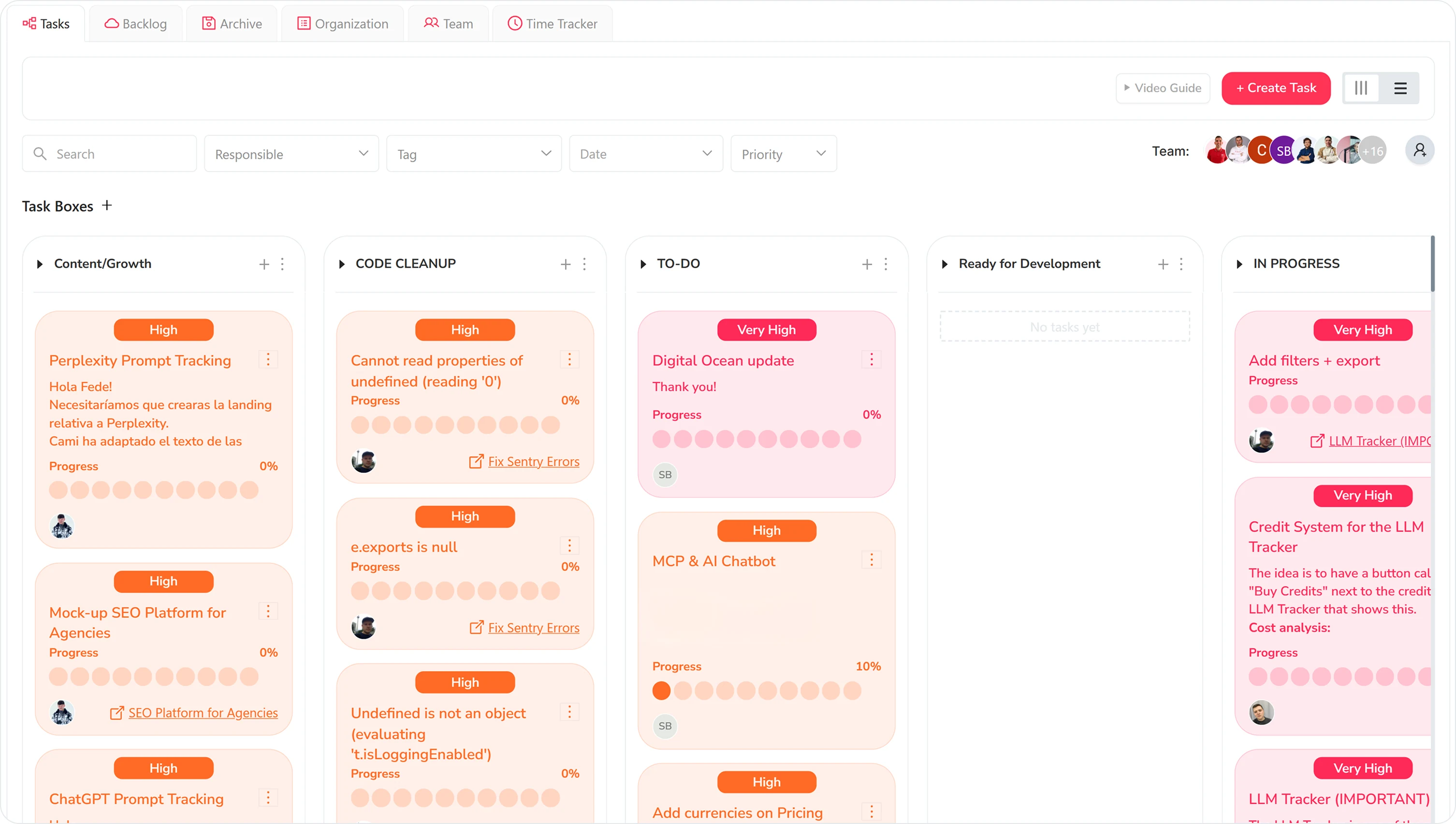
Task Manager
Kanban board to organize SEO tasks, priorities and team workflow.
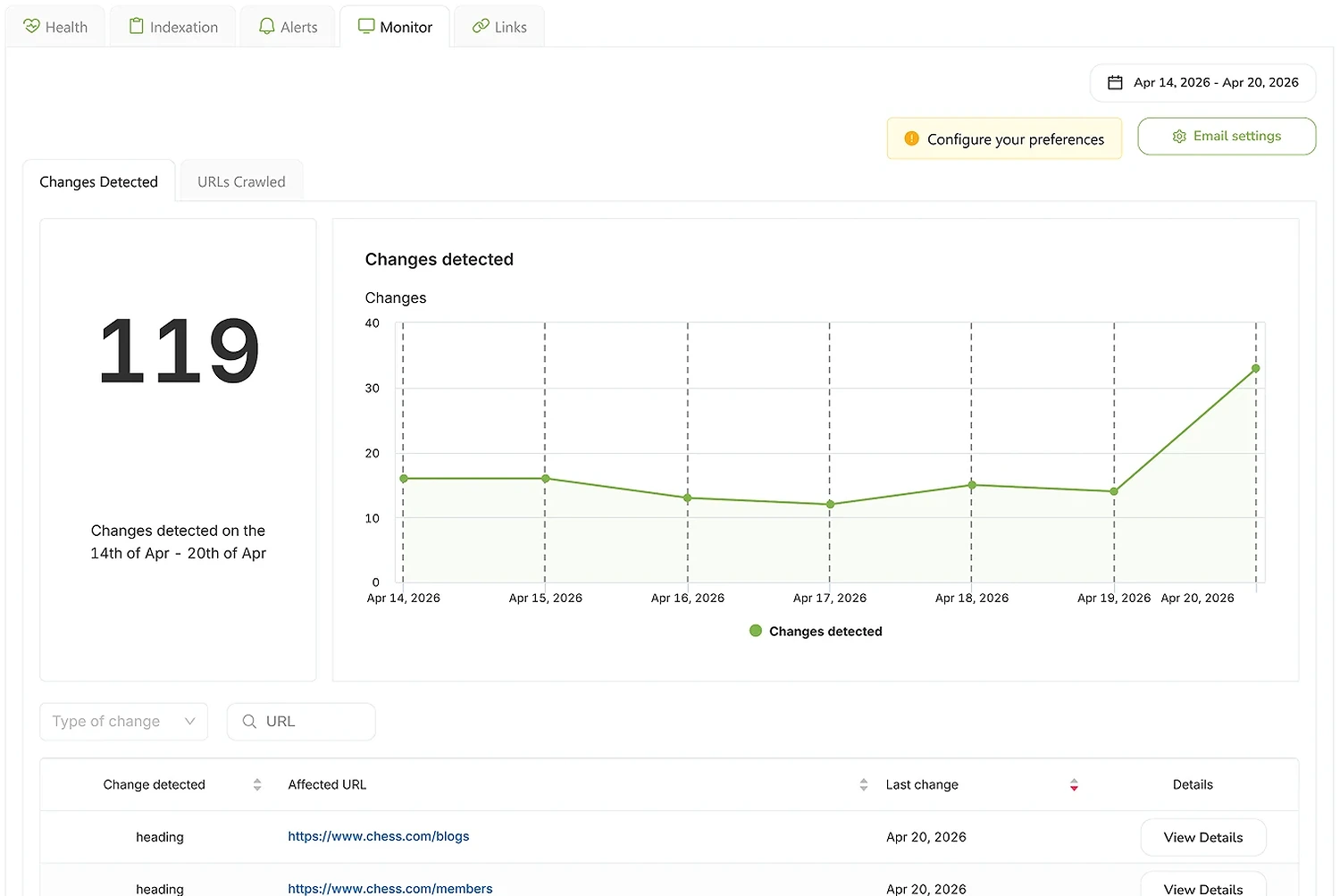
SEO Monitor
Real-time alerts on every site change that affects your rankings — status, robots, canonical, hreflang, noindex.
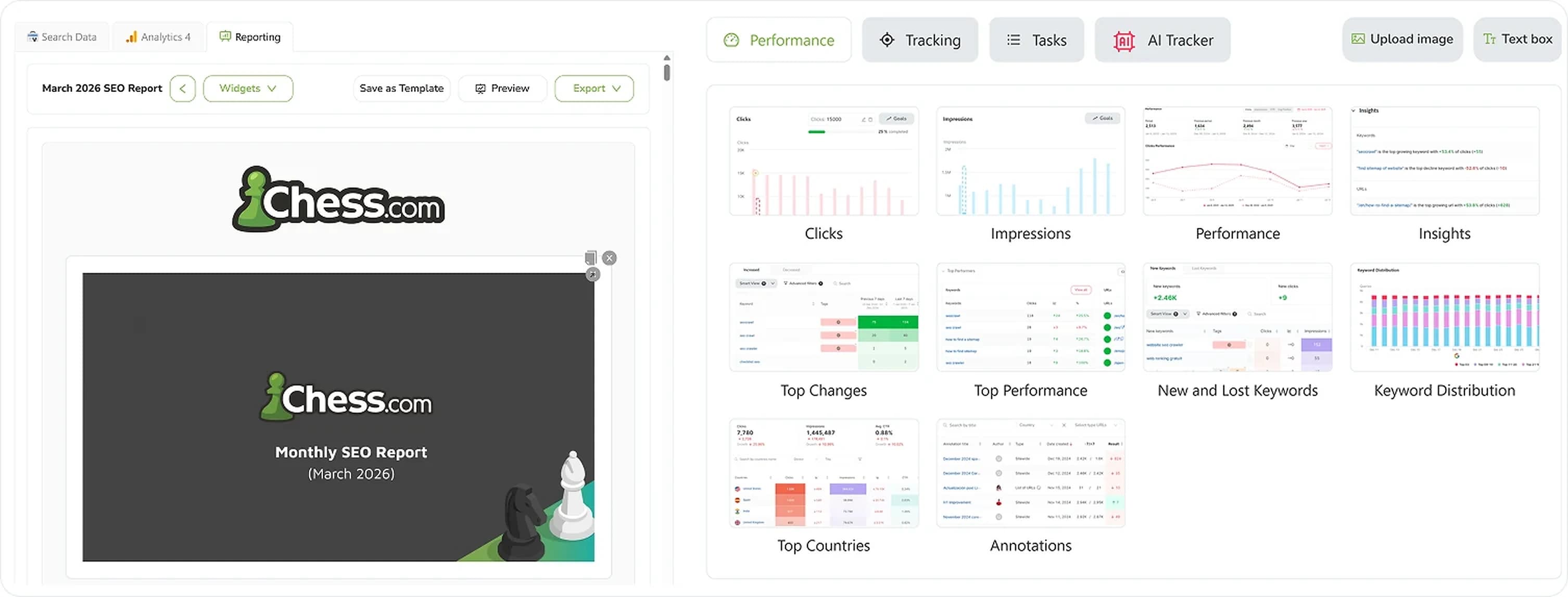
SEO Reporting
Automate SEO reports with real Search Console and GA4 data. Templates, custom branding, CNAME, scheduled delivery.
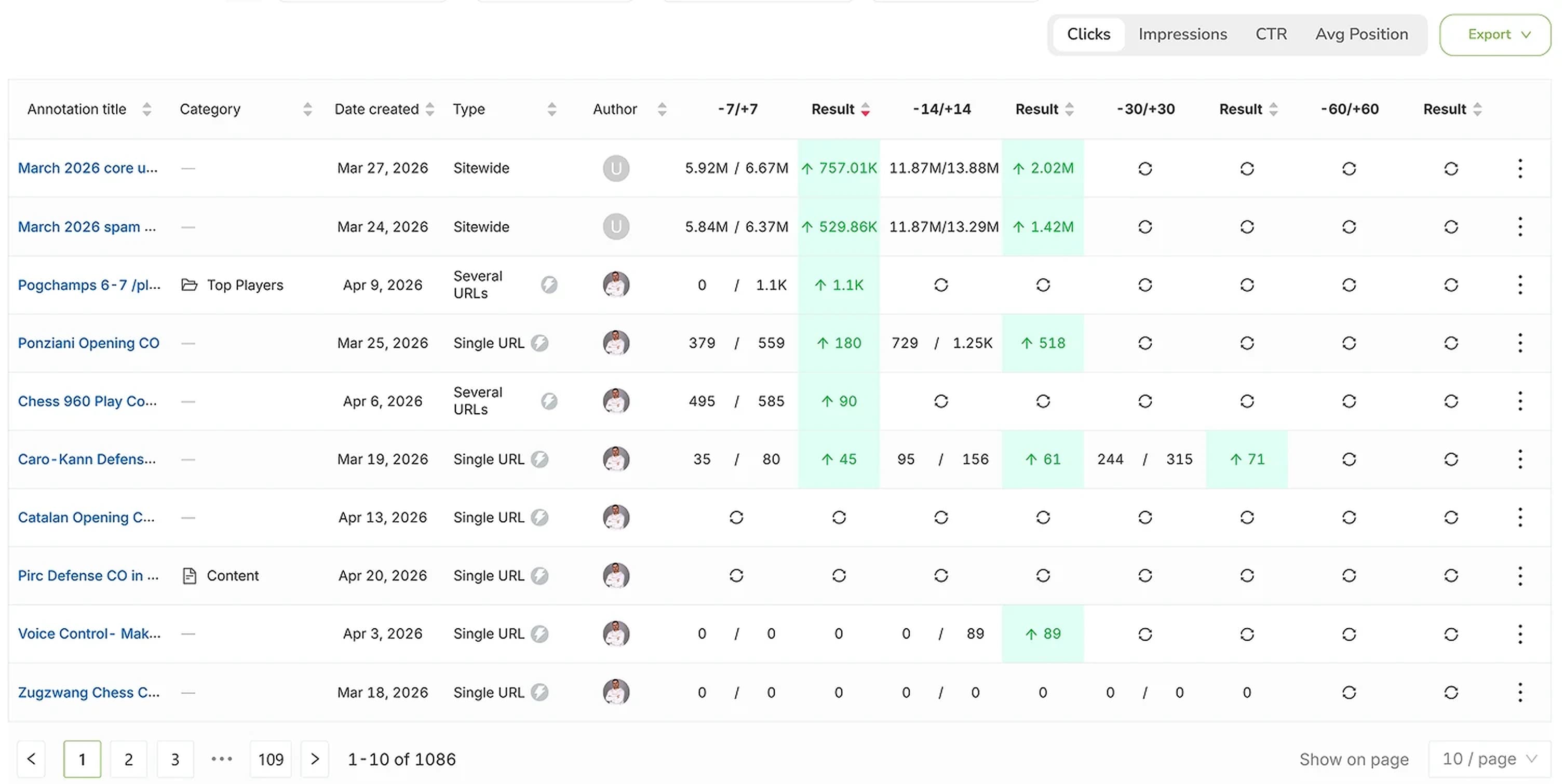
SEO Annotations
Mark every site change on every chart and see the real impact on rankings, clicks and impressions.