Free SERP Simulator: preview Google and Perplexity before you publish
See how your title and meta description render on Google Desktop, Google Mobile and Perplexity AI Overview before you hit publish. Live character counters. Truncation warnings. No sign-up.



Seocrawl
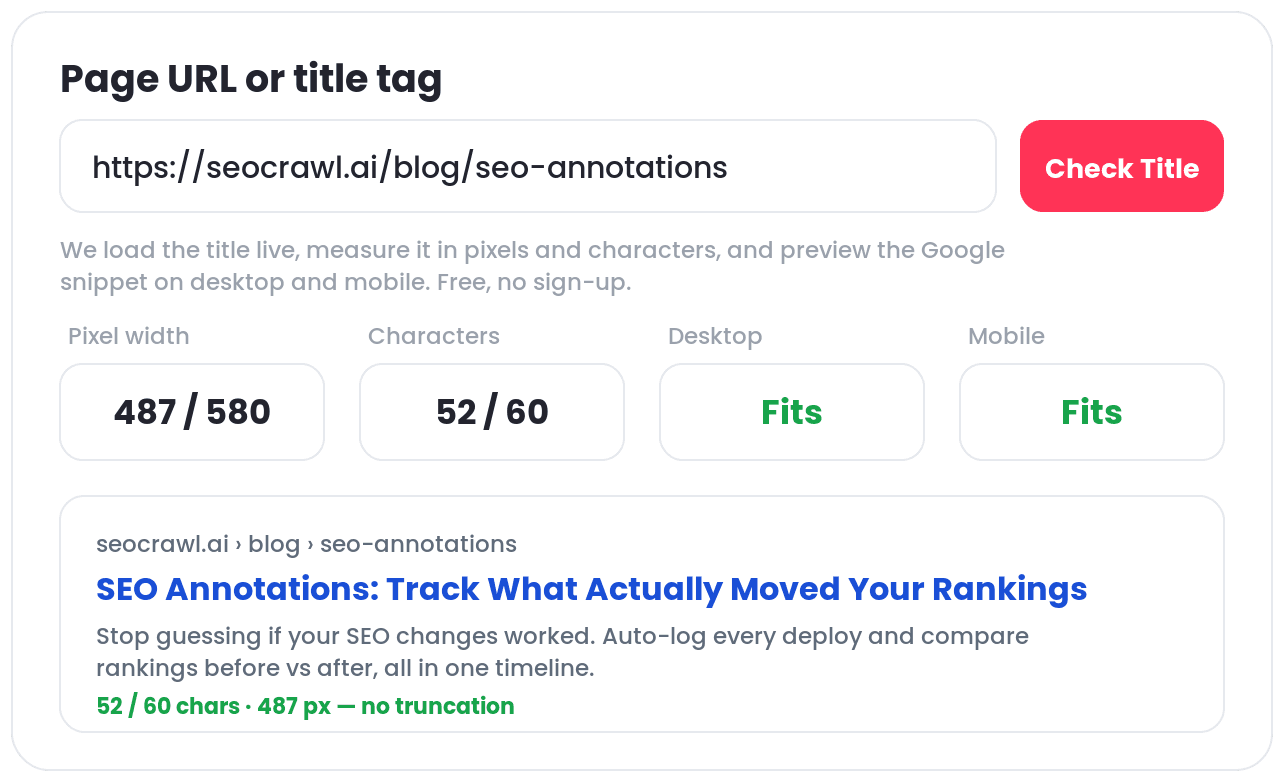
https://seocrawl.ai › blog › seo-annotations
SEO Annotations | Track Changes & Measure Impact Automatica…
Stop guessing if your SEO changes worked. SEOcrawl AI's annotations auto-log every deploy and compare rankings before vs after.
Lorem ipsum dolor sit amet consectetur. Nibh.
Lorem ipsum dolor sit amet consectetur. Risus urna turpis.
Lorem ipsum dolor sit amet consectetur. Urna.
Lorem ipsum dolor sit amet consectetur. Id viverra dui.
Lorem ipsum dolor sit amet consectetur.
Lorem ipsum dolor sit amet consectetur. Neque varius.
More results from seocrawl.ai »
Seocrawl
https://seocrawl.ai › blog › seo-annotations
Lorem ipsum dolor sit amet consectetur. Velit lectus congue.
Lorem ipsum dolor sit amet consectetur. A dui aliquet et aliquam faucibus mattis auctor lacus. Vestibulum sed nisl sit egestas orci et tortor gravida.

SEO Annotations | Track Changes & Measure Impact Automatically
seocrawl.ai
SEO Annotations | Track Changes & Measure Impact Automatically
Stop guessing if your SEO changes worked. SEOcrawl AI's annotations auto-log every deploy and compare rankings before vs after. Seocrawl+2
Ask anything...
What you see — and when it matters
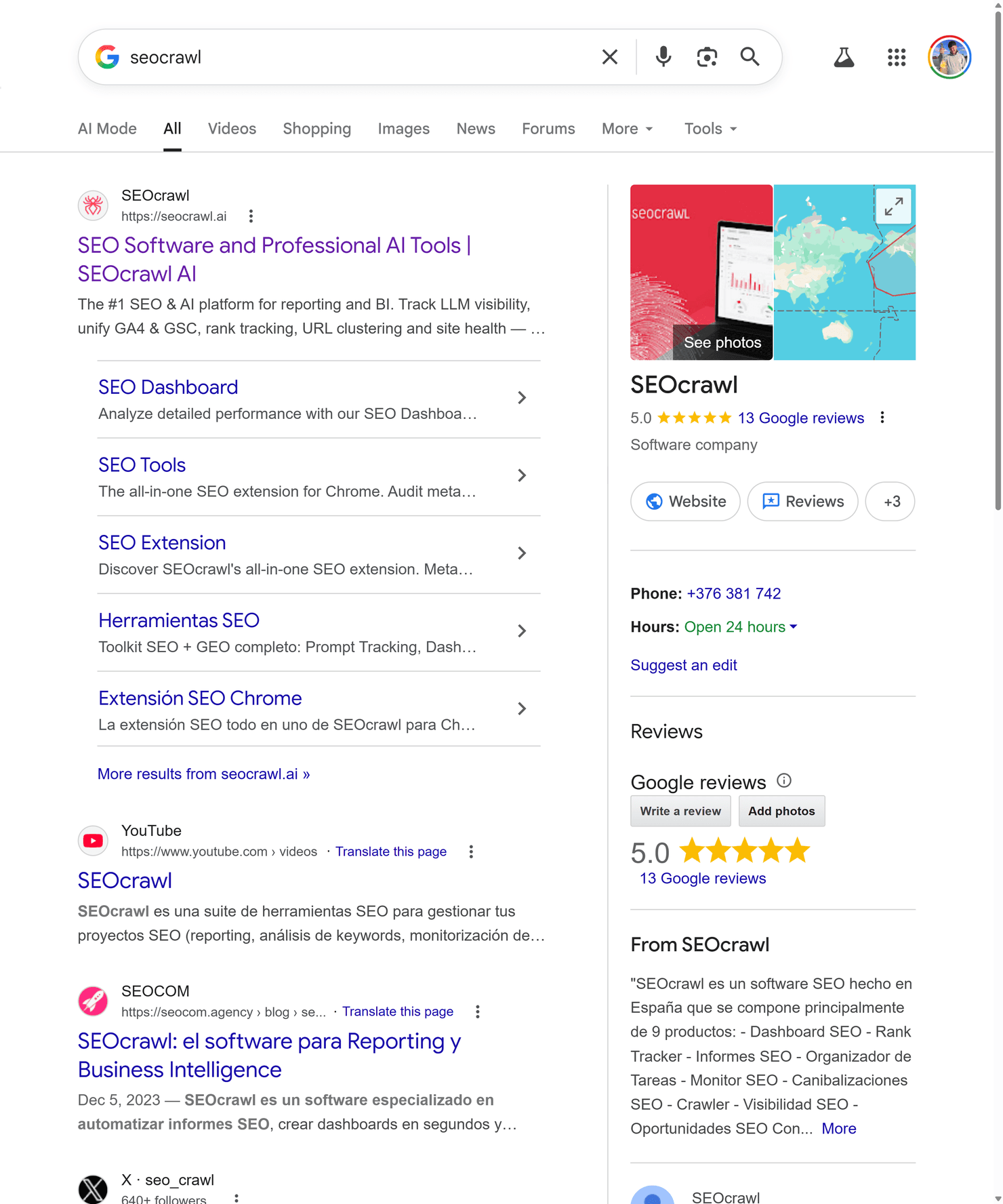
The SERP Simulator renders your title and meta description across the formats that matter today: Google Desktop, Google Mobile and Perplexity AI Overview. Live character counters and truncation warnings update as you type, so you're never guessing.
Did you know Perplexity renders snippets differently? Shorter title display, different meta weight. It's where a growing share of branded and product research now starts — and this is the only free SERP simulator that covers both in one view.
Use it when
- Before publishing a new page or updating existing meta tags
- After a site migration to verify nothing truncates across formats
- When A/B testing title tag variations for CTR
- To catch mobile truncation
- To optimize for Perplexity
Want to track snippet performance over time?
Knowing how your snippet looks is step one. Knowing whether the change moved CTR and impressions is step two — and that requires connecting to your actual data. SEOcrawl AI's SEO Annotations auto-log every deploy and overlay your changes on top of your rankings and traffic graphs. Make the change, mark it, and see exactly what it did.
Explore SEO Annotations →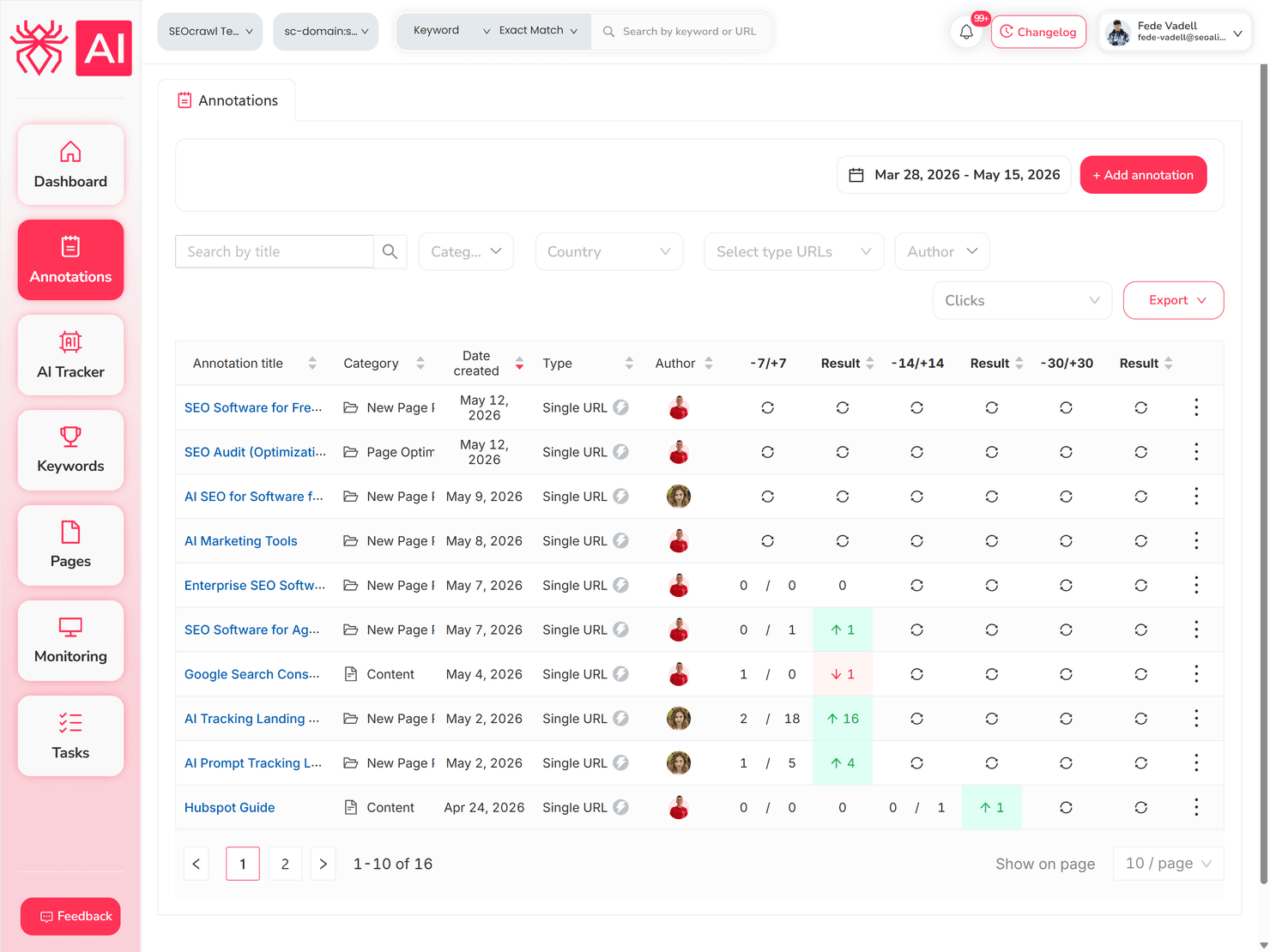
FAQs
Is there a free SERP simulator for Google?
SEOcrawl AI offers this free SERP simulator. Paste your title and meta description and get a live preview across Google Desktop, Google Mobile, and Perplexity. You don't need an account.
Does the SERP Simulator show mobile previews?
Yes. Google Mobile is one of the formats rendered by the tool. Mobile truncates titles differently than Desktop, so it can be worth checking both before you publish, especially on longer title tags.
How accurate is the character count vs real Google rendering?
The simulator uses the same pixel-based thresholds Google applies: roughly 600px for Desktop titles, slightly more for Mobile. The exact render can vary by a few characters depending on font weight and device, but the truncation warnings are a reliable signal for anything near the limit.
Can I use it for client work?
Yes. No account required, no usage cap, no attribution needed. The only limit is one URL check at a time. For bulk checks across a full site or continuous monitoring, the SEOcrawl AI platform has you covered.
Does it preview Perplexity AI Overviews?
Yes. As far as we know, it's the only free SERP simulator that does. Perplexity renders title tags shorter than Google Desktop and weights meta descriptions differently. If you're optimizing for AI search visibility, checking both previews before publishing is worth the extra ten seconds.