SEO Monitor Tool
Control every change on your site
The system detects changes on your most important URLs and alerts you automatically, so nothing slips through unnoticed.
12 SEO signals monitored · Real-time alerts
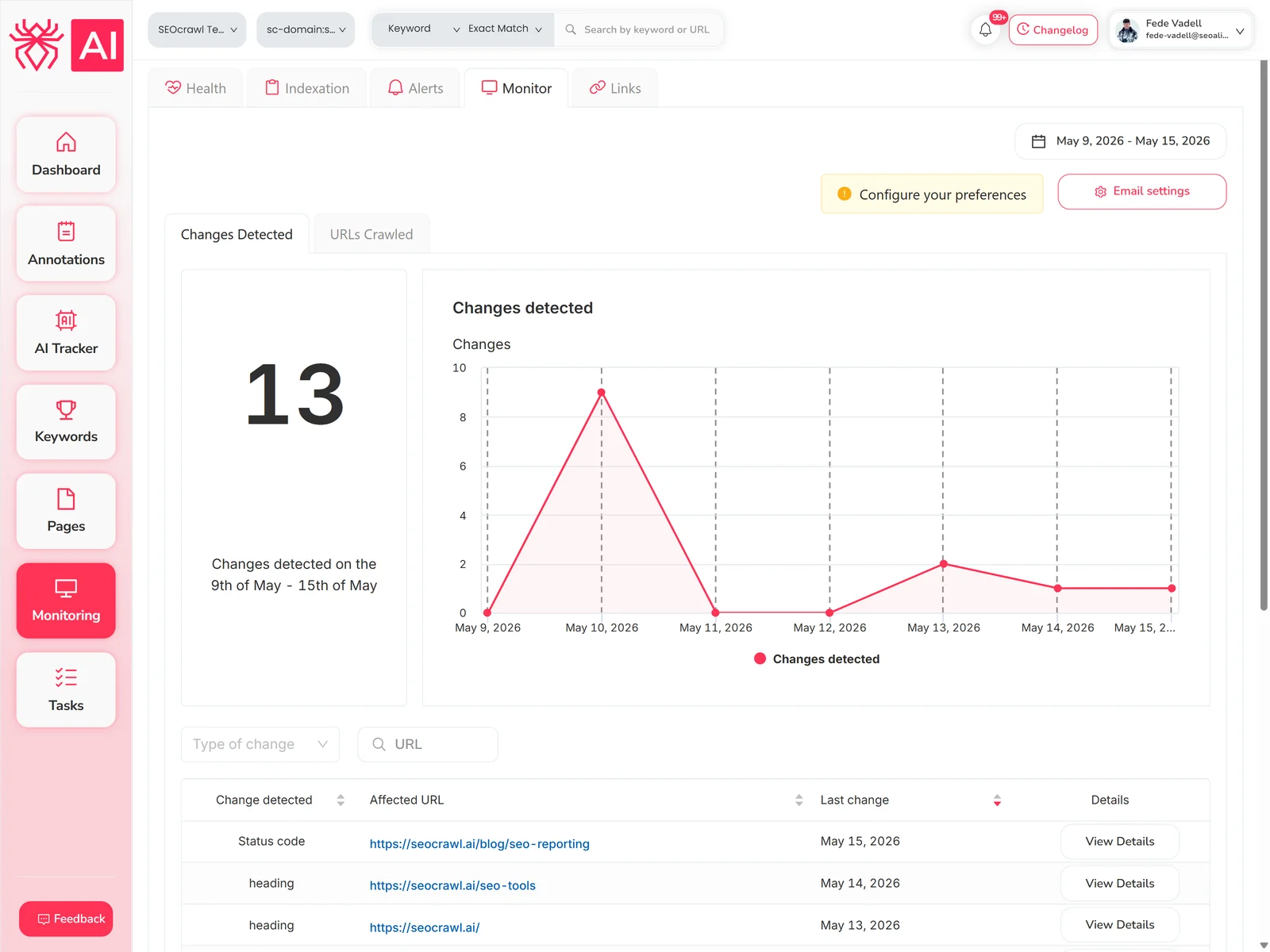
How does the SEO Monitor work?
SEO Monitor tracks your project's most important URLs and alerts you to any changes based on preferences you define, with two views.
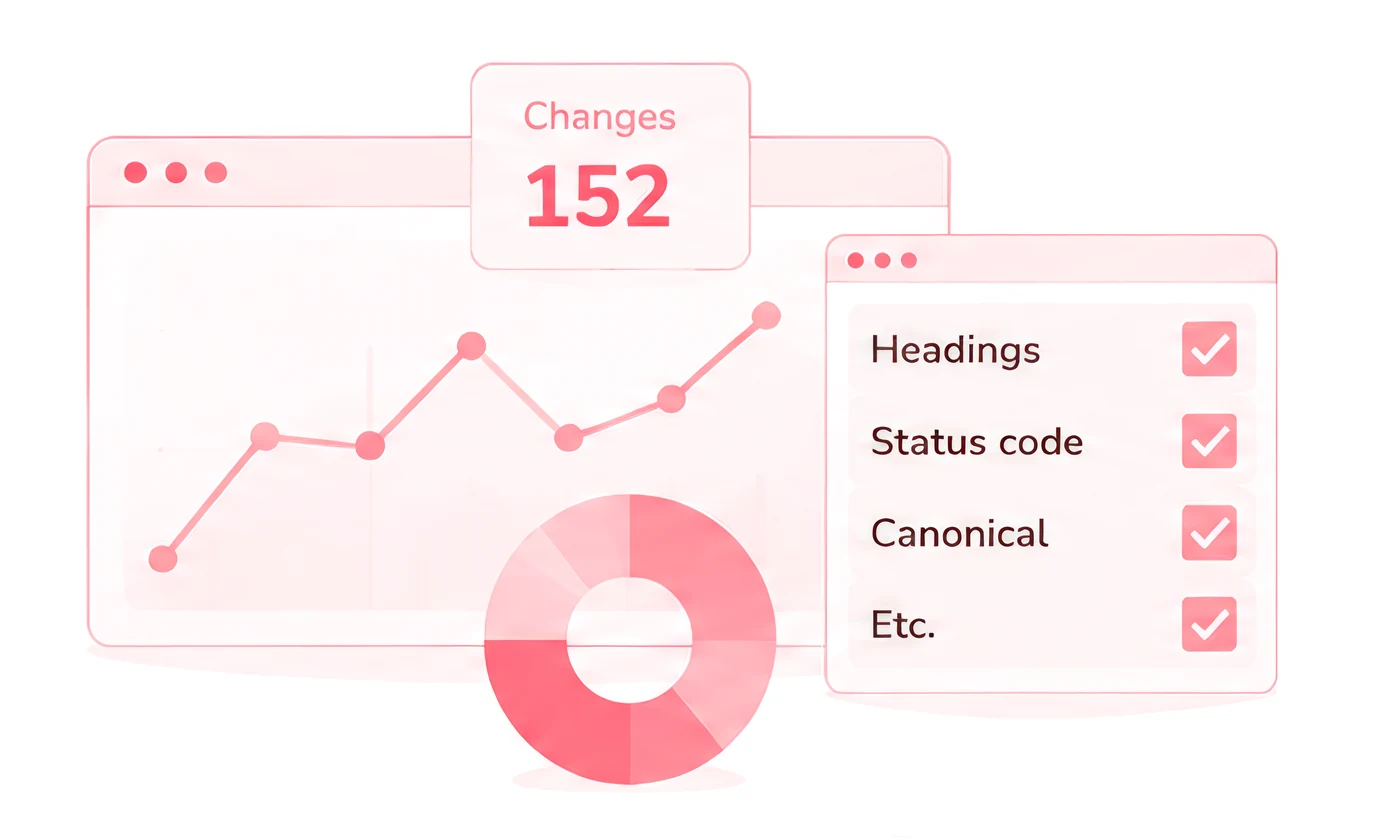
Change monitor
A graph with the number of changes detected each day, a full list by type (headings, status code, canonical, etc.), and filters to review changes by type or by URL.
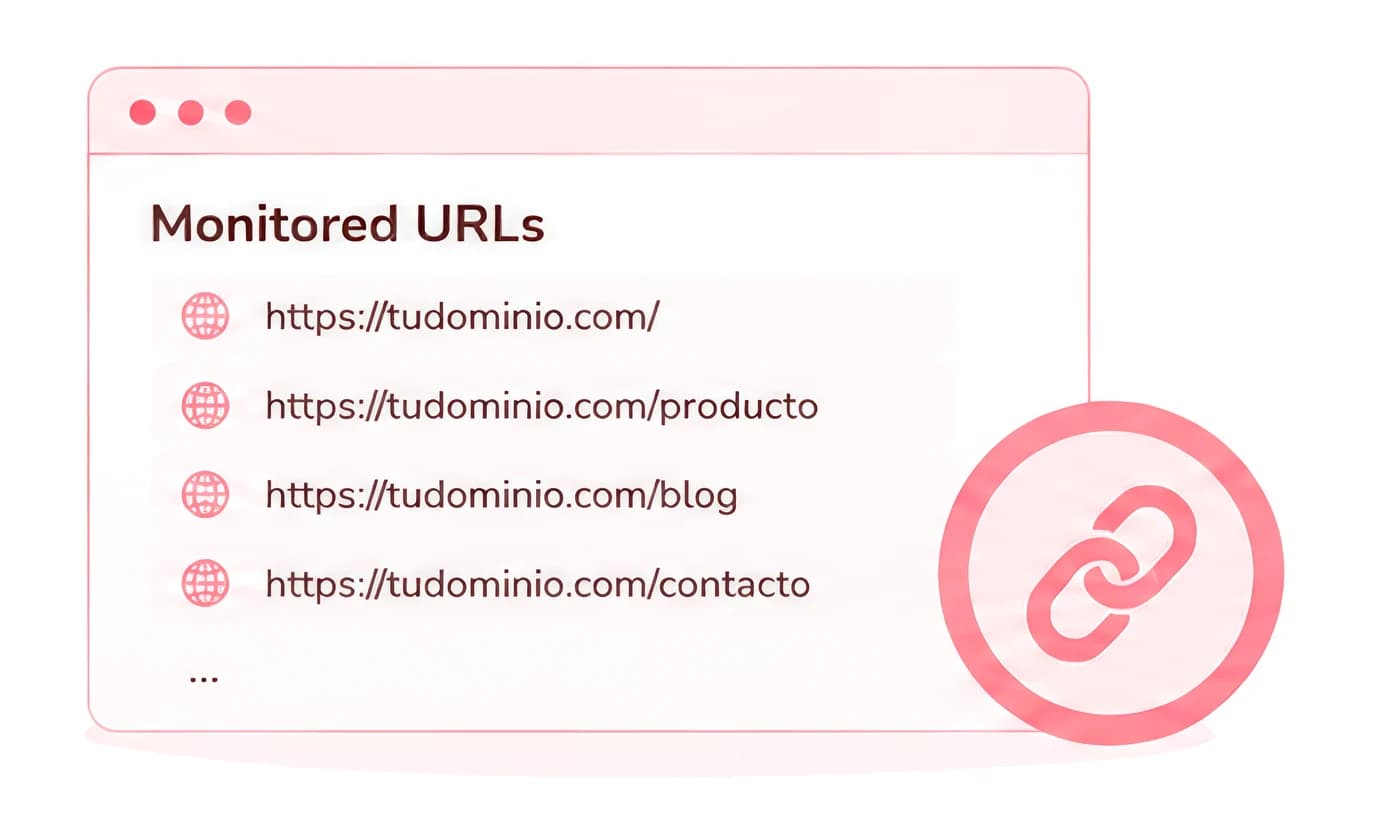
URL monitor
A list of all monitored URLs. By default it adds your top URLs by organic traffic, and you use credits to add the ones that matter most to your business.
What elements does SEO Monitor control?
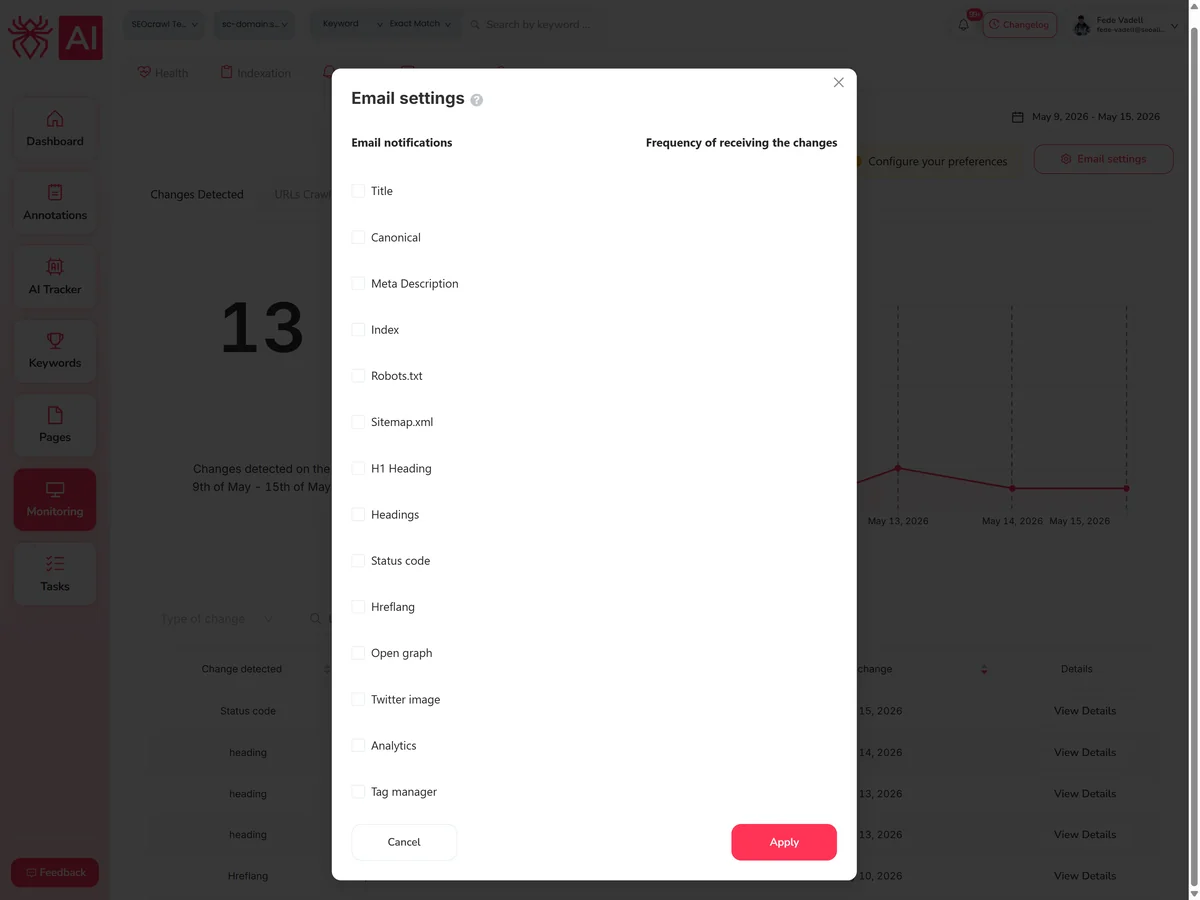
You decide which elements to monitor and how often you get notified about each one.
Title
Notifies you when the SEO title of a page changes, so you can confirm whether it was intentional or not.
Canonical tags
Alerts you if a canonical tag changes, disappears, or isn't correctly identified — preventing Google from de-indexing or bypassing the page.
Meta description
Catches changes that could affect CTR, especially around key commercial dates like Black Friday or sales periods.
Indexing
Alerts you if a page gains a noindex tag — critical if it happens to your homepage or highest-revenue pages.
Robots.txt
Monitors the file that controls search engine access to your site. If it disappears or gains a disallow rule, you'll know immediately.
Sitemap.xml
Tracks URLs as they appear and disappear from your sitemap — so indexing issues don't catch you off guard.
Headings
Shows the new heading structure clearly when on-page changes are made, so you can spot problems or improvements.
Status codes
Alerts you if a key page gets redirected or returns a 404 — before it damages your rankings.
Hreflang
Detects broken or new international tags the moment they change.
Open Graph
Monitors OG metadata so a broken image or tag doesn't silently kill your social traffic.
Google Analytics and Tag Manager
Catches the moment a deploy breaks or removes your Analytics or Tag Manager code — before you lose days of data.
Email notifications
- For each element, you can set the frequency of email alerts.
- SEOcrawl AI provides recommended defaults, but you can adjust them.
- You can also include a daily digest with all detected changes.
Built for teams that can't afford to miss a thing
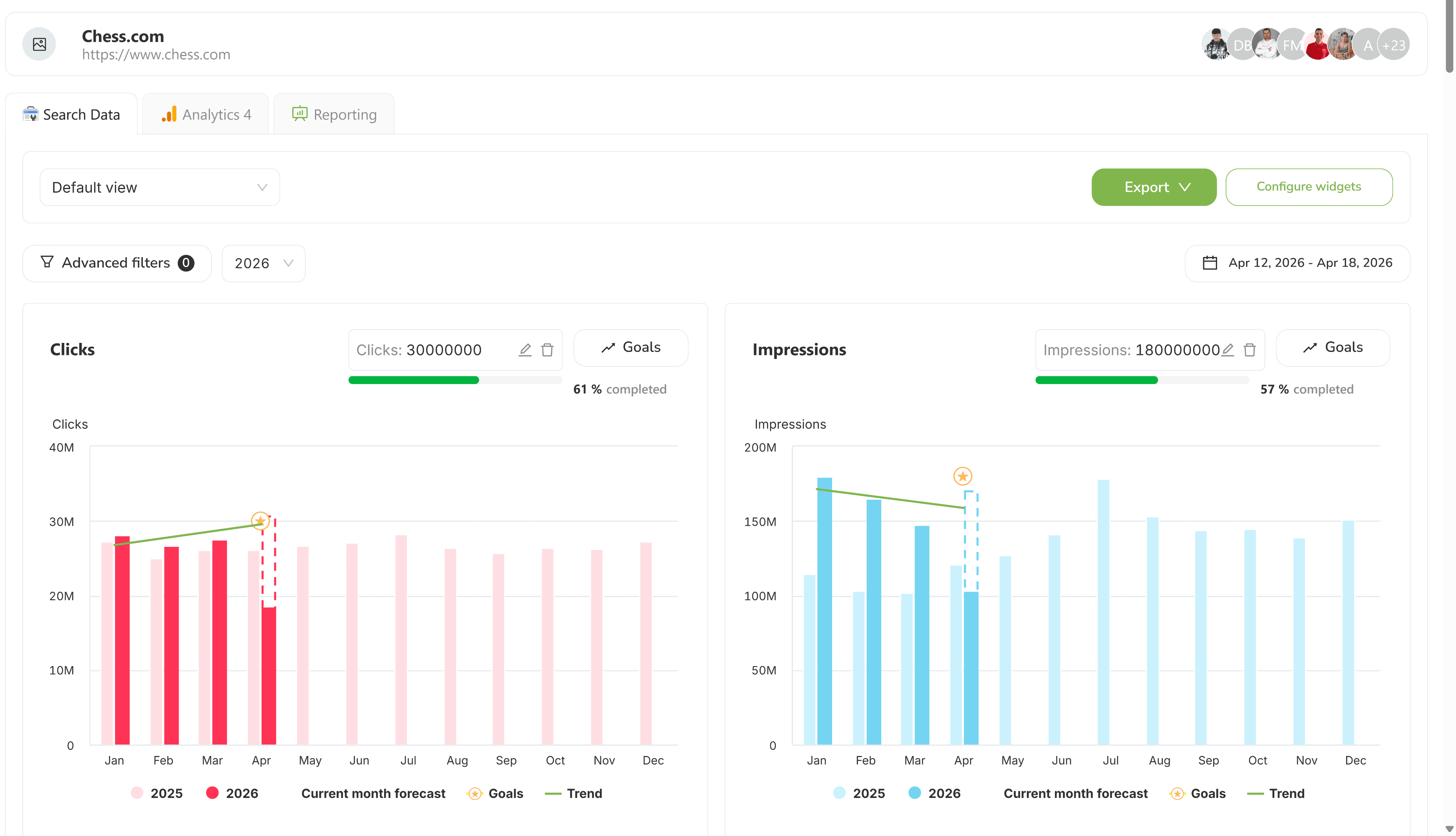
In-house SEO teams
Developers ship code daily. SEO Monitor flags which deploys caused ranking or crawl changes before the next sprint closes.
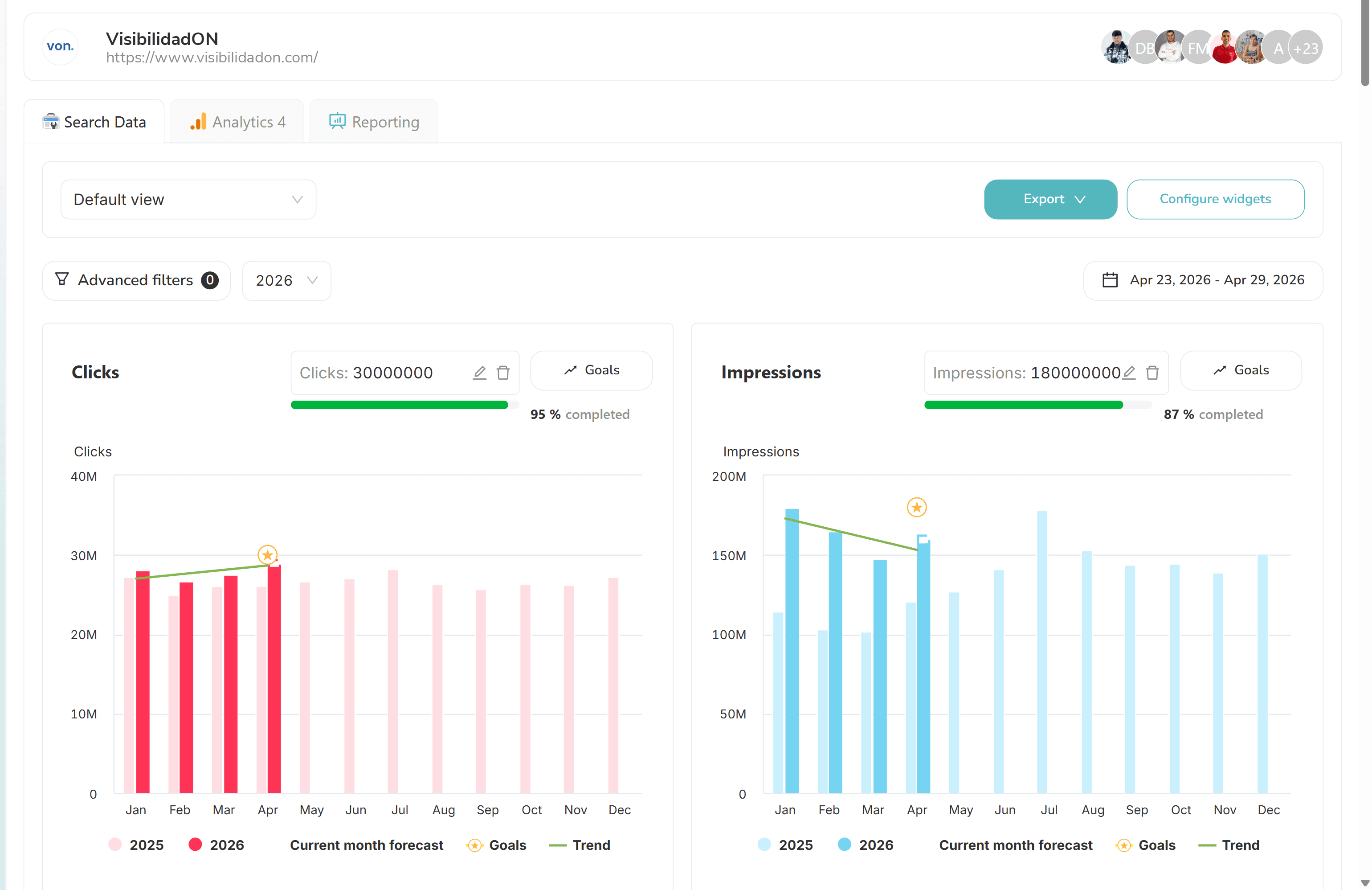
SEO agencies
White-labeled alerts and dashboards keep clients informed in real time. You're the first to know when something goes wrong.
Enterprise SEO
Roll up alerts across 50+ domains with market-level drill-down. Enterprise plan includes RBAC so every team sees the sites they own.
FAQs
What is SEO Monitor?
SEO Monitor is a code monitoring system that tracks changes on your most important URLs and alerts you automatically. It has two views: Change Monitor, which shows all detected changes by type and day, and URL Monitor, which shows the status of each monitored URL individually.
Which elements does SEO Monitor track?
It monitors 12 elements: title, canonical tags, meta description, indexing, robots.txt, sitemap.xml, headings, status codes, hreflang, Open Graph, Twitter tags, and Google Analytics/Tag Manager code.
How does SEO Monitor decide which URLs to monitor?
By default, the SEO monitor adds your top URLs based on organic traffic. From there, you use credits to add the URLs that are most important to your business.
How often will I get notified about changes?
You control the alert frequency per element. SEOcrawl AI provides recommended defaults, but you can adjust each one, including a daily digest with all changes detected that day.
Can I filter changes by type or by URL?
Yes. The Change Monitor includes filters to review changes by element type (headings, status code, canonical, etc.) or by specific URL.
What happens if I click "View details" on a URL?
It opens a page showing all changes detected on that specific URL, giving you a full history of what changed and when.
Is SEO Monitor included in the Pro plan?
SEO Monitor is available on all SEOcrawl AI plans. The number of monitored domains and the alert frequency increase with each tier. The Enterprise plan includes unlimited domains, hourly crawl refresh, and custom alert routing.
Want to see it in action?
Let us show you SEO Monitor live, on your own URLs — book a 30-minute call with our team.
More SEO Tools
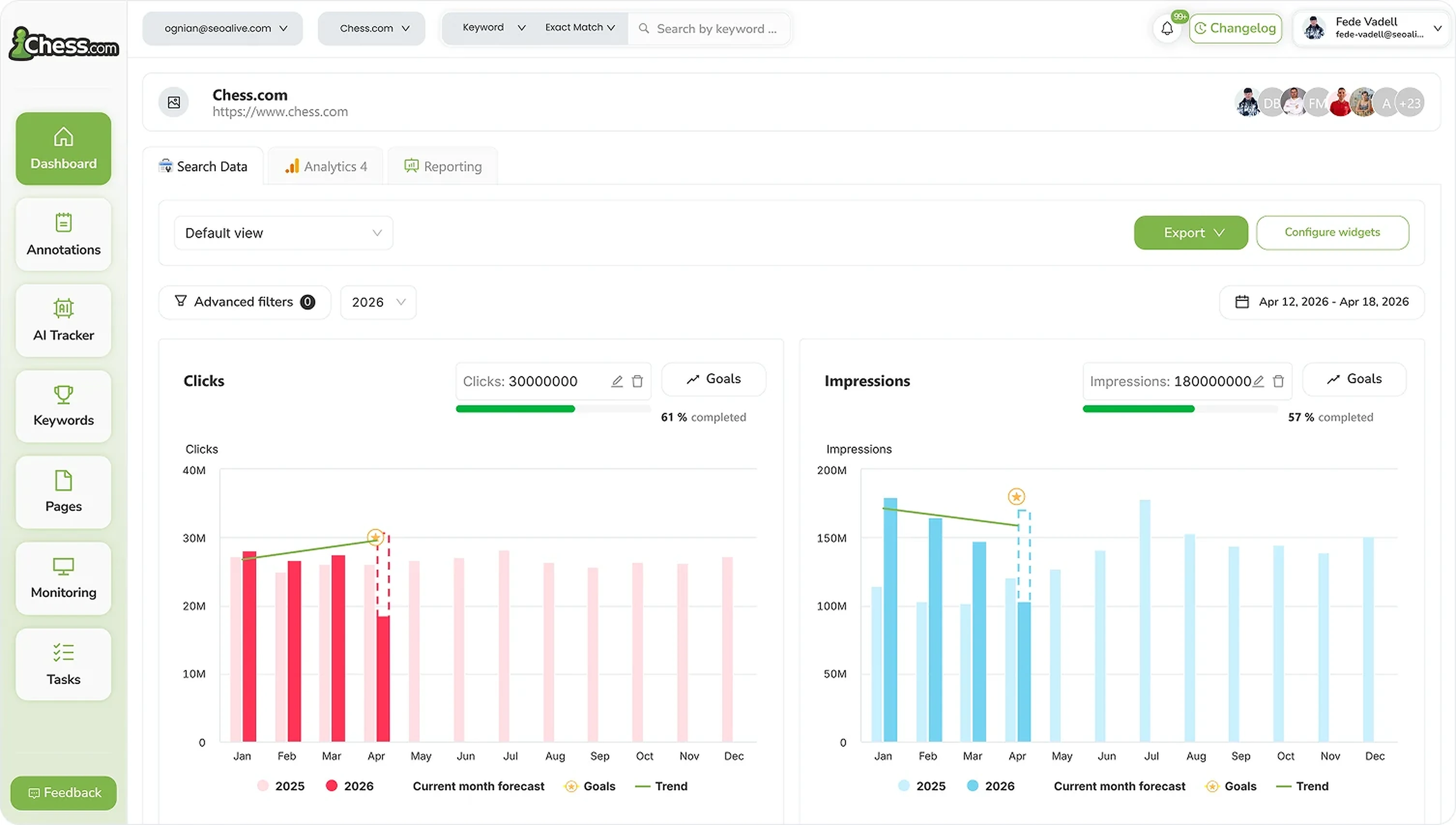
SEO Dashboard
Performance, growth and traffic prediction with unlimited Search Console data.

Rank Tracker
Unlimited keyword tracking with smart clusters, tags and heat maps.
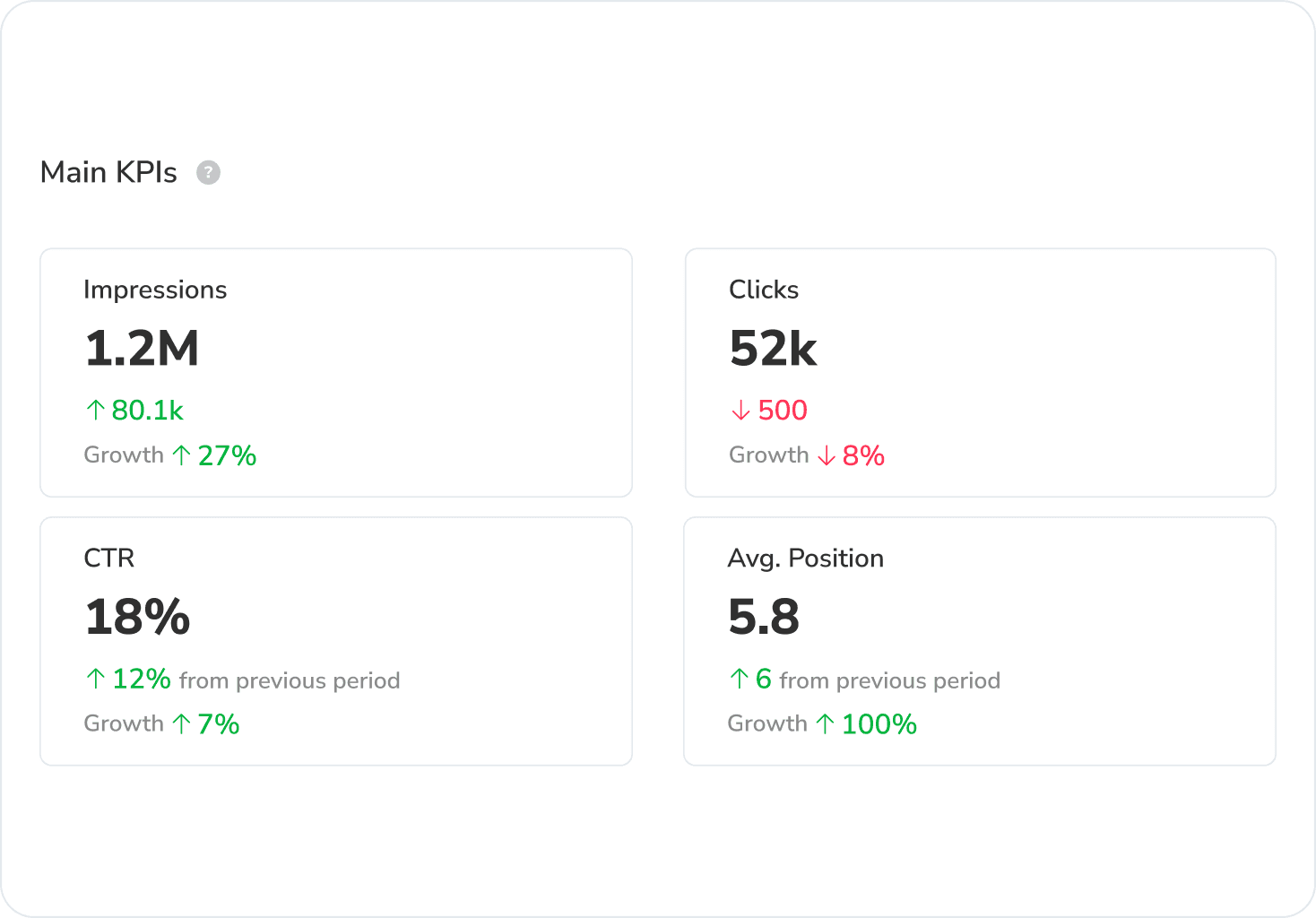
Google Discover Dashboard
Track Google Discover impressions, clicks and CTR in a dedicated dashboard, separated from Search.
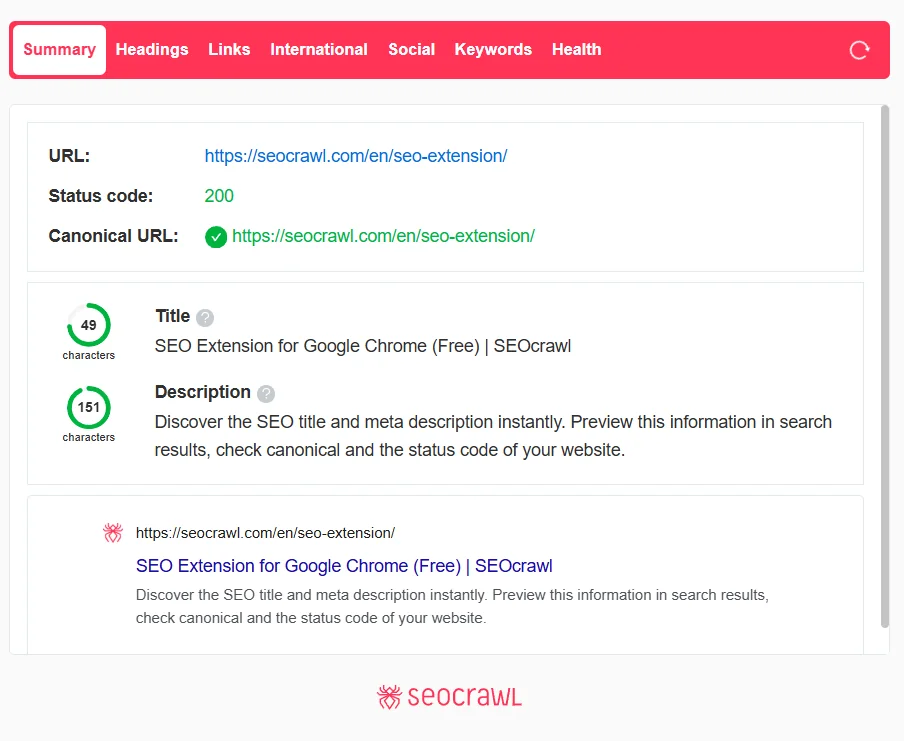
SEO Extension
Free Chrome extension for one-click on-page SEO audits.
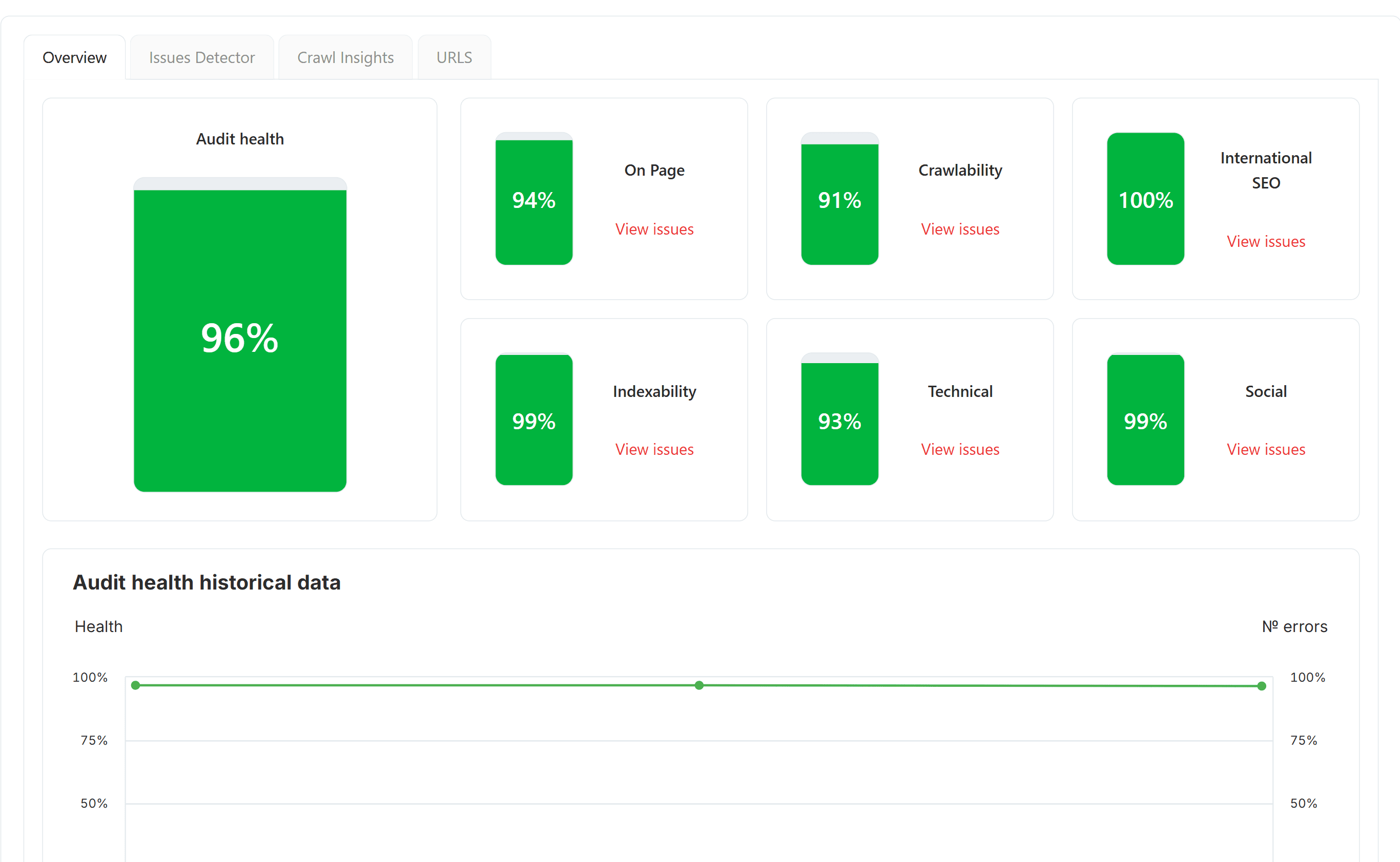
SEO Audit
Free SEO audit tool — crawl every page and get a global Audit Health Score in seconds.
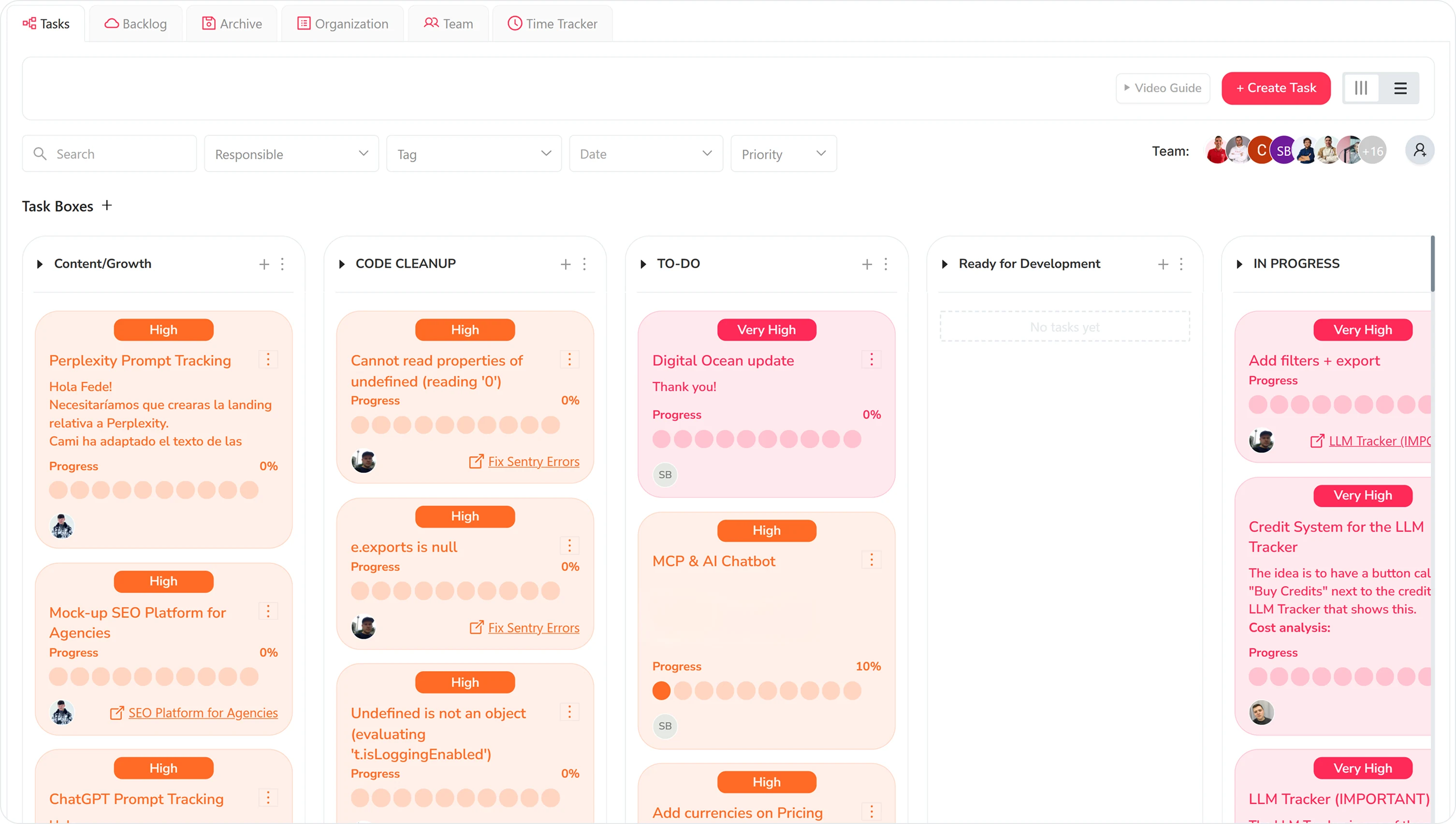
Task Manager
Kanban board to organize SEO tasks, priorities and team workflow.
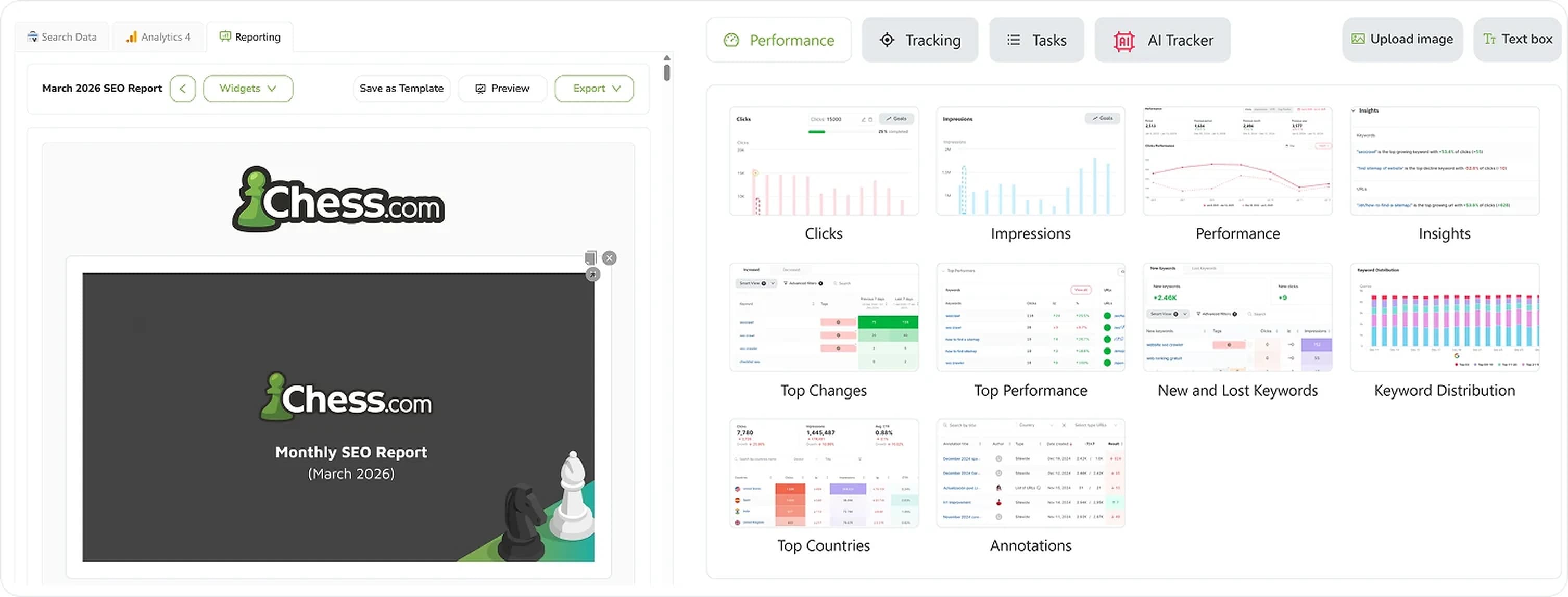
SEO Reporting
Automate SEO reports with real Search Console and GA4 data. Templates, custom branding, CNAME, scheduled delivery.
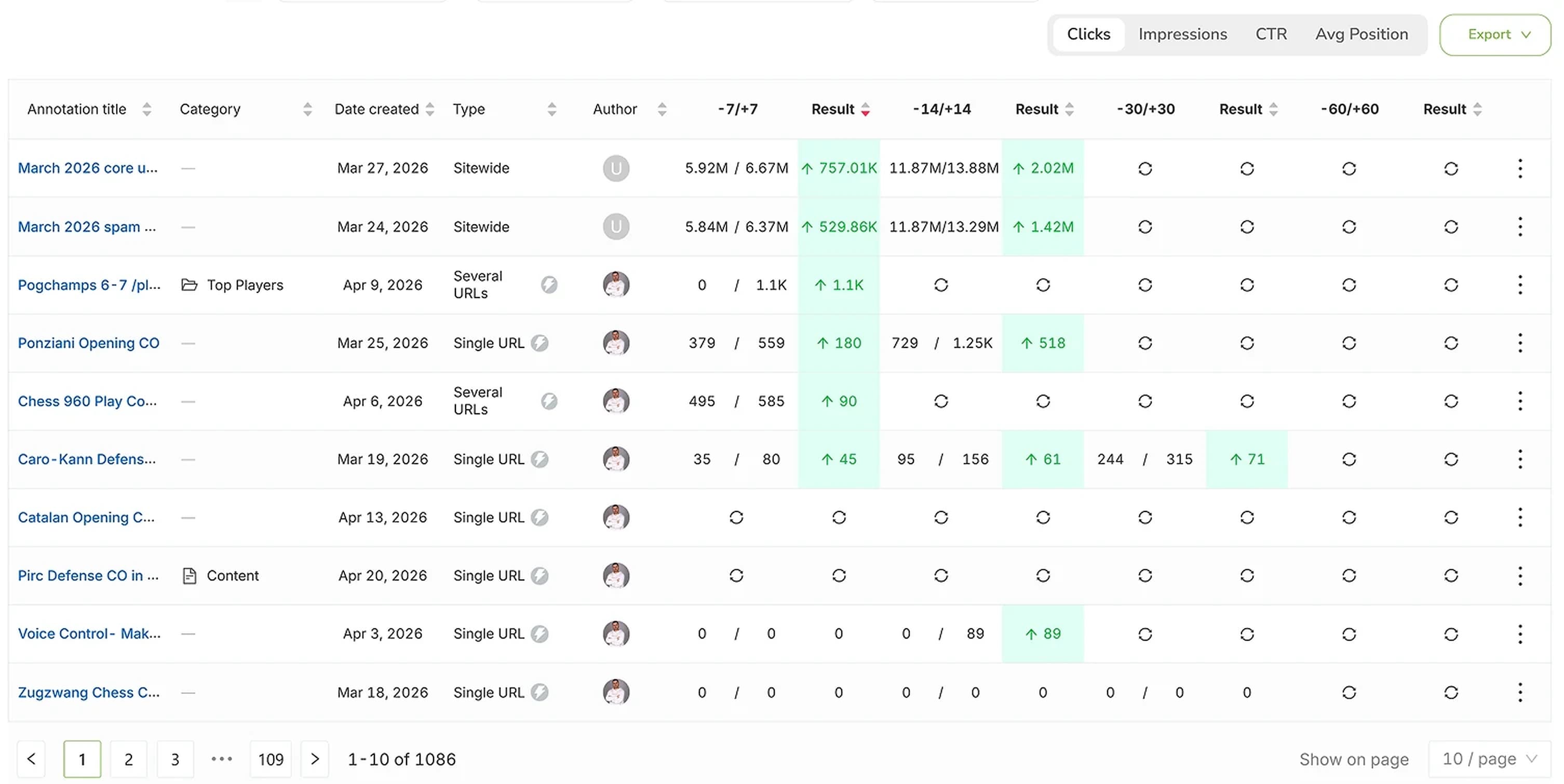
SEO Annotations
Mark every site change on every chart and see the real impact on rankings, clicks and impressions.