


Manage your subscription
Find your plan and payment details, and where to get help with invoices and changes.
1 min read · Last updated November 11, 2026

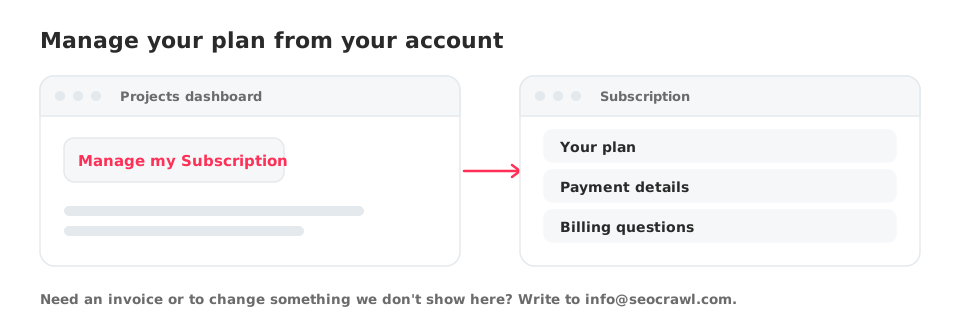
Your plan and payment details live under Manage my Subscription.
Open it
- Go to your Projects dashboard.
- Click Manage my Subscription in your account area.
- Review your plan and payment details.
Change plan, invoices or cancellation
For plan changes, invoices or anything you cannot find on the Subscription page, write to info@seocrawl.com and the team will help you. Mention the email you sign in with.
See also: Plans, limits and weekly prompts.