SEO Annotations
Measure the impact of every change you make
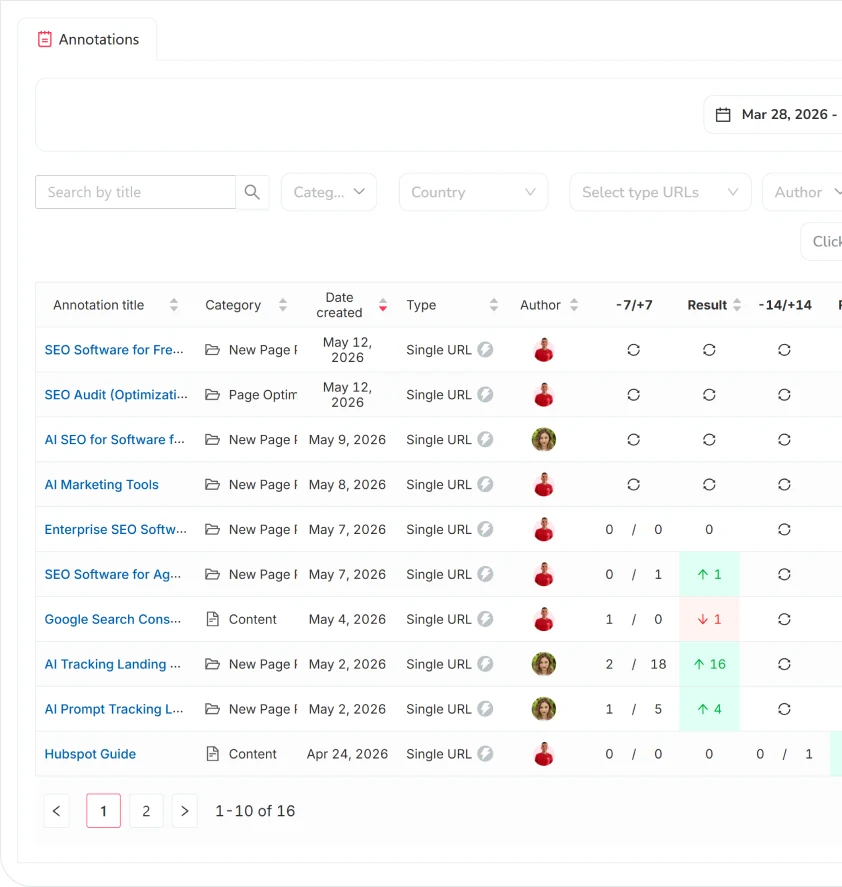
Record a change, define which URLs are affected, and SEOcrawl automatically shows you the result. Cut one hour of analysis to a minute.
How it works
Three steps from a change to a measured impact report — without leaving SEOcrawl.
Add an annotation
Click "+ Add annotation." Give it a title, select a category, add a description, and set the date.
Define the scope
Specify how many URLs are affected: a single URL, several URLs, a list of URLs, or sitewide. Then select which keywords to track.
Assign and save
Choose who receives the results by email and save. SEOcrawl takes it from there.
What you get automatically
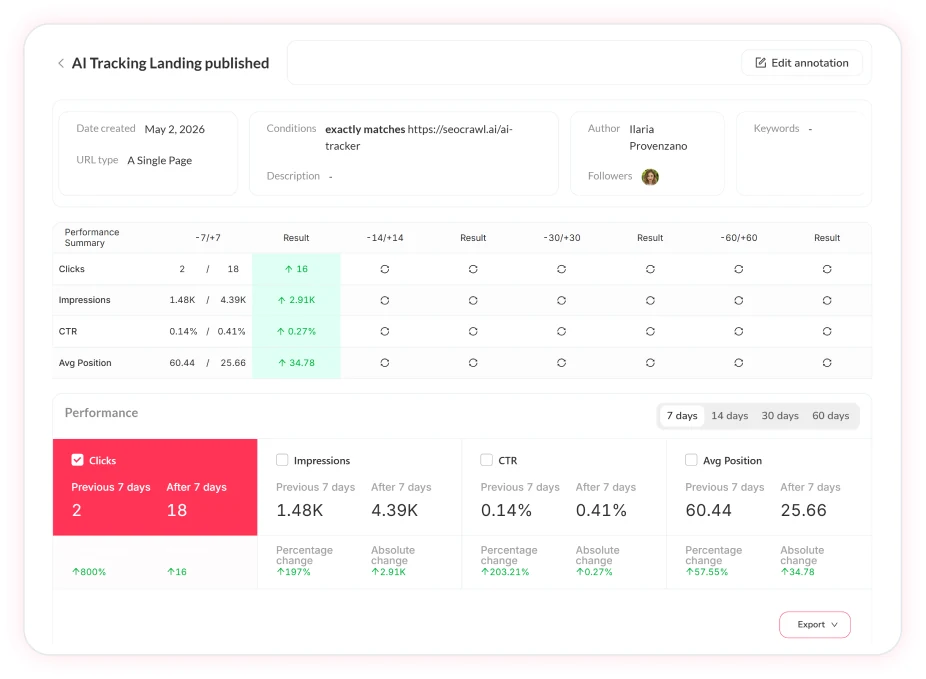
Once the annotation is saved, SEOcrawl generates a custom report showing:
- A visual graph with the impact on all metrics for the affected URLs
- A comparison table with data 7, 30, and 60 days before and after the change
No filtering by URL. No manual cross-referencing. The system builds the report around the scope you defined.
What changes can you annotate
Bonus: Integration with the Task Manager
If you use SEOcrawl's Task Manager, when you mark a task as "done" the system asks if you want to add it as an annotation. If yes, it's created automatically, no need for extra steps.
Would you like to add an annotation?
The annotation will be added to the task Separate Server For Workers
FAQs
What are SEO Annotations?
SEO Annotations let you record any change made to your site (a content update, a technical fix, a new page) and automatically measure its impact on clicks, impressions, and keyword positions. Define which URLs are affected, and SEOcrawl shows you the before/after data at -7/+7, -14/+14, and -30/+30 days. No spreadsheets, no manual cross-referencing.
How is this different from annotations in Google Search Console?
GSC annotations show you when something happened, but don't measure what changed. SEOcrawl Annotations automatically generate a report with before/after performance data for the specific URLs and keywords you define, segmented by time window.
What URL scope options can I define per annotation?
Four options: single URL, several URLs, list of URLs, or sitewide. You also choose whether to track all associated keywords or a specific list, so the report is scoped to exactly what the change affected.
Who receives the results and when?
When creating an annotation, you assign one or more users to receive the results by email. The report updates automatically as data comes in at the 7, 14, and 30-day marks.
Does it detect Google Core Updates automatically?
Yes. Google Core Updates are automatically detected and annotated, with no manual input required. Each one gets its own report, and you can see exactly which URLs were affected and in which direction.
How does it connect to the Task Manager?
When you mark a task as "done" in SEOcrawl's Task Manager, the system asks if you want to create an annotation. If yes, it's created automatically with the task details already filled in, so you don't duplicate work.
Want to see it in action?
Let us show you SEO Annotations live, on your own data — book a 30-minute call with our team.
More SEO Tools
SEO Dashboard
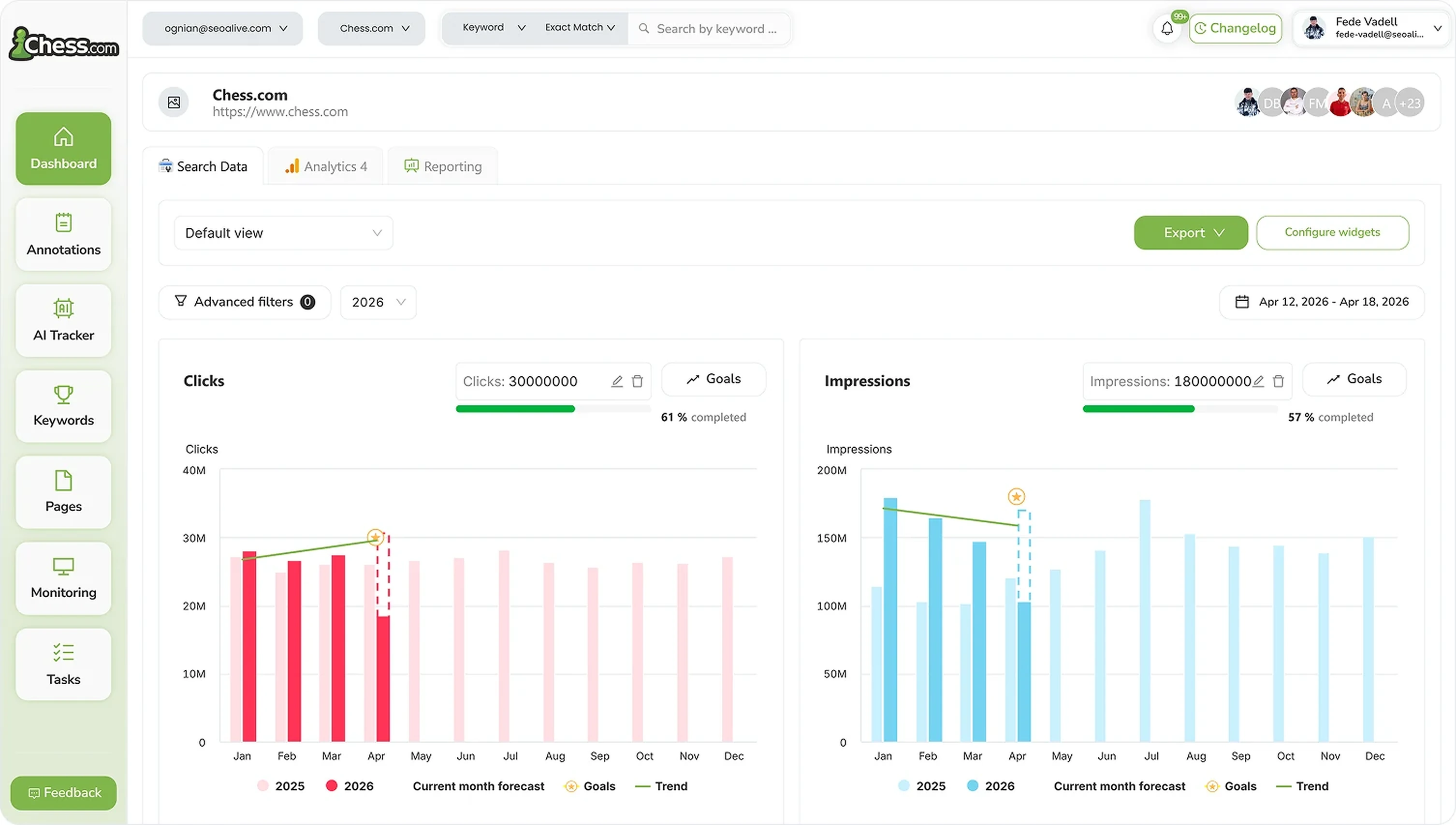
Performance, growth and traffic prediction with unlimited Search Console data.

Rank Tracker
Unlimited keyword tracking with smart clusters, tags and heat maps.
SEO Extension
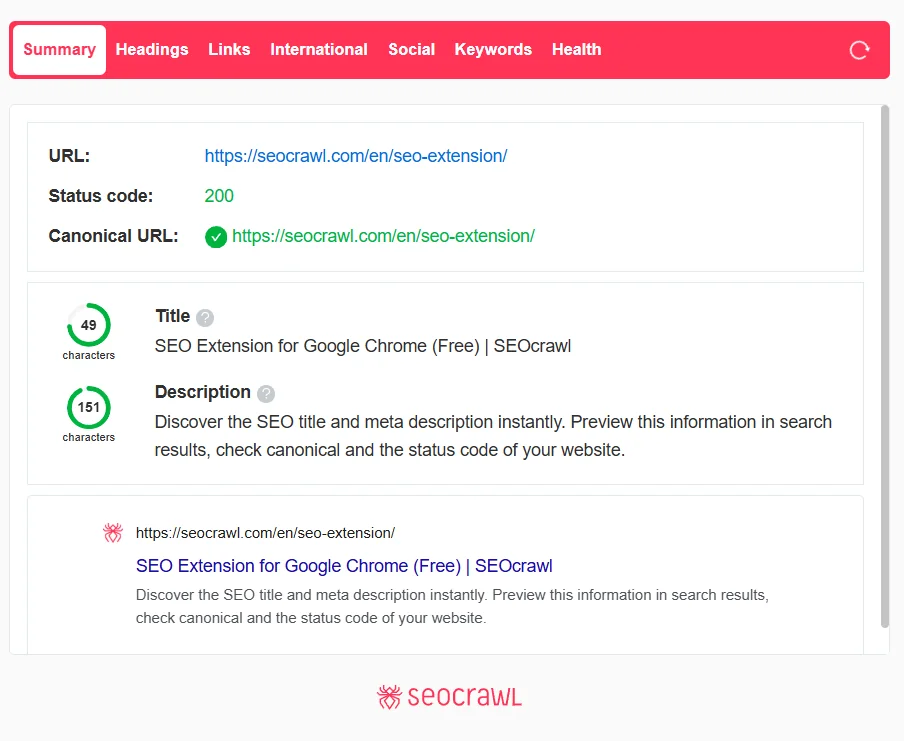
Free Chrome extension for one-click on-page SEO audits.
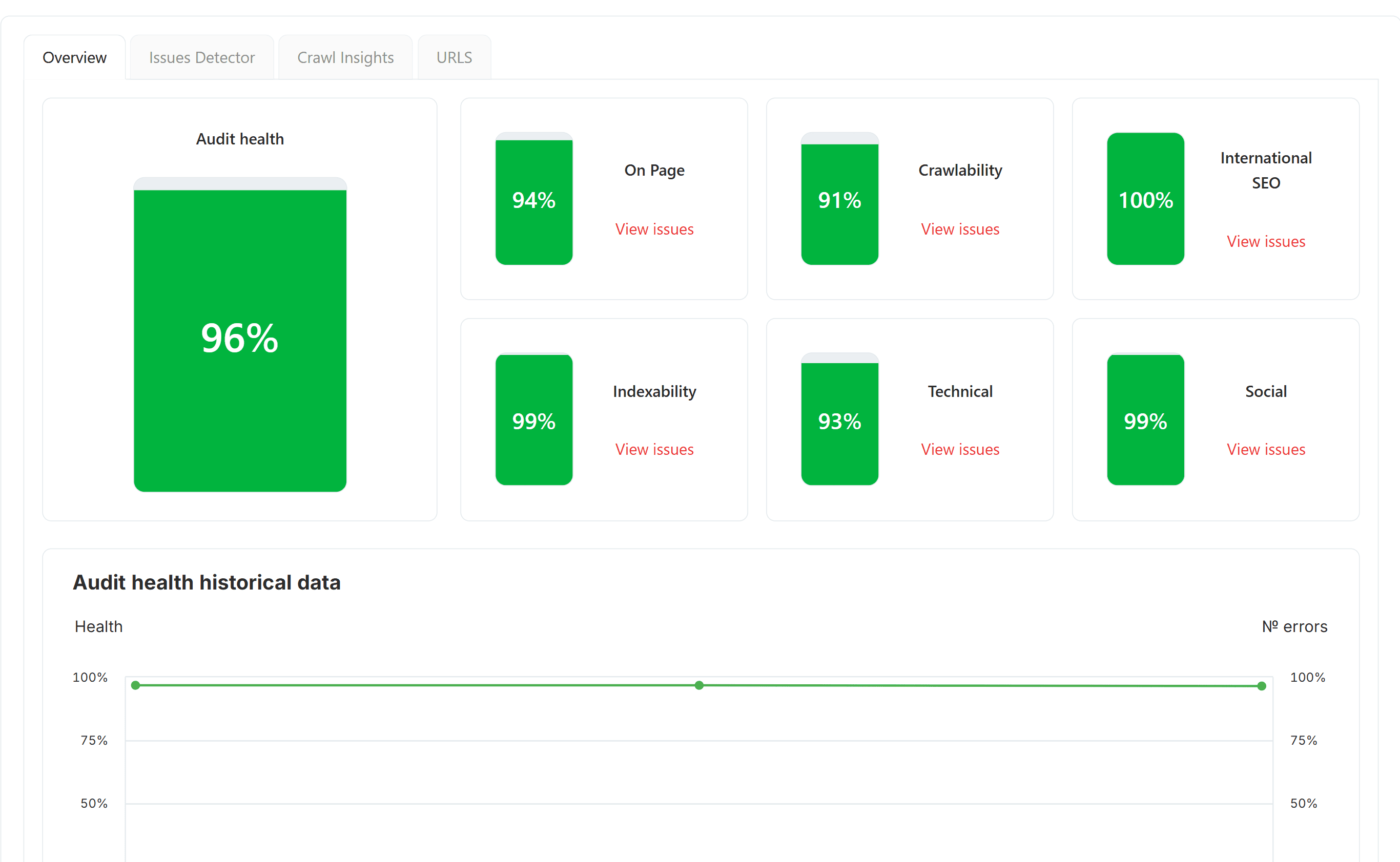
SEO Audit
Free SEO audit tool — crawl every page and get a global Audit Health Score in seconds.
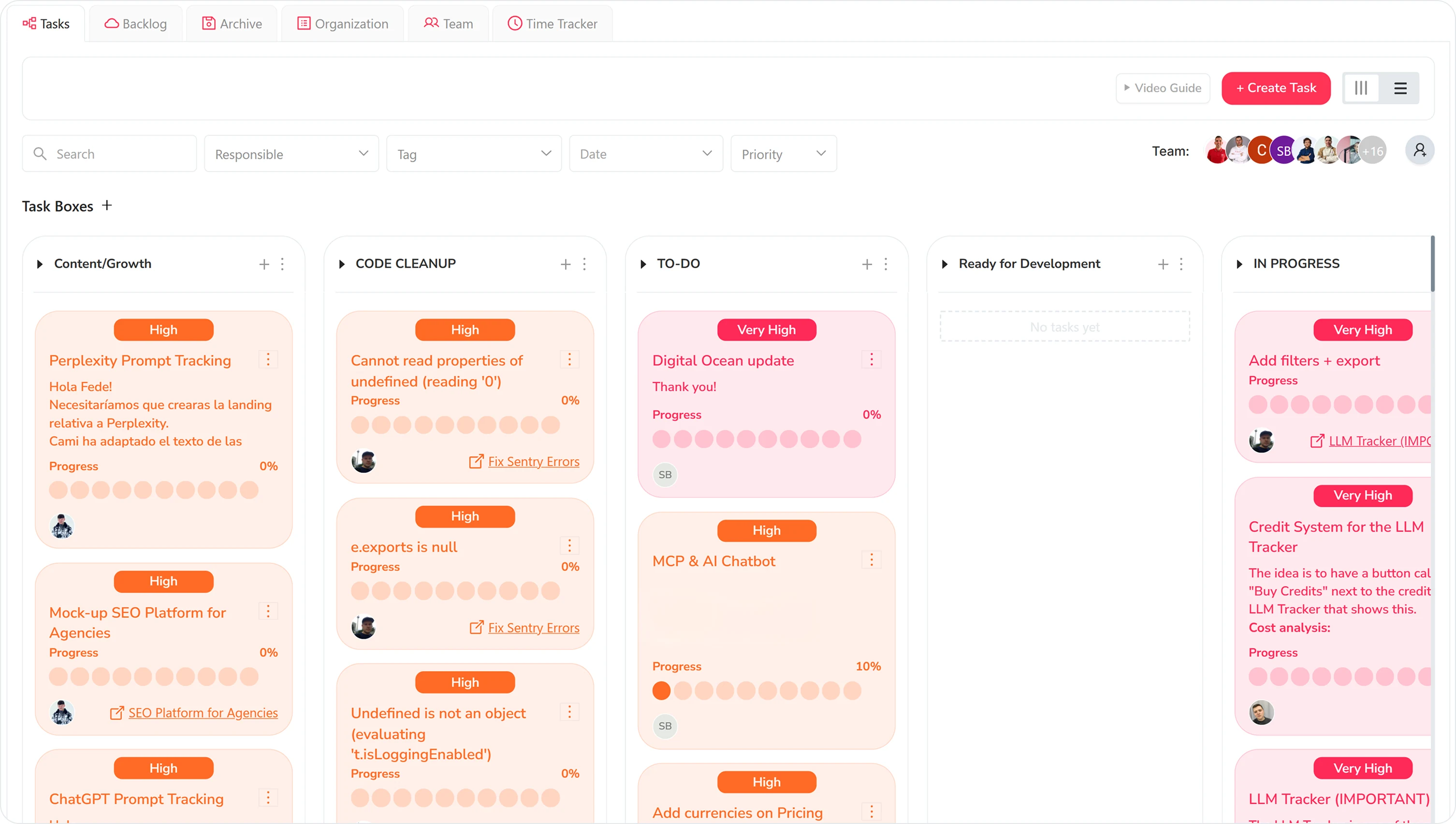
Task Manager
Kanban board to organize SEO tasks, priorities and team workflow.
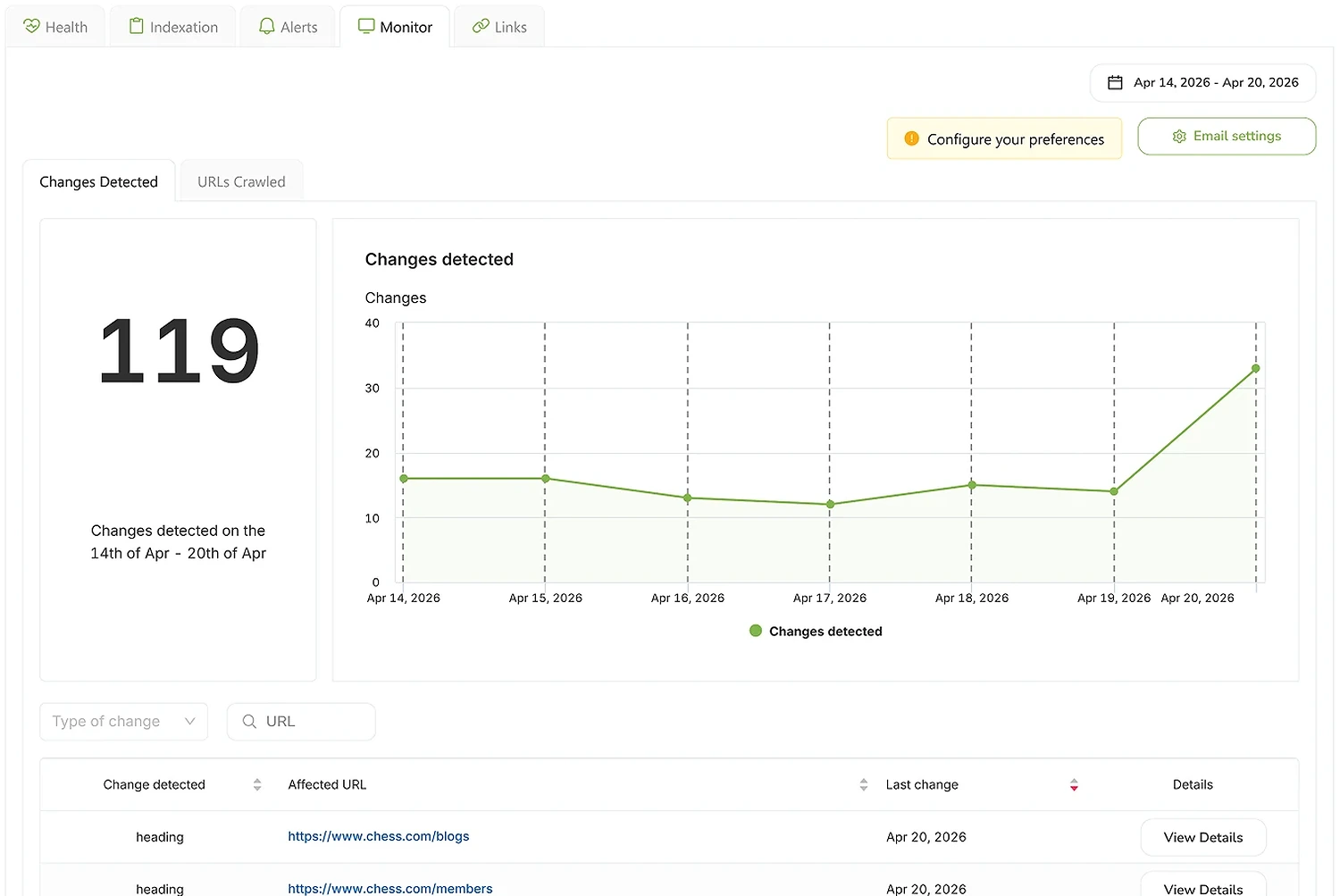
SEO Monitor
Real-time alerts on every site change that affects your rankings — status, robots, canonical, hreflang, noindex.
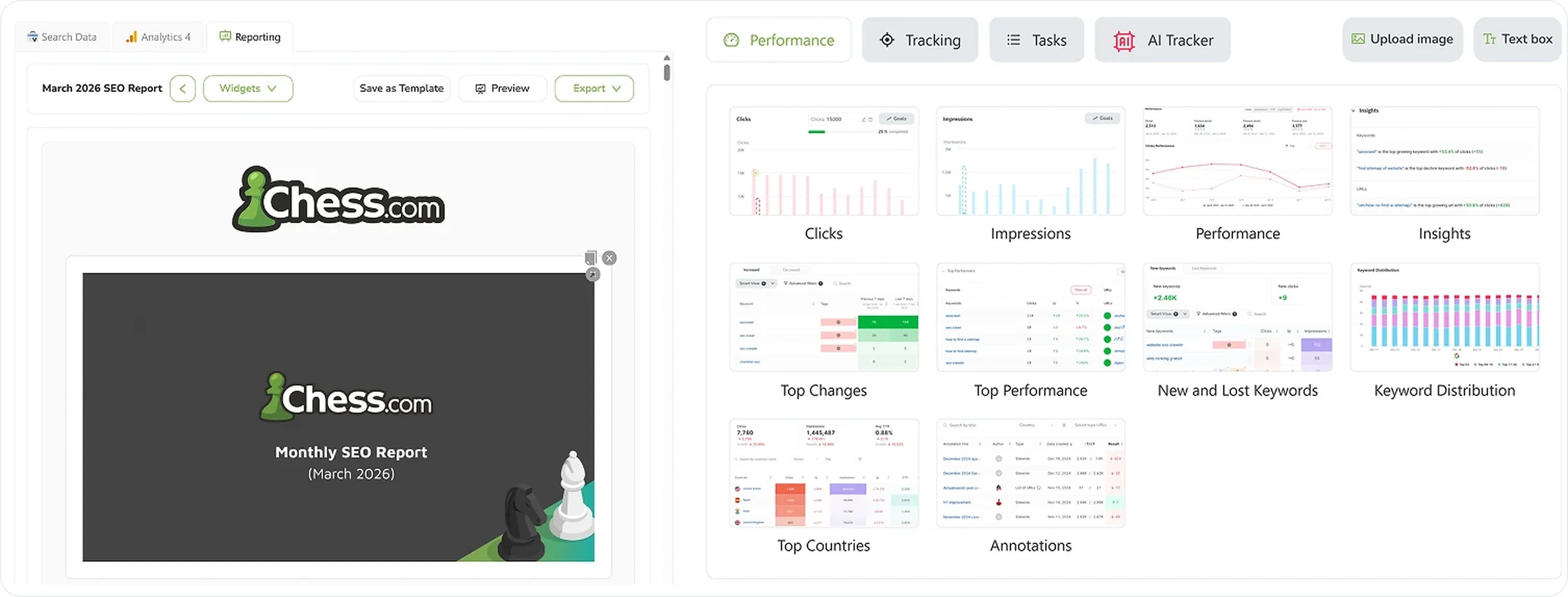
SEO Reporting
Automate SEO reports with real Search Console and GA4 data. Templates, custom branding, CNAME, scheduled delivery.