Verificator gratuit de tag canonical: auditează rel=canonical al oricărui URL
Lipește un URL și îi citim tagul canonical atât din head-ul HTML, cât și din antetul HTTP Link — apoi îți spunem dacă este autoreferențial, lipsă, cross-domain sau indică o redirecționare, plus exact ce trebuie reparat. Fără înregistrare.
Gratuit, fără înregistrare. Citim rel=canonical al paginii din HTML-ul și din anteturile HTTP, apoi îți spunem dacă este autoreferențial, cross-domain sau lipsă.
Ce este un tag canonical și de ce contează
Un tag canonical (rel="canonical") este o singură linie din head-ul HTML al unei pagini care numește versiunea principală a acelui conținut. Când aceeași pagină este accesibilă de la mai multe URL-uri — cu parametri de urmărire, slash-uri finale, variante cu majuscule sau versiuni de print și AMP — canonicalul îi spune Google ce URL să indexeze și să poziționeze și consolidează semnalele de linkuri asupra lui, în loc să le împartă.
Dacă îl greșești, poți dezindexa în tăcere pagini, irosi bugetul de crawl pe duplicate sau dilua autoritatea celor mai importante URL-uri ale tale. De aceea o verificare rapidă a canonicalului își are locul în orice checklist de publicare și migrare. Pentru o prezentare mai detaliată, citește ghidul nostru despre tagurile canonical.
Ce validează verificatorul de tag canonical
- rel=canonical în <head>-ul HTML
- rel=canonical în antetul HTTP Link
- Canonical autoreferențial vs. cross-page
- Canonical cross-domain
- Canonical care indică o redirecționare 3xx sau o pagină 4xx
- Taguri canonical multiple sau conflictuale pe același URL
- Nepotrivirea canonicalului cu URL-ul final după redirecționări
- Conflicte cu semnalele hreflang, og:url și noindex
Cum să citești rezultatul tău
Autoreferențial
Pagina indică propriul URL. Aceasta este configurația corectă și recomandată pentru orice pagină de sine stătătoare, indexabilă — elimină ambiguitatea și este exact ceea ce vrei să vezi.
Indică în altă parte / cross-domain
Canonicalul indică un URL diferit — o altă pagină de pe site-ul tău sau un domeniu diferit. Potrivit pentru duplicate și conținut sindicalizat, dar un semnal de alarmă dacă această pagină ar trebui să se poziționeze pe cont propriu.
Lipsă
Niciun canonical găsit în HTML sau în anteturi. Google va alege unul în locul tău. Adaugă un canonical autoreferențial ca să reiei controlul, mai ales pe paginile parametrizate sau duplicate.
Greșeli frecvente la canonical — și cum să le repari
Canonical către un URL redirecționat sau 404: canonicalul indică un URL care redirecționează sau nu mai există, așa că semnalul este irosit.
Remediere: canonicalizează întotdeauna către un URL final live, cu status 200.
Taguri canonical multiple: două sau mai multe taguri rel=canonical pe o pagină intră în conflict, iar Google le-ar putea ignora pe toate.
Remediere: păstrează exact un singur tag canonical per pagină.
Canonical cross-domain accidental: un șablon sau o migrare lasă canonicalul îndreptat către un domeniu de staging sau vechi.
Remediere: îndreaptă canonicalul către URL-ul corect de producție de pe acest domeniu.
Canonicalul intră în conflict cu alte semnale: canonicalul spune „indexează asta”, în timp ce un tag noindex, un blocaj robots sau o redirecționare spun altceva.
Remediere: aliniază canonicalul, robots, sitemapul și linkurile interne pe un singur URL.
Găsește problemele de canonical pe întregul tău site
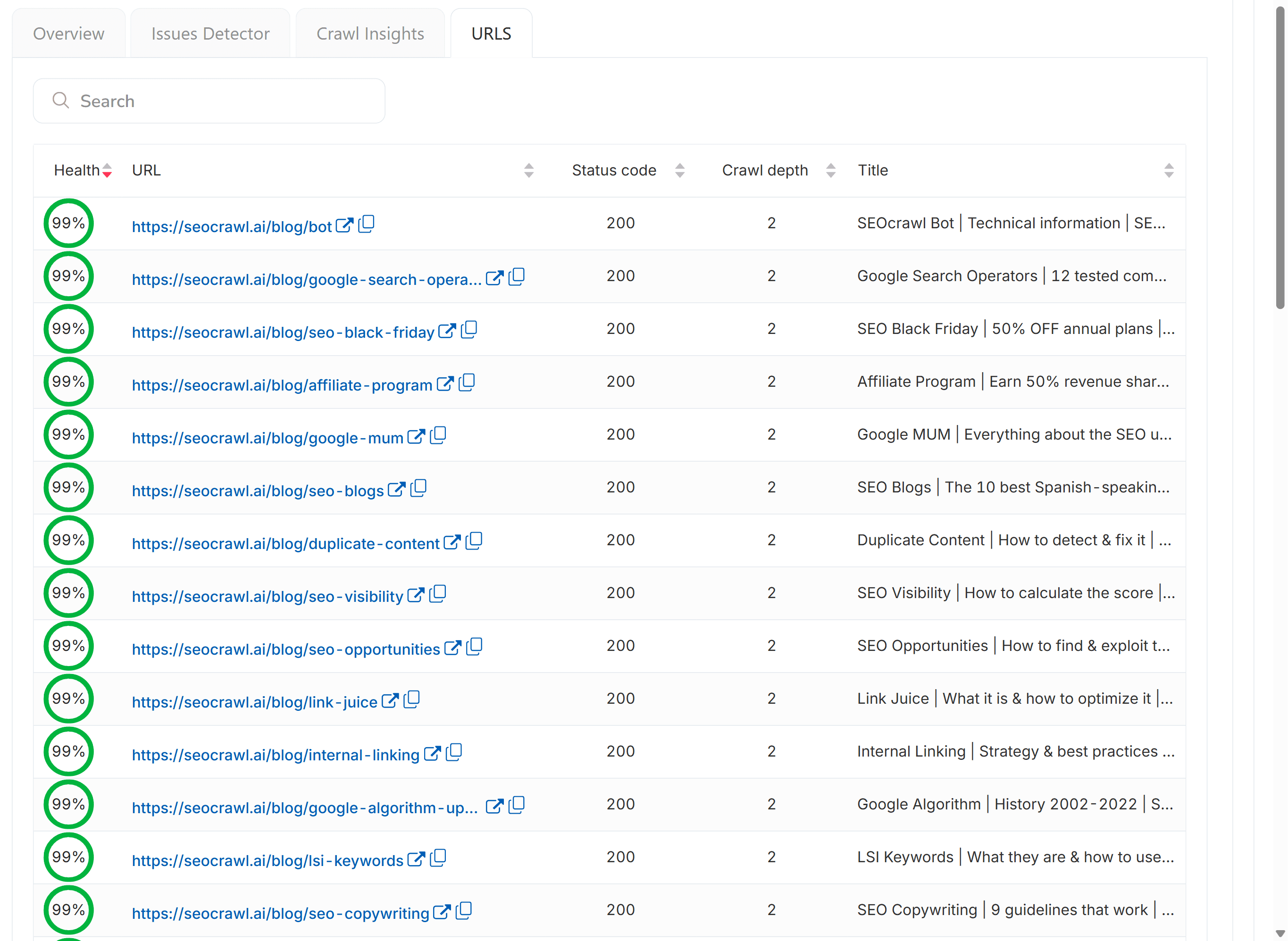
O verificare punctuală este excelentă pentru o singură pagină. SEOcrawl AI scoate la iveală problemele de canonical și de indexare direct din Google Search Console, la scară — precum „Pagină alternativă cu tag canonical adecvat” — astfel încât să le poți eticheta prin reguli, manual sau prin MCP și să legi fiecare problemă de pozițiile și traficul tău. Vezi totul într-un singur loc, în loc de pagină cu pagină.
Întrebări frecvente
Ce este un tag canonical?
Un tag canonical (rel="canonical") este o linie din head-ul HTML care numește versiunea principală a unei pagini. Când același conținut sau unul foarte asemănător apare pe mai multe URL-uri, tagul canonical le spune motoarelor de căutare pe care să-l indexeze și să-l poziționeze și consolidează semnalele de linkuri în spatele lui, în loc să le împartă între duplicate.
Care este un exemplu de tag canonical?
Arată astfel în sursa paginii: <link rel="canonical" href="https://example.com/blue-sneakers" />. Acea linie îi spune Google că /blue-sneakers este URL-ul principal, chiar dacă produsul este accesibil și la /blue-sneakers?utm_source=email sau /blue-sneakers/size-42. Fiecare pagină indexabilă ar trebui să aibă unul, ideal indicând spre sine.
Când ar trebui să folosesc un tag canonical?
Pe fiecare pagină indexabilă, în mod implicit, indicând spre sine. Ai nevoie de unul în special atunci când același conținut este accesibil de la mai multe URL-uri: parametri de urmărire, variante de filtrare sau sortare, versiuni de print sau AMP, copii sindicalizate. Dacă pagina ar trebui să se poziționeze de sine stătător, canonicalul indică propriul URL. Dacă este un duplicat, indică versiunea principală.
Cum verific canonicalul unei pagini?
Lipește URL-ul în instrumentul de mai sus și apasă „Verifică tagul canonical”. Preluăm pagina, citim rel=canonical atât din head-ul HTML, cât și din antetul HTTP Link și îți spunem dacă este autoreferențial, indică în altă parte, este cross-domain, lipsește sau este conflictual. Poți vedea și sursa și căuta manual „canonical”, dar instrumentul prinde tagurile duplicate și nepotrivirile de după redirecționare.
Ce este un canonical autoreferențial?
Un canonical autoreferențial este atunci când tagul canonical al unei pagini indică propriul URL. Este valoarea implicită recomandată pentru orice pagină de sine stătătoare, indexabilă: elimină ambiguitatea din parametrii de urmărire, slash-urile finale și variantele cu majuscule și le spune explicit motoarelor de căutare care URL trebuie indexat.
Cum repar un tag canonical?
Dacă indică o redirecționare sau un 404, schimbă-l în URL-ul final cu status 200. Dacă există taguri canonical multiple, păstrează doar unul. Dacă indică din greșeală staging sau alt domeniu, comută-l pe producție. Dacă intră în conflict cu o regulă noindex sau robots, alege un singur semnal și aliniază restul. Reverifică pagina după remediere pentru confirmare.
Care este diferența dintre canonical, noindex și o redirecționare 301?
Un canonical spune „aceasta este versiunea principală, consolidează semnalele către ea”, iar ambele URL-uri rămân active. Un noindex spune „nu afișa asta în căutare”, iar URL-ul rămâne accesibil. O redirecționare 301 spune „acest URL a dispărut, trimite utilizatorul și autoritatea de link către unul nou”. Folosește canonical pentru duplicate, noindex pentru conținut subțire și 301 pentru pagini eliminate sau mutate.
Prin ce diferă acest instrument de raportul de canonical din Google Search Console?
Raportul de Indexare a Paginilor din GSC îți spune ce canonical a ales Google pentru fiecare URL, uneori unul diferit de cel pe care l-ai declarat. Acest verificator citește canonicalul pe care l-ai setat efectiv în HTML-ul și în anteturile tale HTTP. Folosește-le pe ambele: GSC pentru verdictul Google privind ce a fost indexat, iar acest instrument pentru a verifica ce trimiți de la bun început.
More Free SEO Tools